Customers Data Center
Customers groups company, personal and contact information in compact rows. Expand to inspect details; open the editor to change a record.
Browse customers
Search/filter customer fields, scroll for further rows and choose columns. See Working with Records for the shared controls.
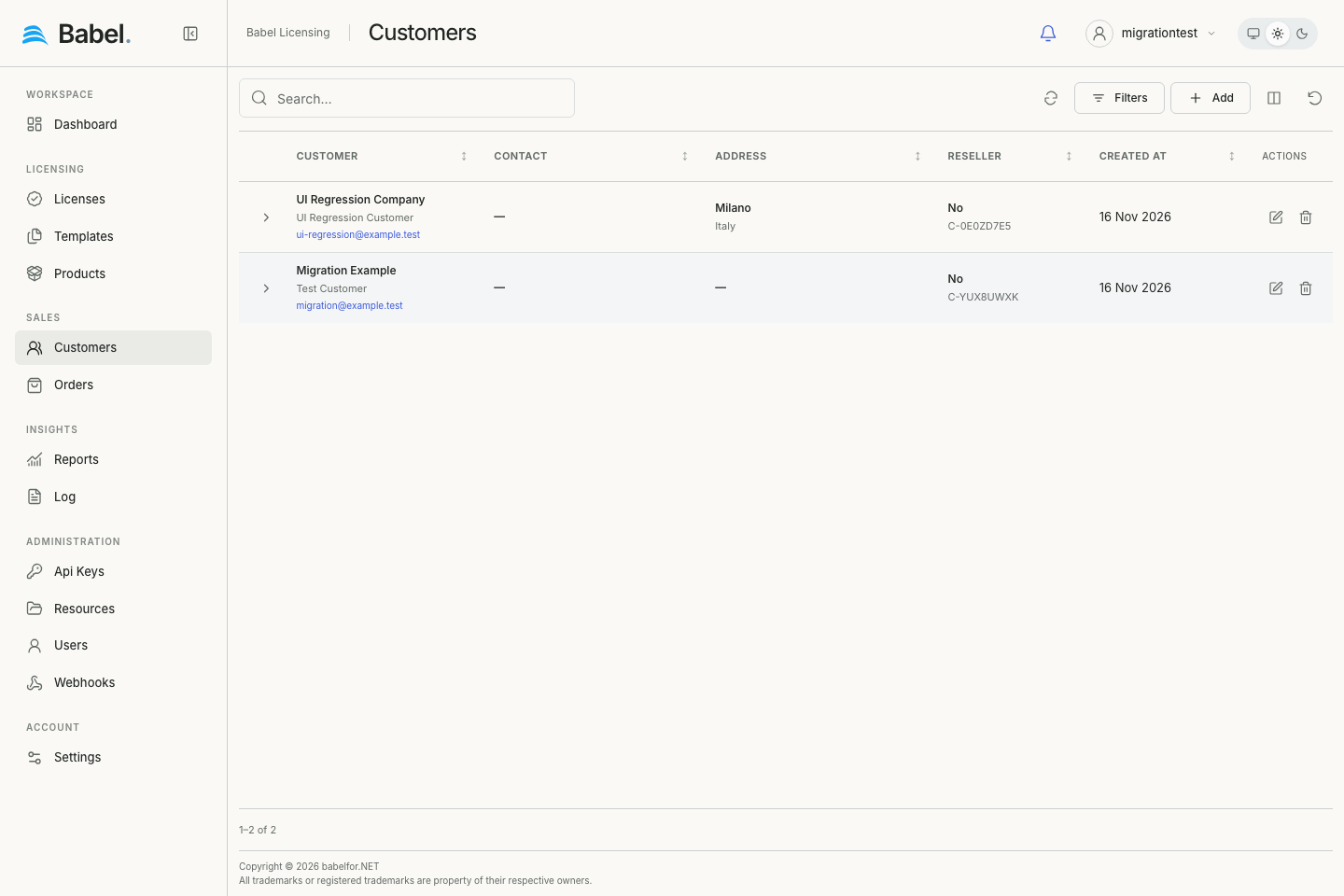
Updated web interface with fictional demonstration data. Screenshots use English labels.
Customer details and editing
Expanded details show available addresses, fiscal/contact information, notes and related links. Choose Add or the pencil. Customer contains identity, Reseller, image upload and rating at the top right. Address and Primary contact group other fields. Save persists; Cancel leaves.
Other contacts
The Other contacts table uses the compact style. Add/edit rows for names, email, phone details and notification preferences. Expand a contact for complete read-only details. These contacts are separate from the customer’s primary contact fields.
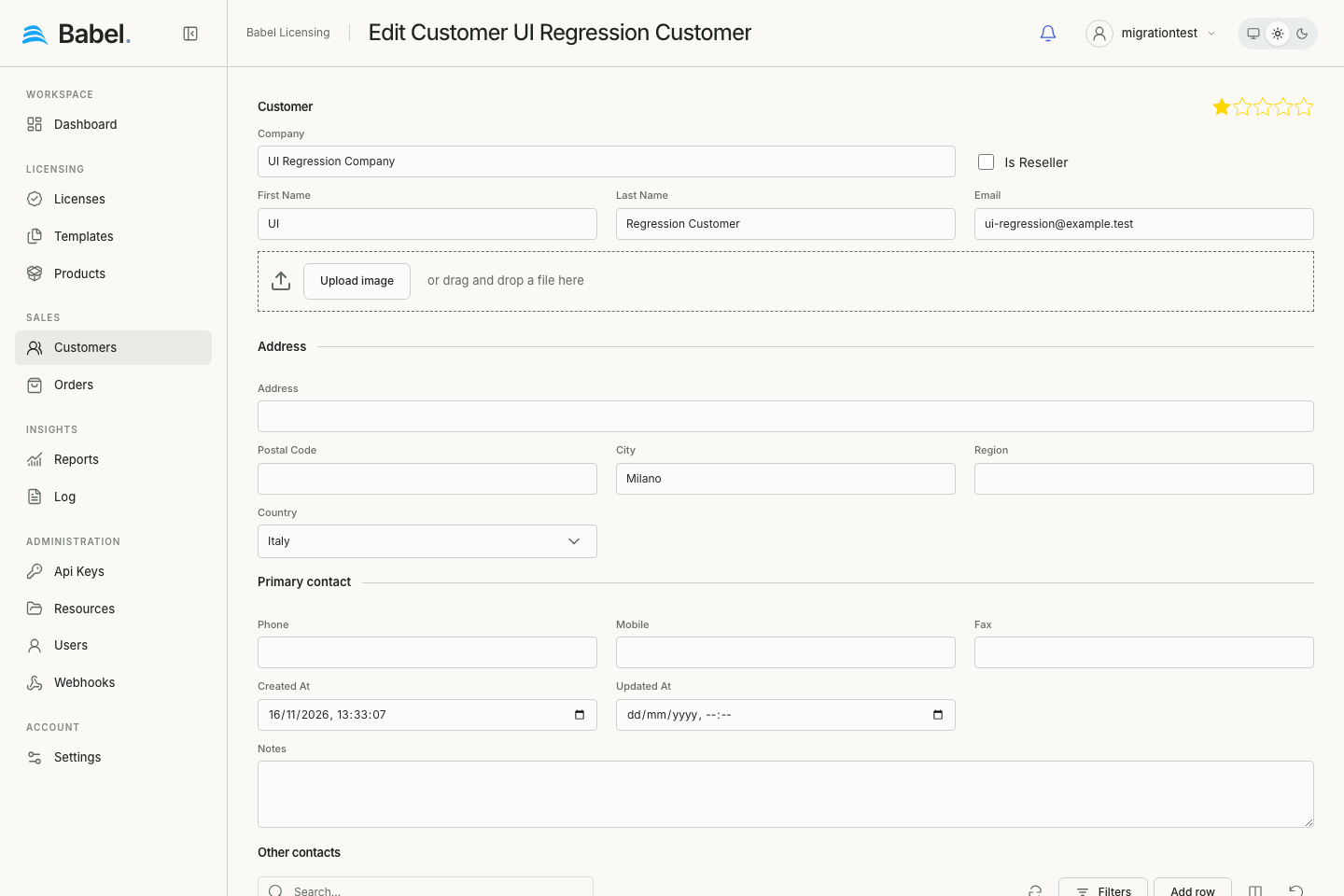
Updated web interface with fictional demonstration data. Screenshots use English labels.