Running the Project
A run obfuscates every target of the project with the Babel Obfuscator engine, in the order of their flows, and writes the protected assemblies next to the inputs.
Starting a Run
Click Run project at the top right of the toolbar, press Ctrl+Enter (Cmd+Enter on macOS) or choose Run > Run Obfuscation.
Unless a target sets its own output path, the obfuscated assembly is written to a BabelOut folder next to each input assembly. Before the run starts, Babel Desktop checks where the output will go. It will not overwrite an input assembly, a key file or a plugin. When output files from an earlier run exist, it lists them under Replace existing output files? and waits for Overwrite listed outputs or Cancel.
Targets run one after another in the order of their flows. When a target fails, the targets after it do not run. Cancel job in the Activity panel, or Run > Cancel, stops the run.
The Activity Panel
The Activity panel opens at the bottom of the window when a run starts. The Activity button at the top right of the toolbar shows and hides it, and you can drag its top edge to change its height.
The header shows the state of the job (Running, Completed, Failed or Cancelled), the phase in progress and the target it is working on, the percentage and the time. Two tabs hold the output of the engine:
- Log lists every message the engine writes at the target’s Verbose Level. The last 5,000 messages stay visible; the line under the log says how many there were, and the complete engine text of every run is saved with its results.
- Problems collects the warnings and errors, each with its code, for example
W00013. The count next to the tab name tells you whether there is anything to read.



Warnings of a run in the Problems tab
During the run, each target shows its state on its node and in the State and Progress columns of the grid. When the run ends, the status bar shows the job state and, if there were warnings, a warning count that opens the Problems tab.
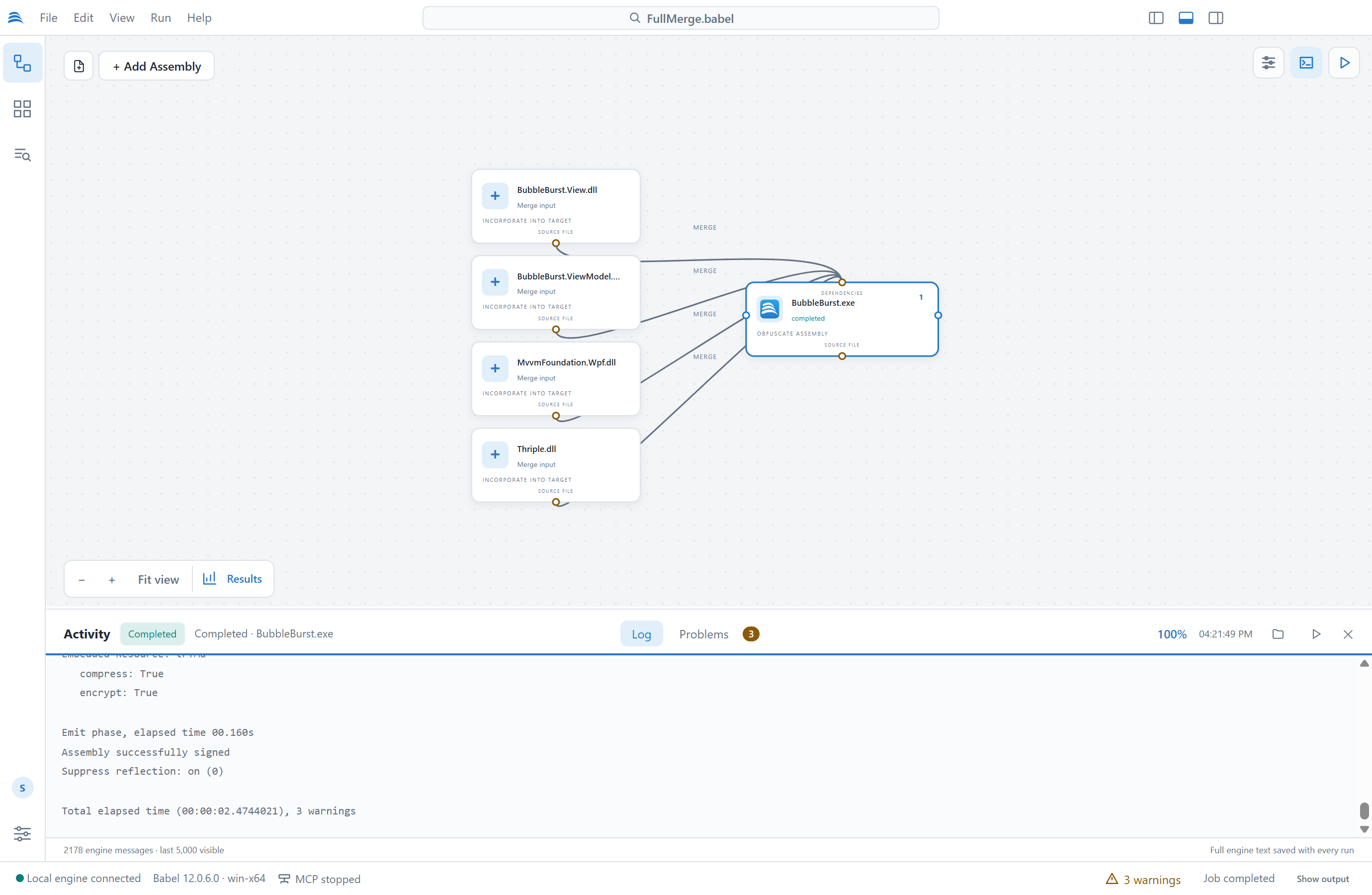
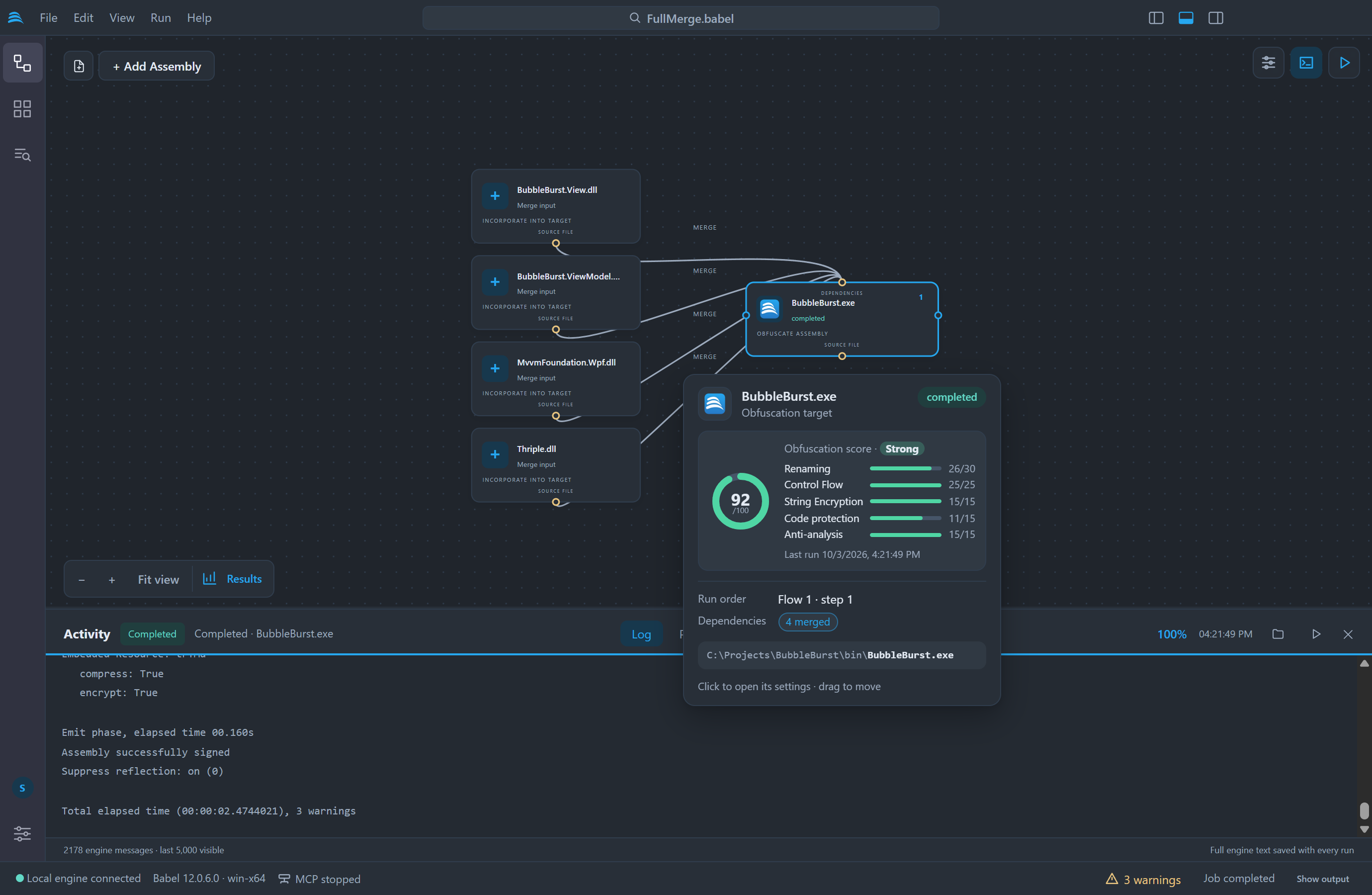
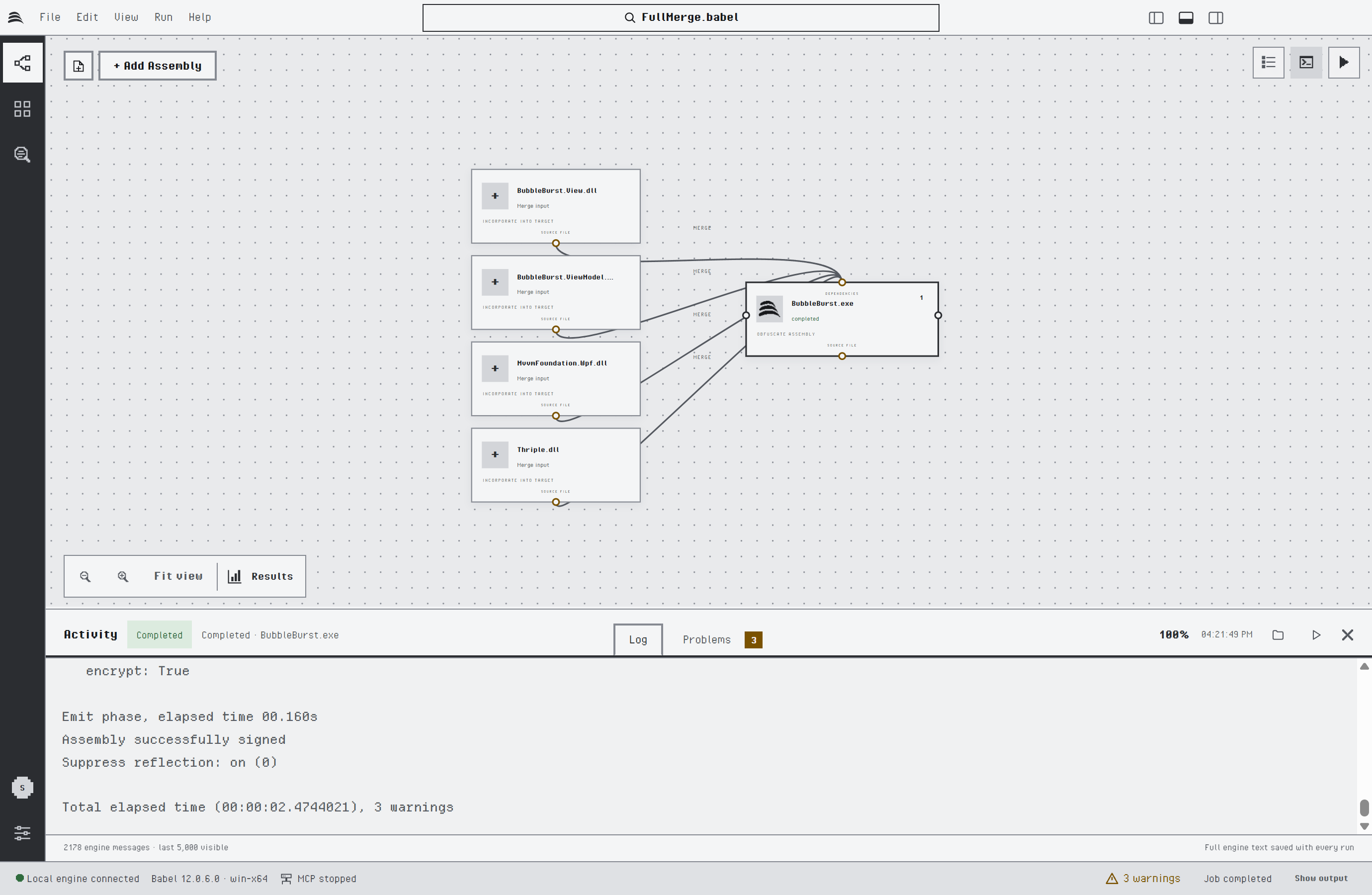
A completed run in the Activity panel
Warnings
A warning does not stop the run: the target is marked Completed with warnings. Read the warnings anyway, since they often point at a dependency the engine could not find or a setting that had no effect.
- Tools: Job warnings in the command palette lists the warnings of the current run.
- Tools: Warning reference opens the searchable catalog of engine warning codes with their descriptions.
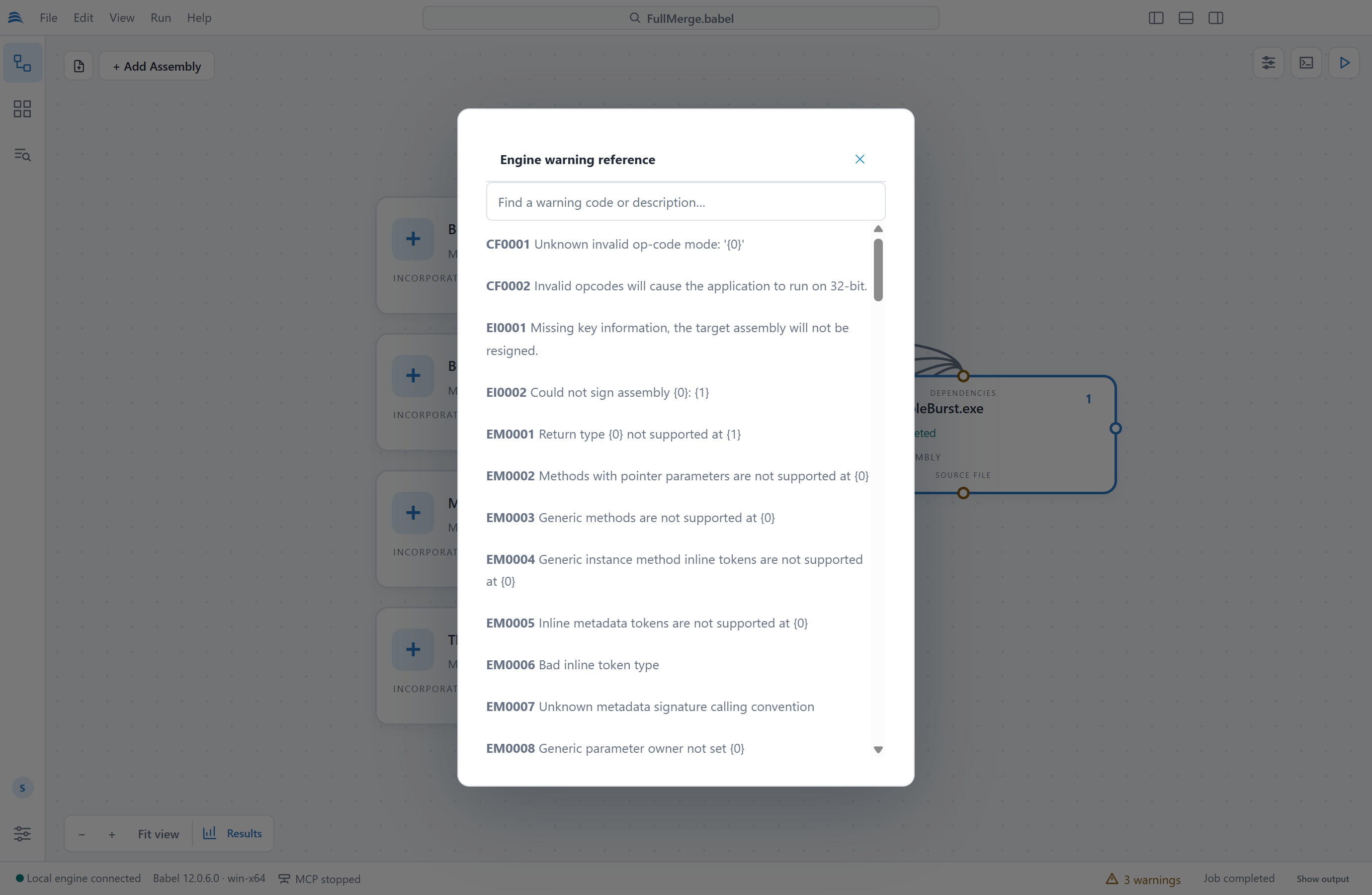
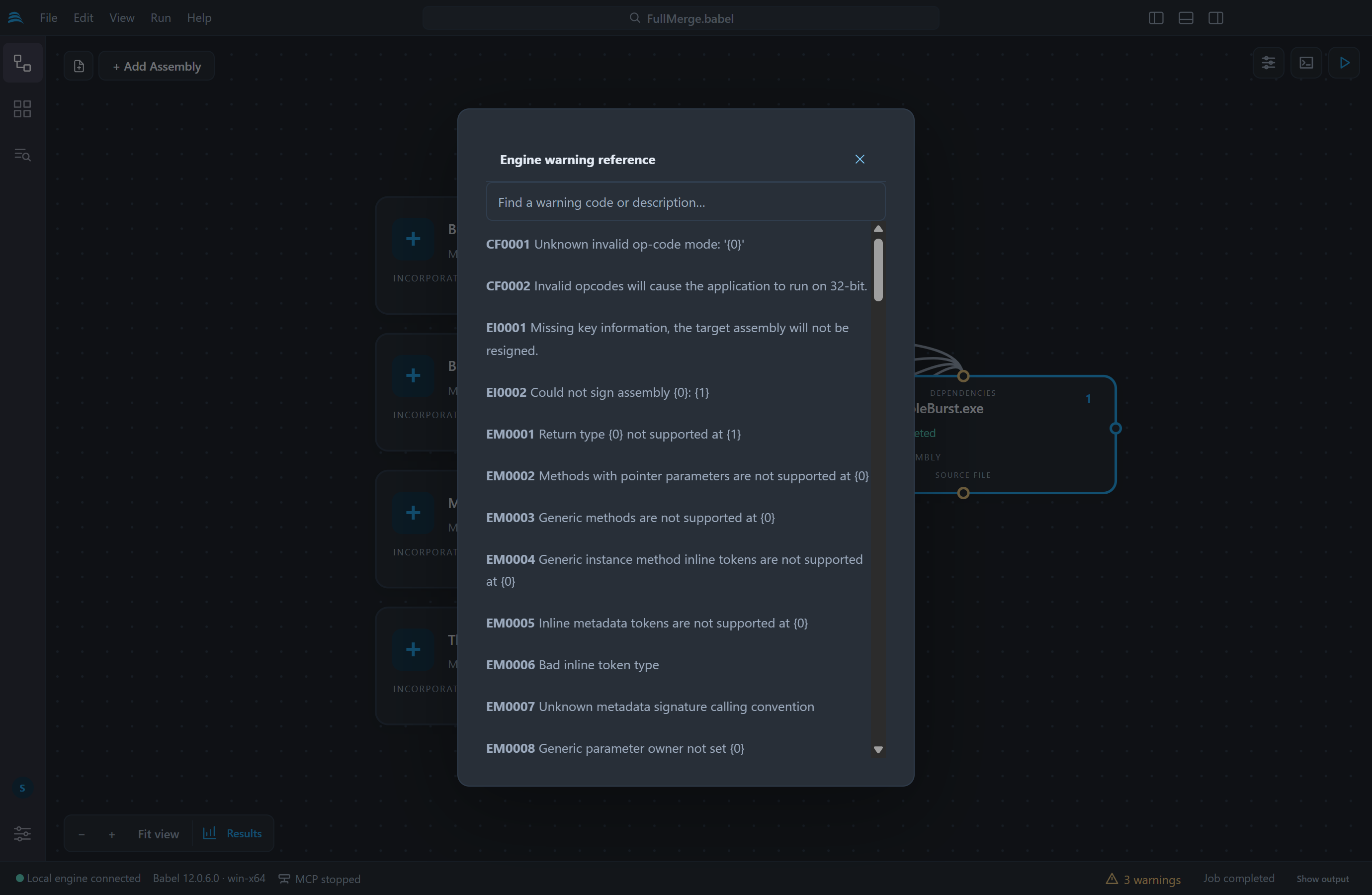
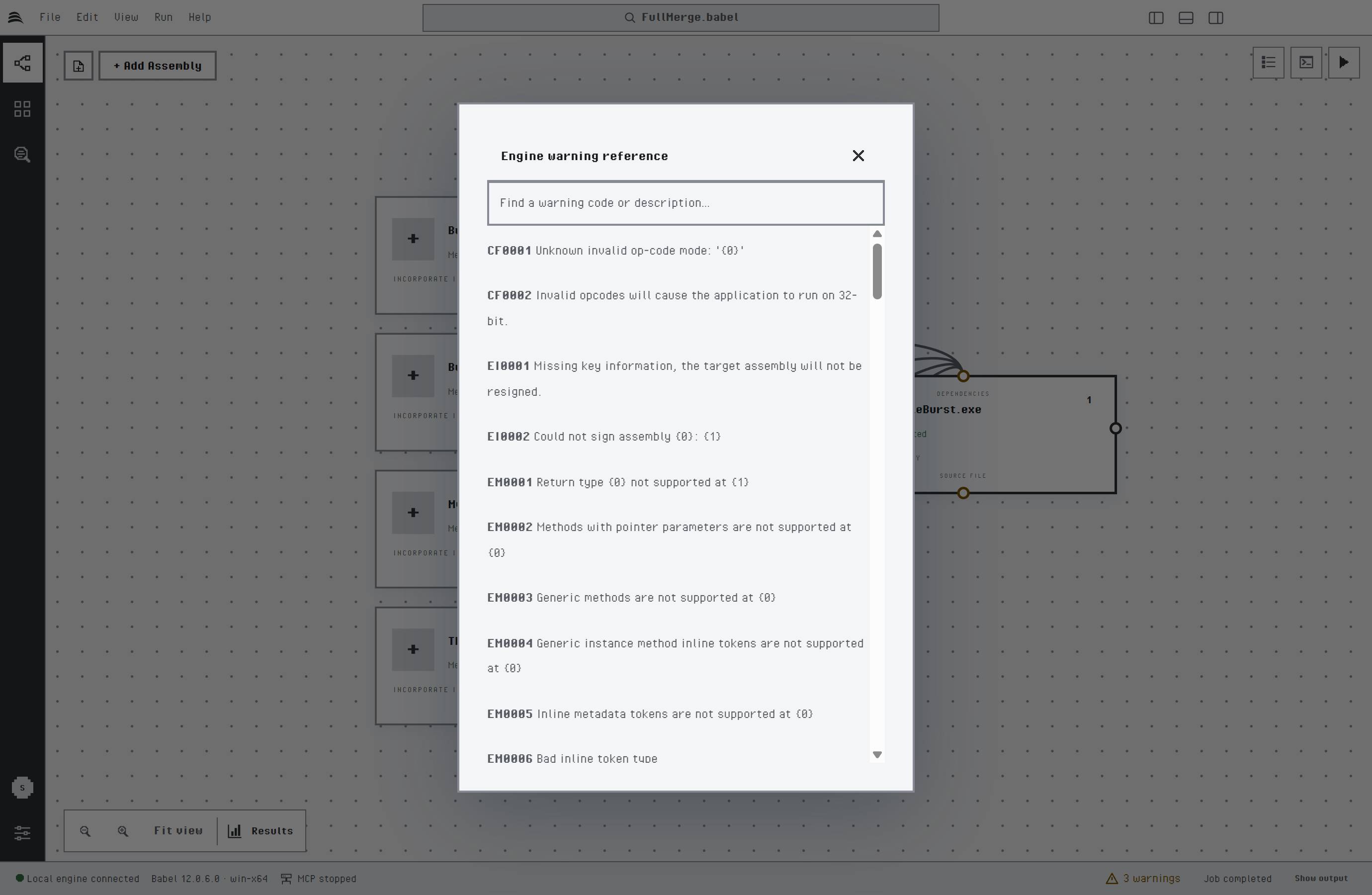
The engine warning reference
A warning that the engine could not resolve an assembly, like the ones in the Problems tab shown earlier, usually means that a referenced assembly is not next to the input. Add its folder in the Search directories tab of the grid details, or add the assembly as a reference dependency.
Output and the Obfuscated Application
After a run, the buttons at the top right of the Activity panel open the output folder and start the obfuscated application. File > Reveal Output, Show output in the status bar and Run > Run Obfuscated App (Ctrl+F5, Cmd+F5 on macOS) do the same for the selected target. Babel Desktop starts a Windows executable directly and a .NET application through dotnet when its .runtimeconfig.json file is available. It does not offer to start a library.
Running Flows in Parallel
A project with several independent flows, such as libraries that do not reference each other, can obfuscate them at the same time. Turn on Run independent flows in parallel in Settings > Obfuscation and choose how many flows run at once, from 2 to 4. The option is off by default.
Each flow runs in its own engine process, and inside a flow the targets still run in order. Babel Desktop checks the whole project before any flow starts, as it does for a single run. While the flows run:
- The progress indicator counts the targets completed out of the targets planned, and each line of the log starts with the name of its assembly, for example
[Library1.dll]. - A target that fails stops its own flow. The other flows go on, and the run is reported as failed.
- Cancel job stops every flow.
- When several targets need a certificate password, Babel Desktop asks for one at a time and names the assembly that needs it.
Every engine process takes a couple of seconds to start, so running in parallel saves time with large assemblies. A small project can finish sooner one target after another. With a floating license, Babel Desktop runs one flow at a time.
After the Run
When a run is complete, you can check how well each target is protected and translate the stack traces that the obfuscated application reports.
- Run Results shows the obfuscation score of each target and the protection statistics of the run.
- The Stack Decoder translates obfuscated stack traces back to the original names with the XML map files of the run.