Log Data Center
Log shows service events stored in the configured log database. An empty result can mean database logging is off or no events match the period.
Date range and Activity
Set the start and end dates. Expand Activity for the full-width log-level chart. The page remembers its open/closed state after reload for this account in this browser. Time labels fit the available width.
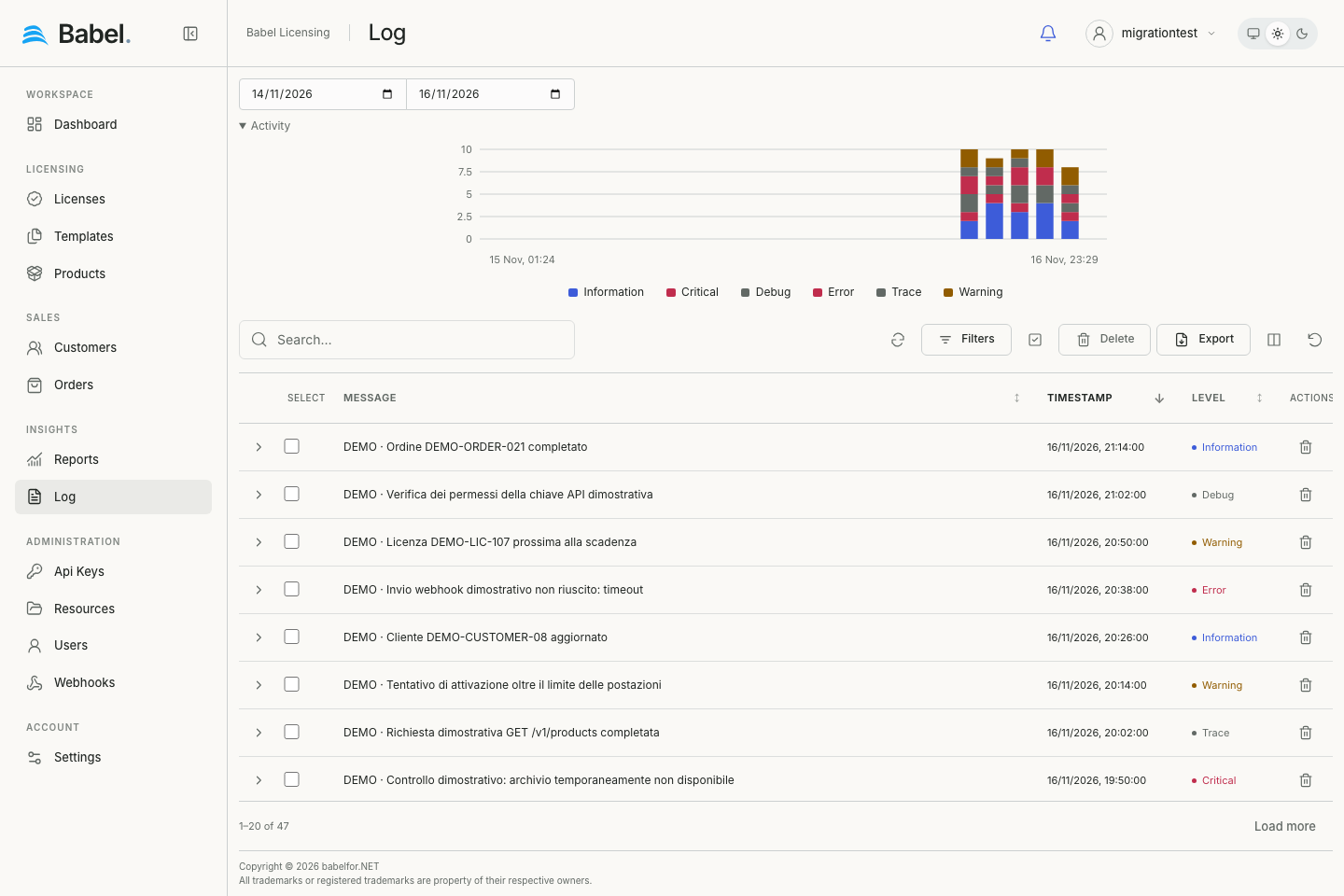
Updated web interface with fictional demonstration data. Screenshots use English labels.
Find log entries
Use Search or Filters for message, level or date conditions. Compact rows show timestamp, level and message; more batches load on scroll. See Working with Records for columns and selection.
Expand an entry
The row chevron opens the full message and event metadata. Context and Exception disclosures keep long data and stack traces closed until needed. Malformed context stays readable as text.
Export and delete
Export writes matching log data to Excel, including matches beyond the loaded batch. Select loaded records or individual rows, then Delete and confirm. Deletion changes the service log database. Administrators configure database logging and minimum level in Settings.