Sign In Data Center
The Sign In page is the entry point to the Babel Licensing Web Application, serving as the security gateway that authenticates users before granting access to the system. This clean, minimalist interface ensures a straightforward authentication process.
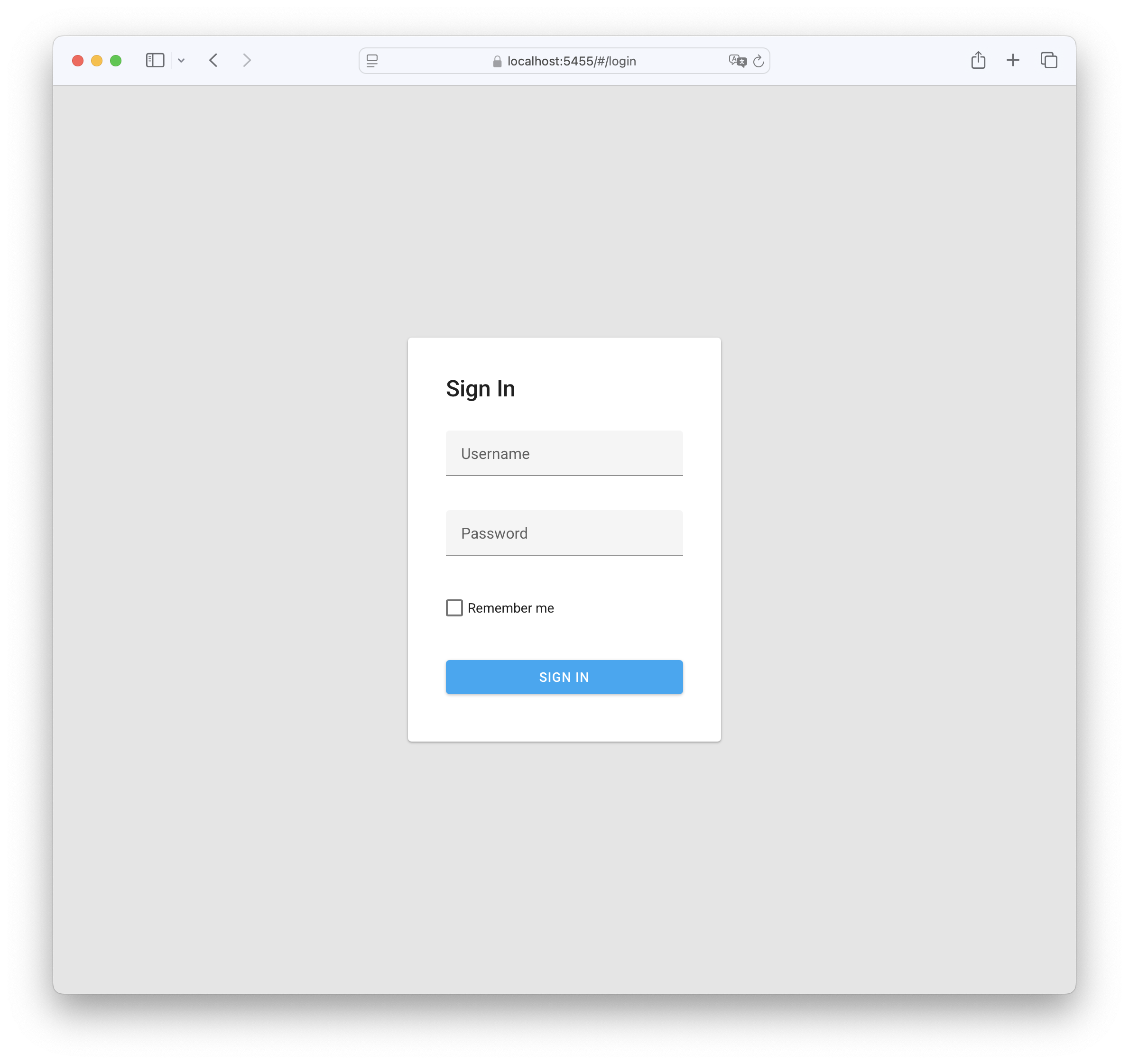
Sign In Babel Licensing Web Application
Accessing the Sign In Page
When the Babel Licensing Service is started on your server, you can access the web application by opening a web browser and navigating to:
http://localhost:5455If you’ve configured the service to run on a different port or server, adjust the URL accordingly.
Authentication Components
The Sign In page contains the following elements:
- Username Field: Input field for entering your administrative username
- Password Field: Secure input field for entering your password
- Remember Me: Checkbox option to maintain your session for future visits
- SIGN IN Button: Blue button to submit your credentials
Initial Administrator Account
Starting with Babel Licensing 11.7.0, the service no longer ships with the historical admin / admin default credentials. The administrator account is created on the first run from values you provide in the service configuration.
Set the following keys before the first start, either in appsettings.json (under the Application section) or via the corresponding environment variables:
| Setting | Environment variable | Required |
|---|---|---|
Application:AdminUsername | BABEL_SERVICE_APPLICATION__ADMINUSERNAME | Yes |
Application:AdminPassword | BABEL_SERVICE_APPLICATION__ADMINPASSWORD | Yes |
Application:AdminEmail | BABEL_SERVICE_APPLICATION__ADMINEMAIL | Recommended |
The administrator account is created on the first run only when both AdminUsername and AdminPassword are non-empty; if either is empty the service starts normally (roles are still seeded) but no administrator user is provisioned and you will not be able to sign in to the Web Application until you populate them and restart. Once the account exists, the password should be rotated through the Web Application and the AdminPassword configuration entry can be cleared.
Important Security Note: Choose a strong password for the initial administrator and never commit
appsettings.jsonwithAdminPasswordpopulated. Prefer environment variables, a.envfile outside source control, or a secret store. See Configuration for the full reference.
Upon successful authentication, you will be redirected to the Dashboard page, where you can begin managing your software licensing operations.
Troubleshooting Access
If you encounter issues accessing the Sign In page:
- Verify that the Babel Licensing Service is running correctly
- Check that you’re using the correct URL and port number
- Ensure your network configuration allows access to the service
- Review any firewall settings that might be blocking access
After successful authentication, you’ll have full access to all the features and functionalities of the Babel Licensing Web Application based on your user role and permissions.
Session duration
Without Remember Me, the session survives page reloads in the same browser tab and ends when that tab is closed. With Remember Me, the session is kept for subsequent visits until the server-issued token expires. Signing out clears the saved session. This option does not extend the token expiry.