Licenses
Licenses lists the licenses the service has issued. Select a license to enable the toolbar:
- Generate license creates and signs a new license (see below).
- Edit changes the license terms, licensee and properties; the license is signed again when needed.
- Revoke marks the license as revoked. The service then refuses new activations and floating license requests for it and invalidates its tokens.
- Export license key… saves the signed license as
<license id>.licensesin the License export folder set in the settings of the connection. - Email the license… sends the license to the licensee with an email template stored in the service.
- Delete removes the license.
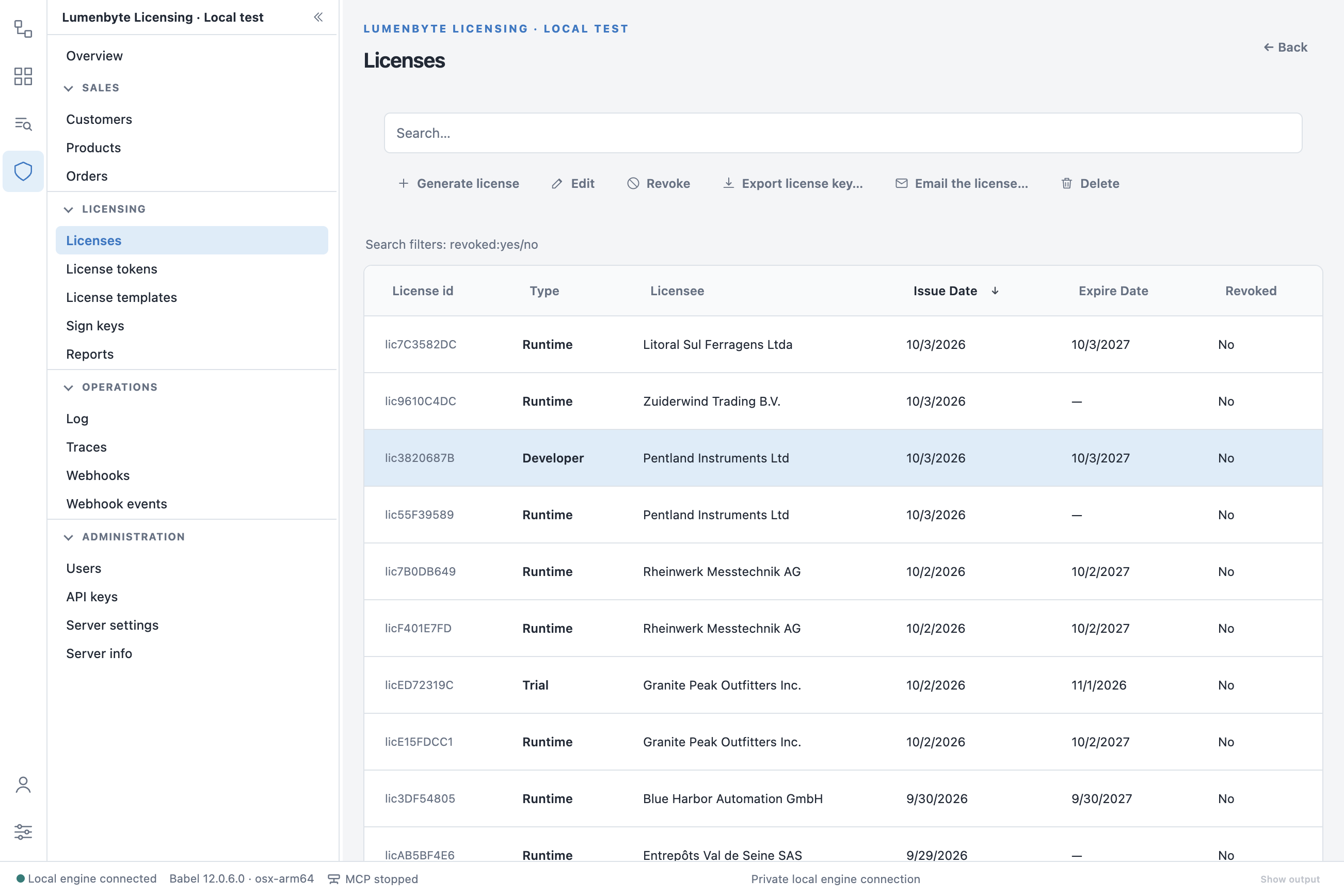
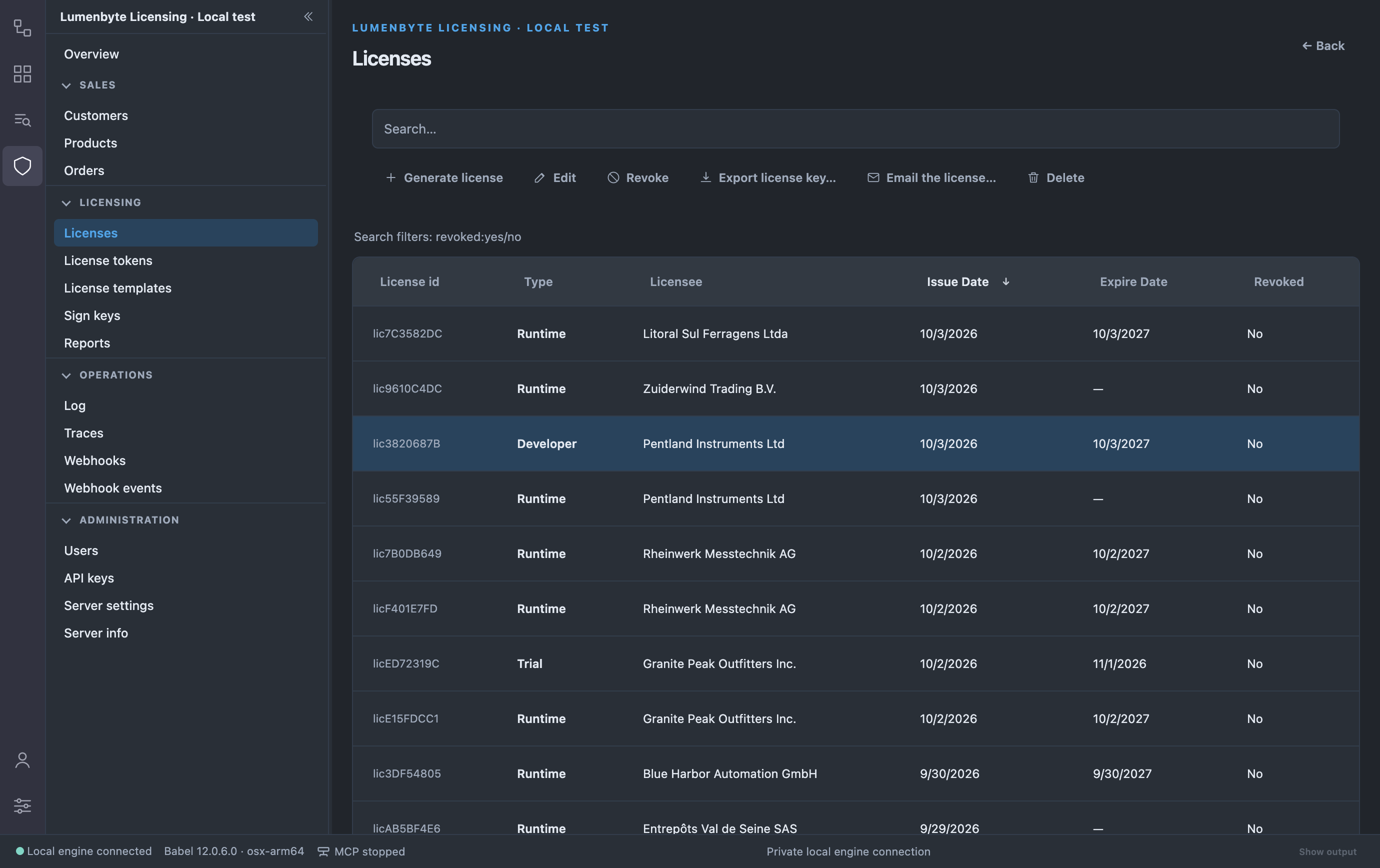
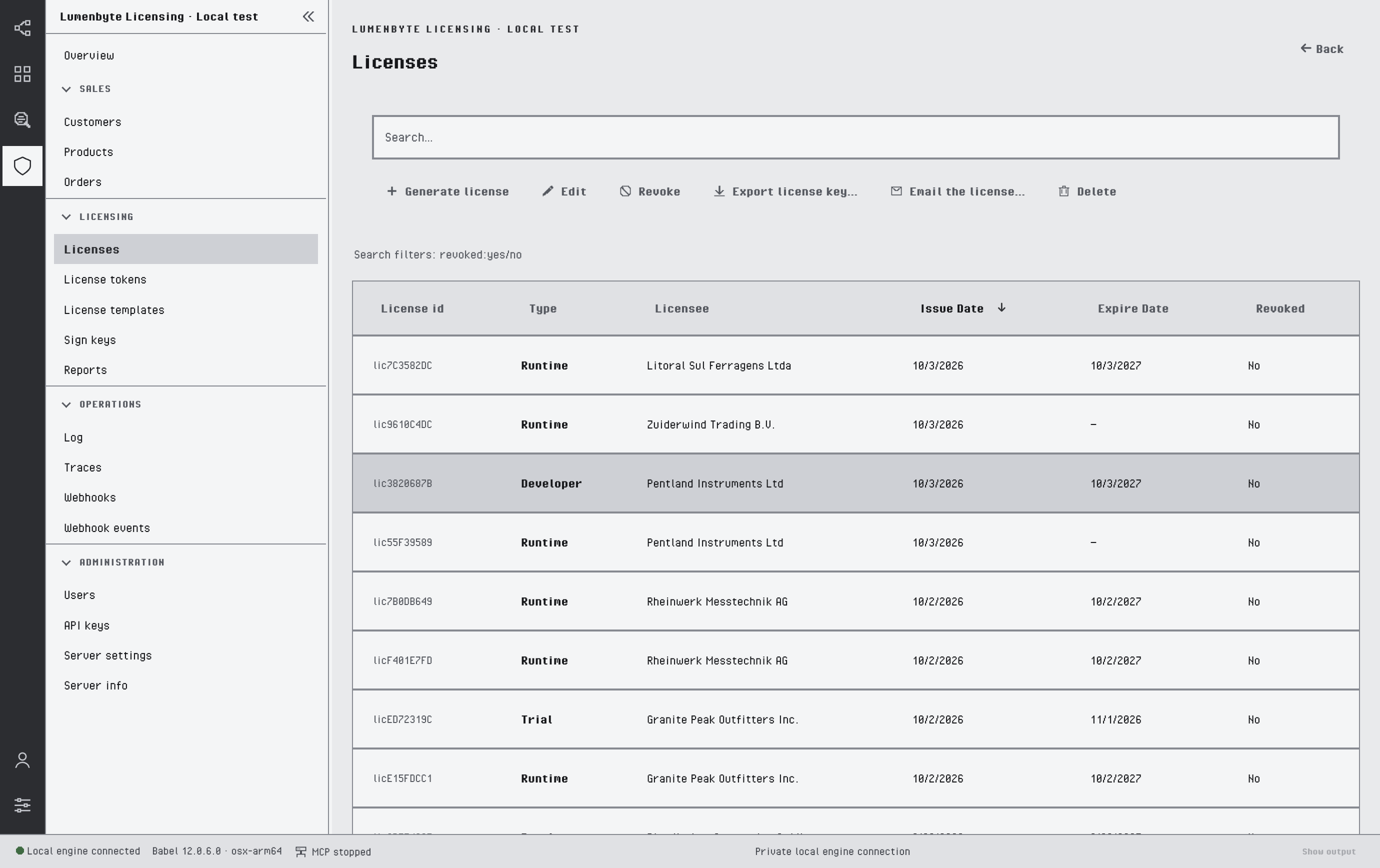
The Licenses list with a license selected
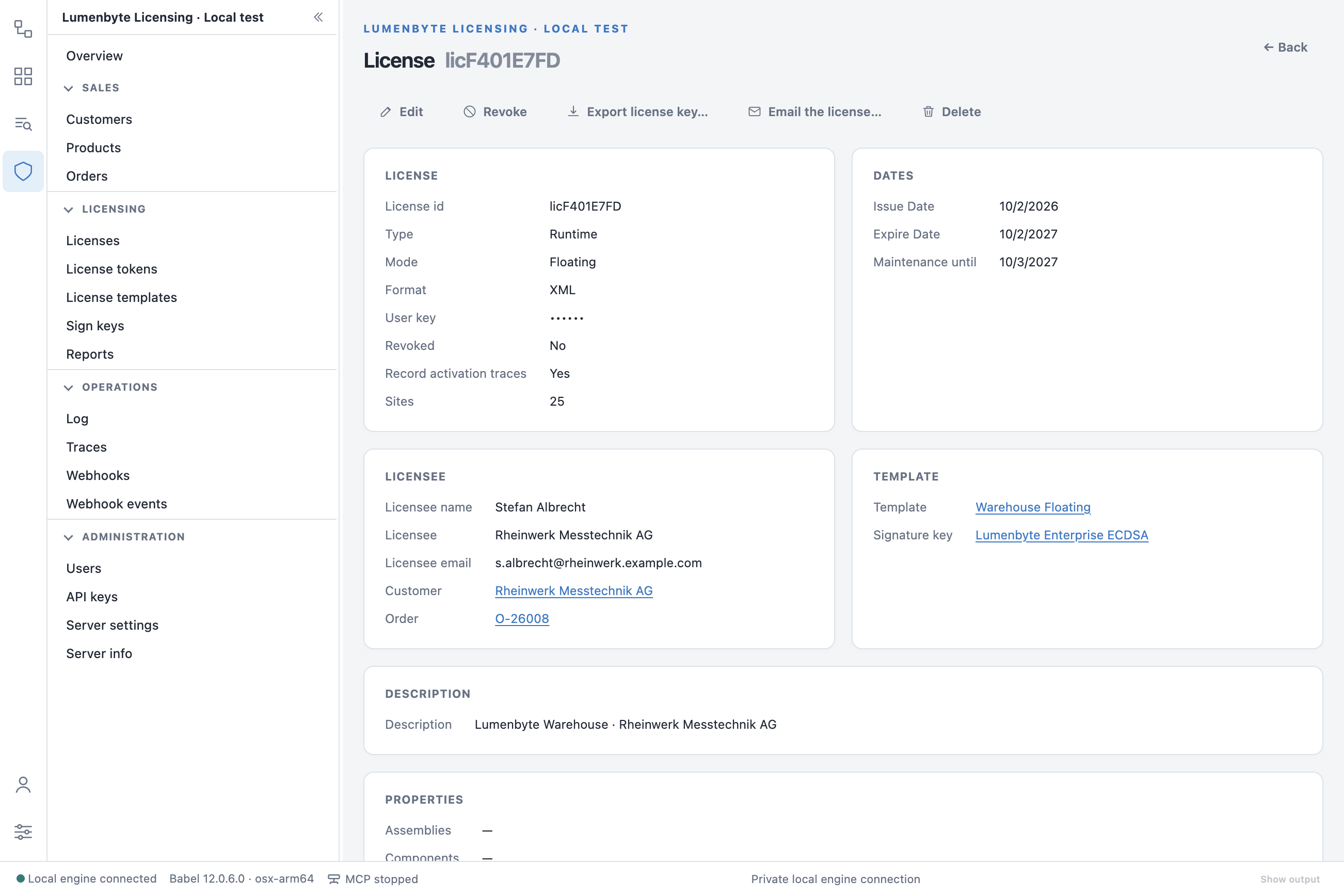
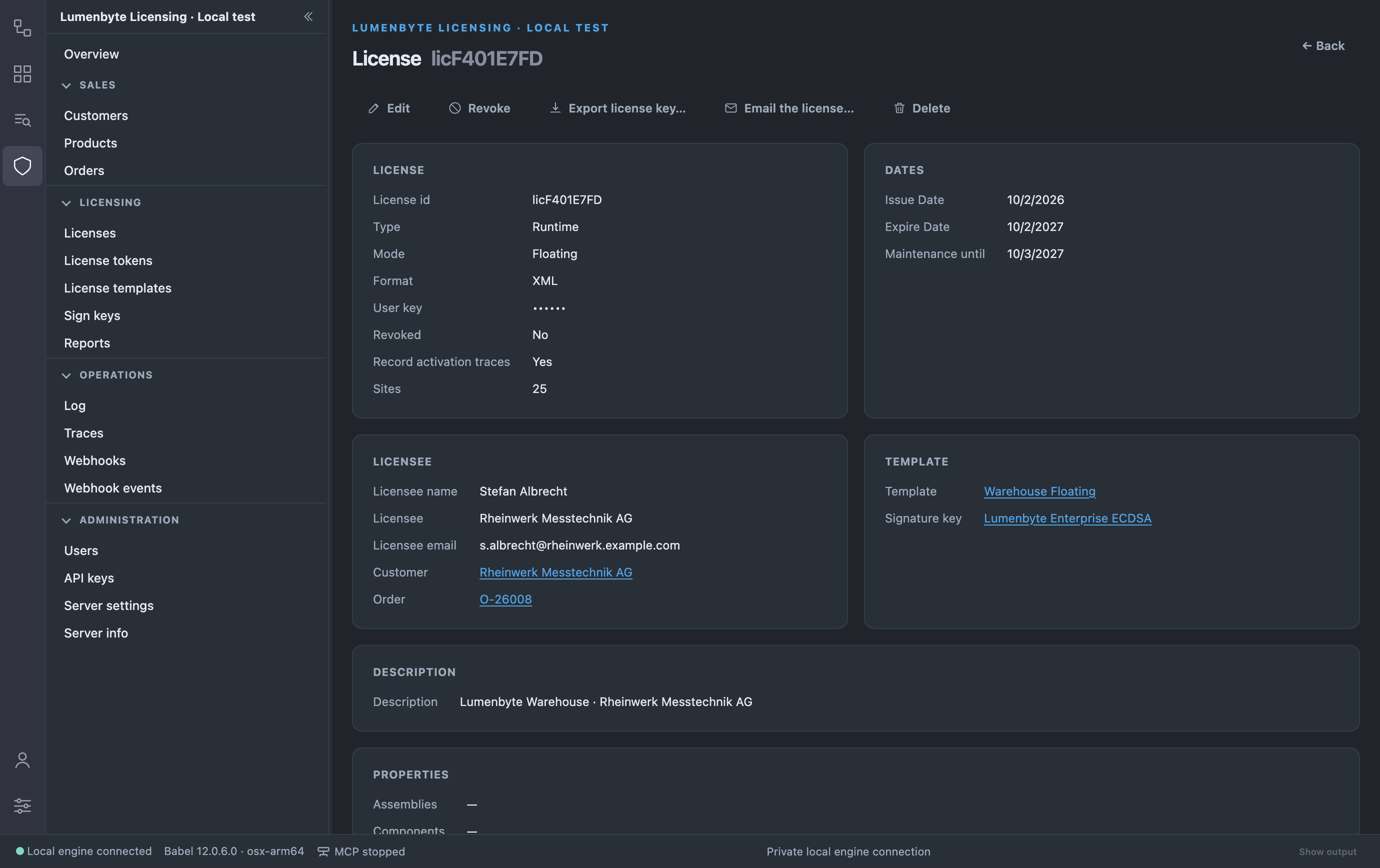
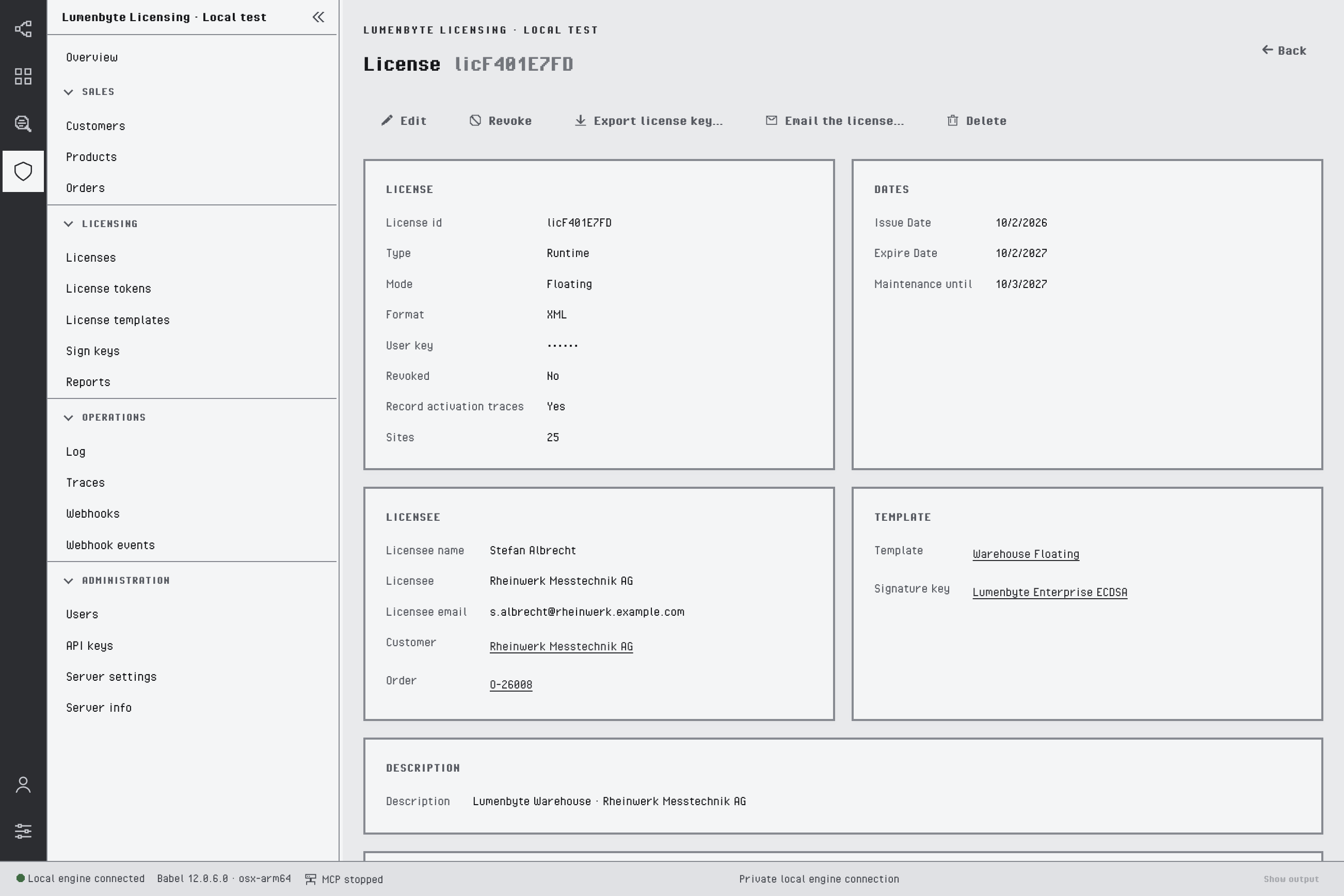
A license with its dates, licensee, template and properties
The license detail shows the user key masked. Below the cards, the Tokens tab lists the tokens of the license, with Allocate token and Delete token, and the Traces tab lists its recorded events.
To generate a license, click Generate license, pick a template and a signature key, then complete the form. The service builds the license from the template, which supplies the product and the features, fields and restrictions defined there; the form sets what is specific to this license. The key button in User key generates a key from the configured user key format, and the button next to it copies the key.
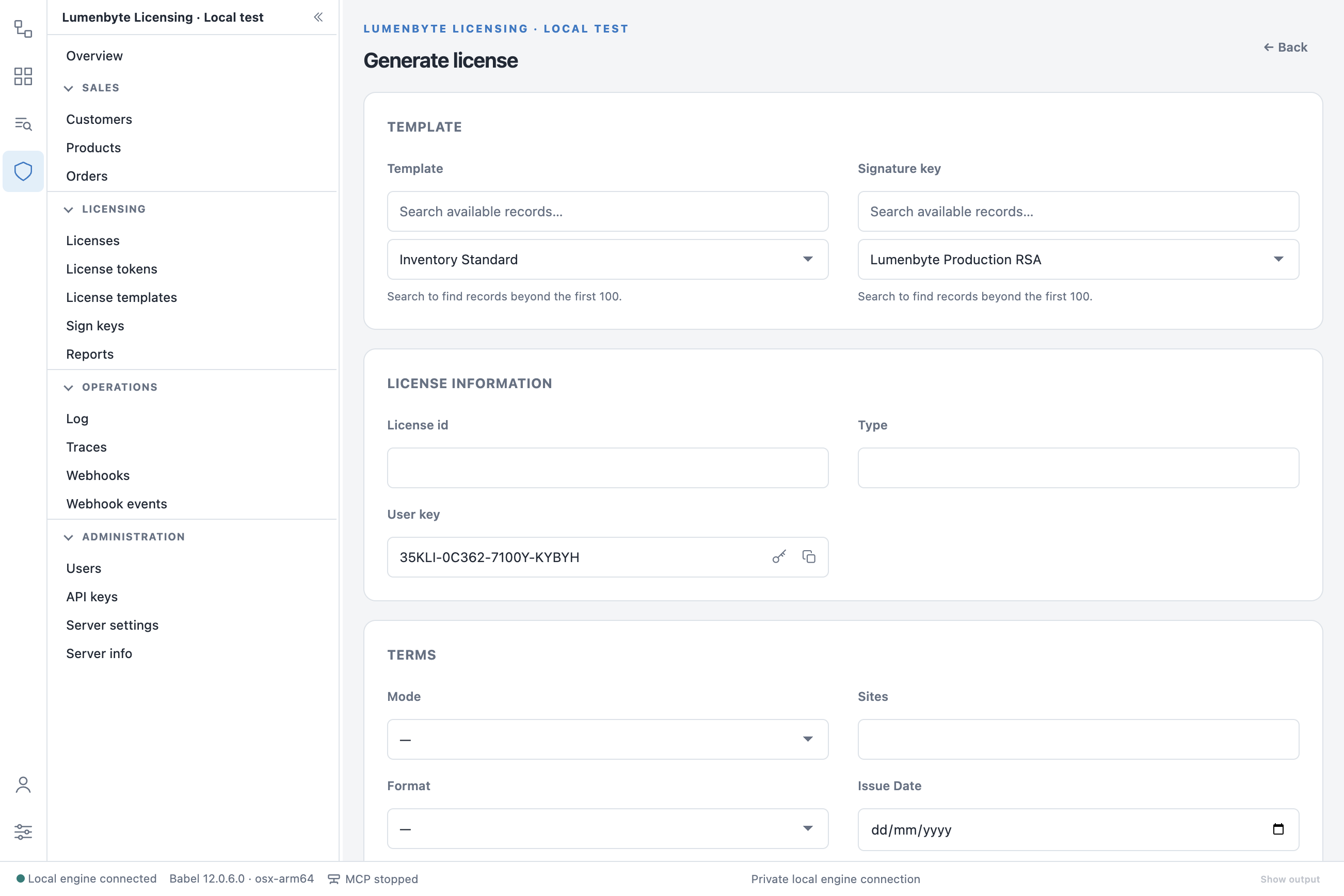
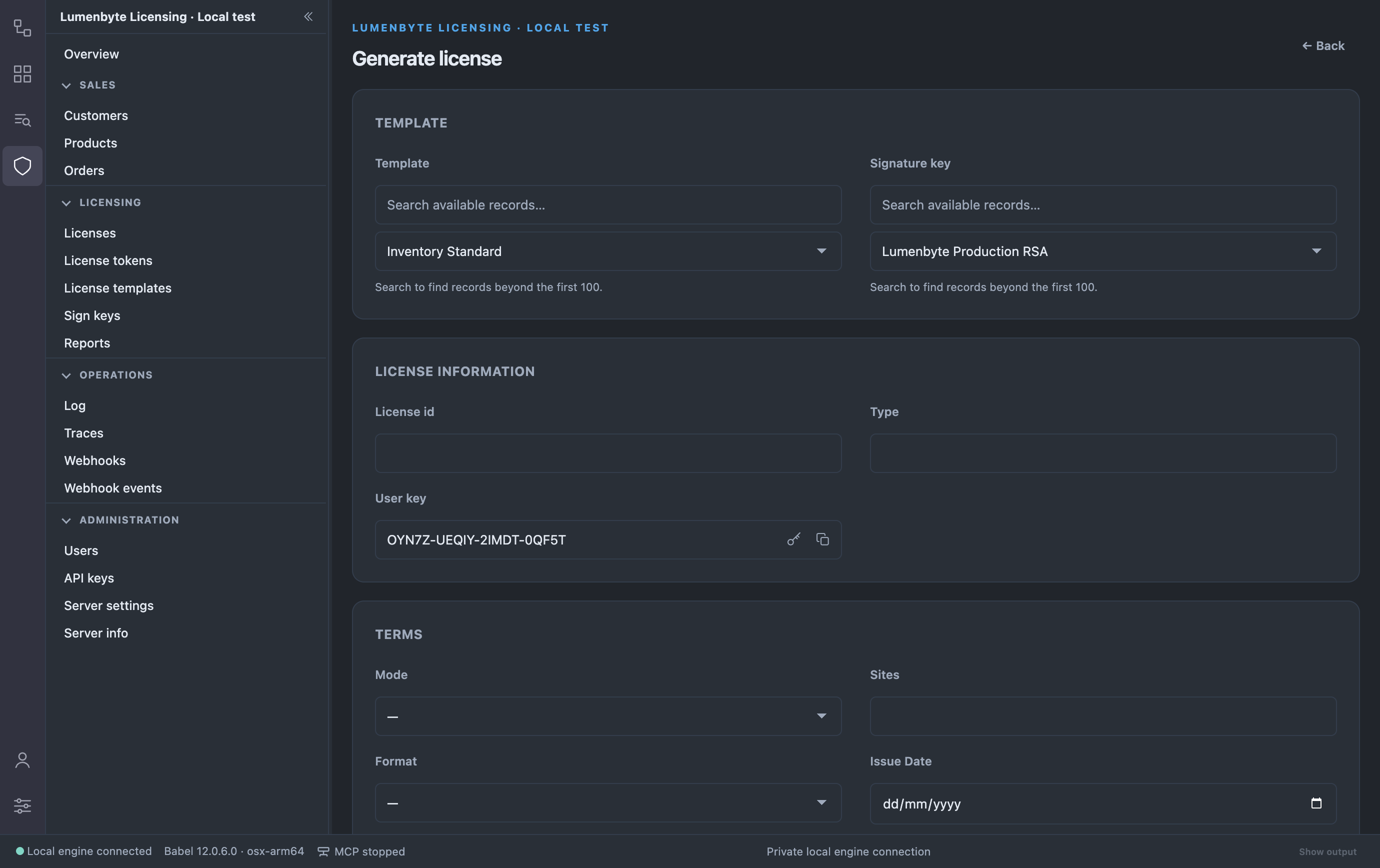
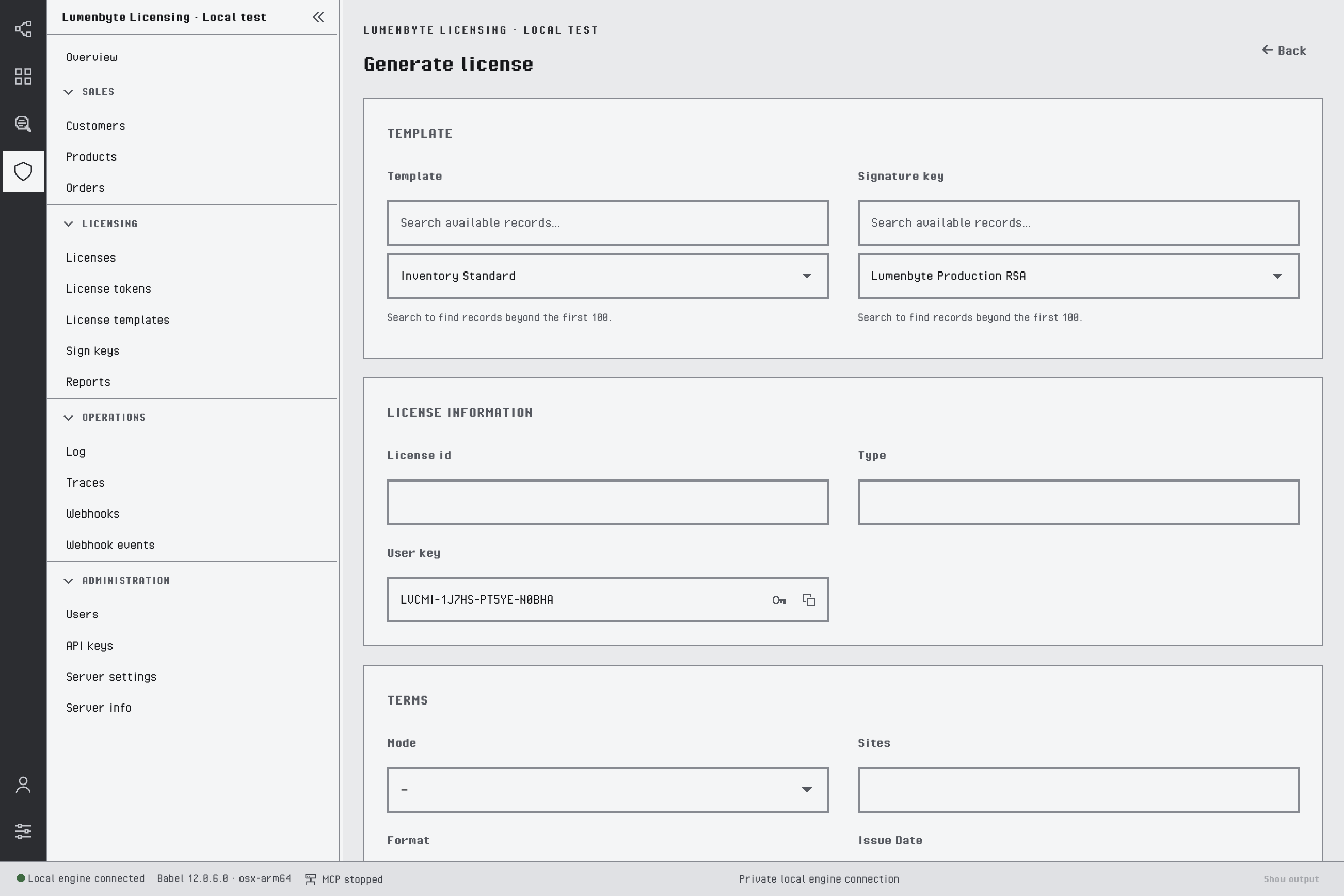
Generating a license from a template
The form continues with four groups:
- Terms: licensing mode (File, Activation or Floating, see Licensing Modes), maximum sites, format, issue date, expiration date, maintenance expiration date, revoked and trace flags, description.
- Licensee: customer, order, licensee name, company and email.
- Properties: assemblies, components, fields and features. See License Properties.
- Restrictions: one card per restriction (trial, usage, hardware, beta, domain, custom). See License Restrictions.
License templates define the licenses you generate; see License Templates. You can create and edit templates, upload a template file and save a template to a file.
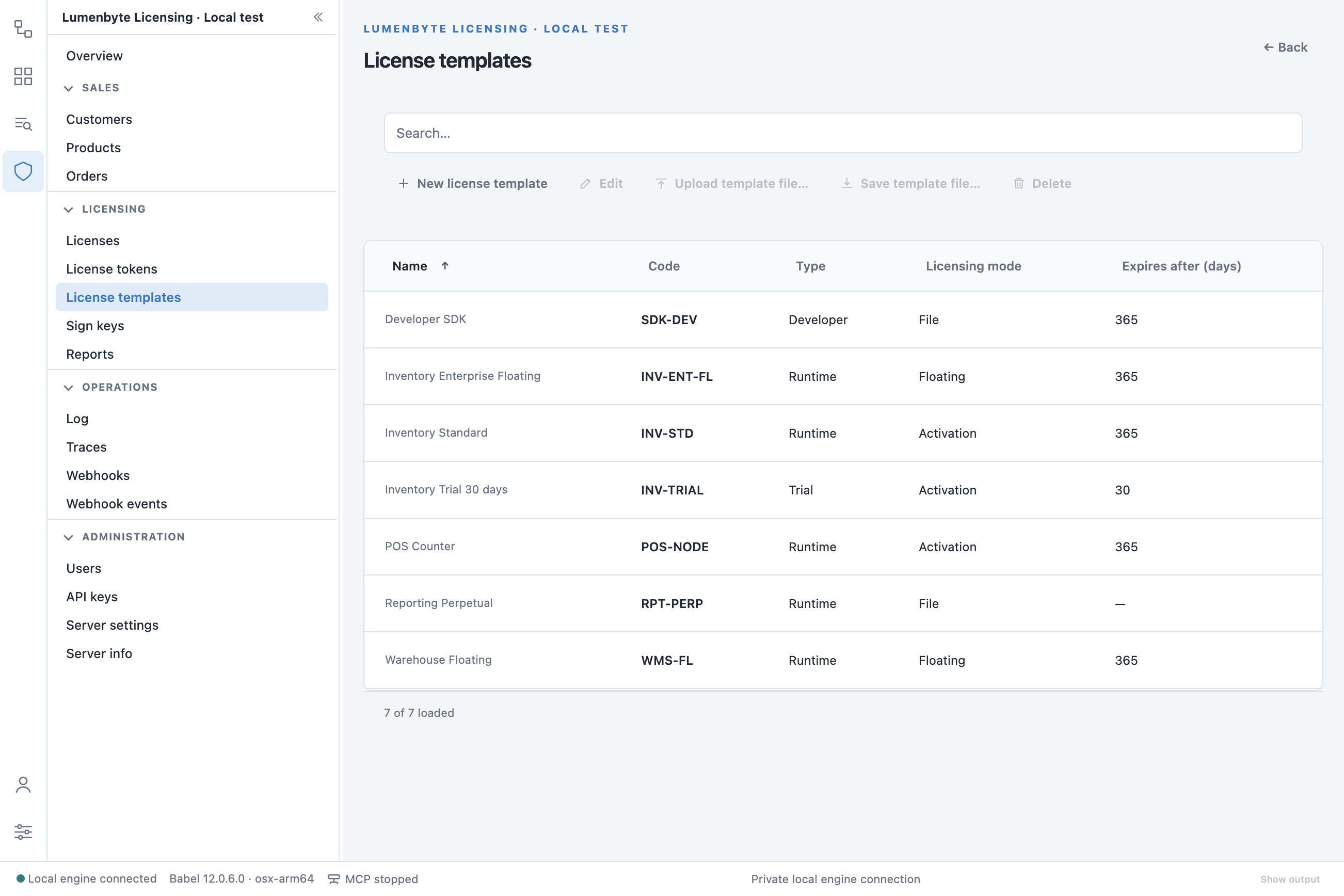
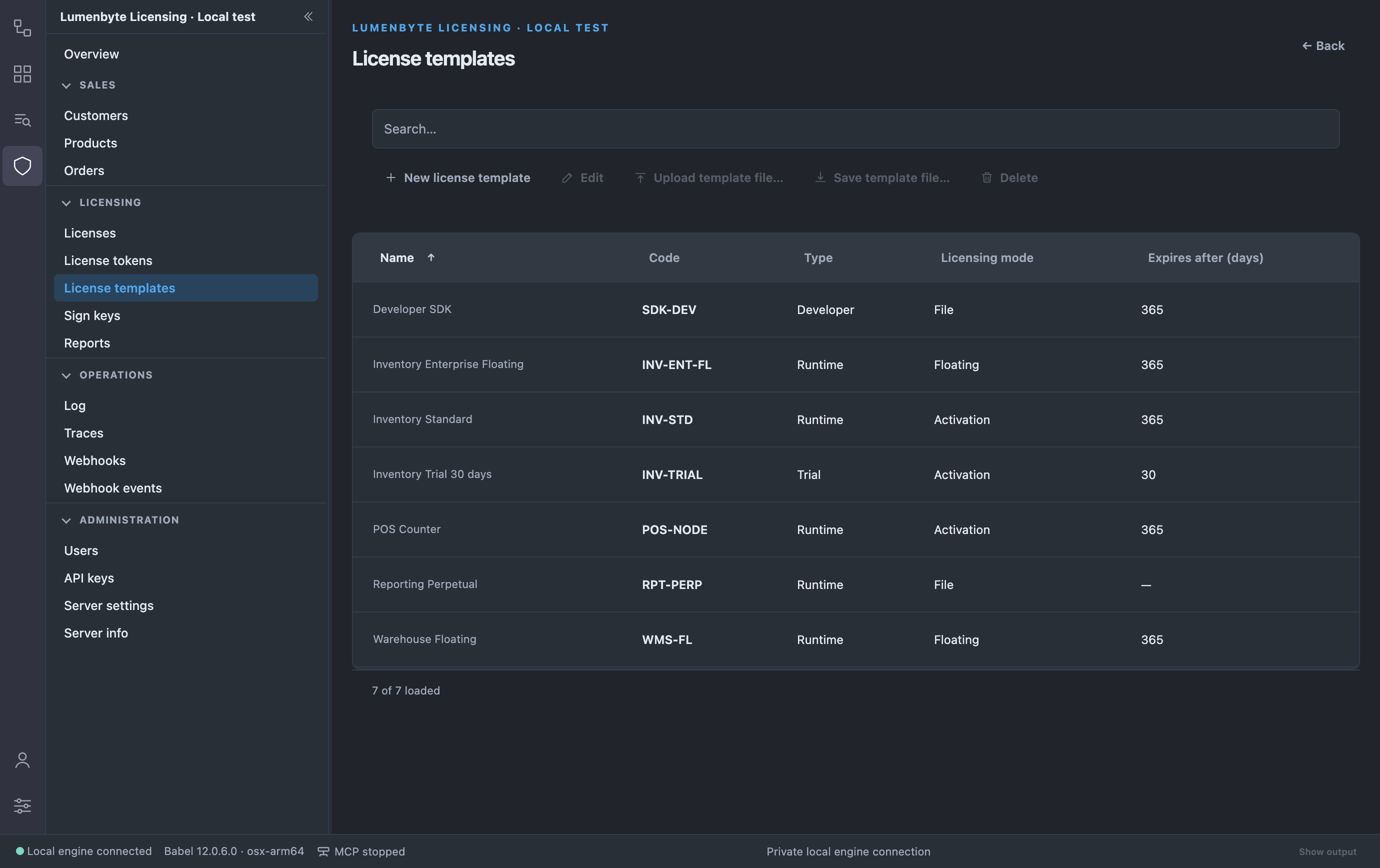
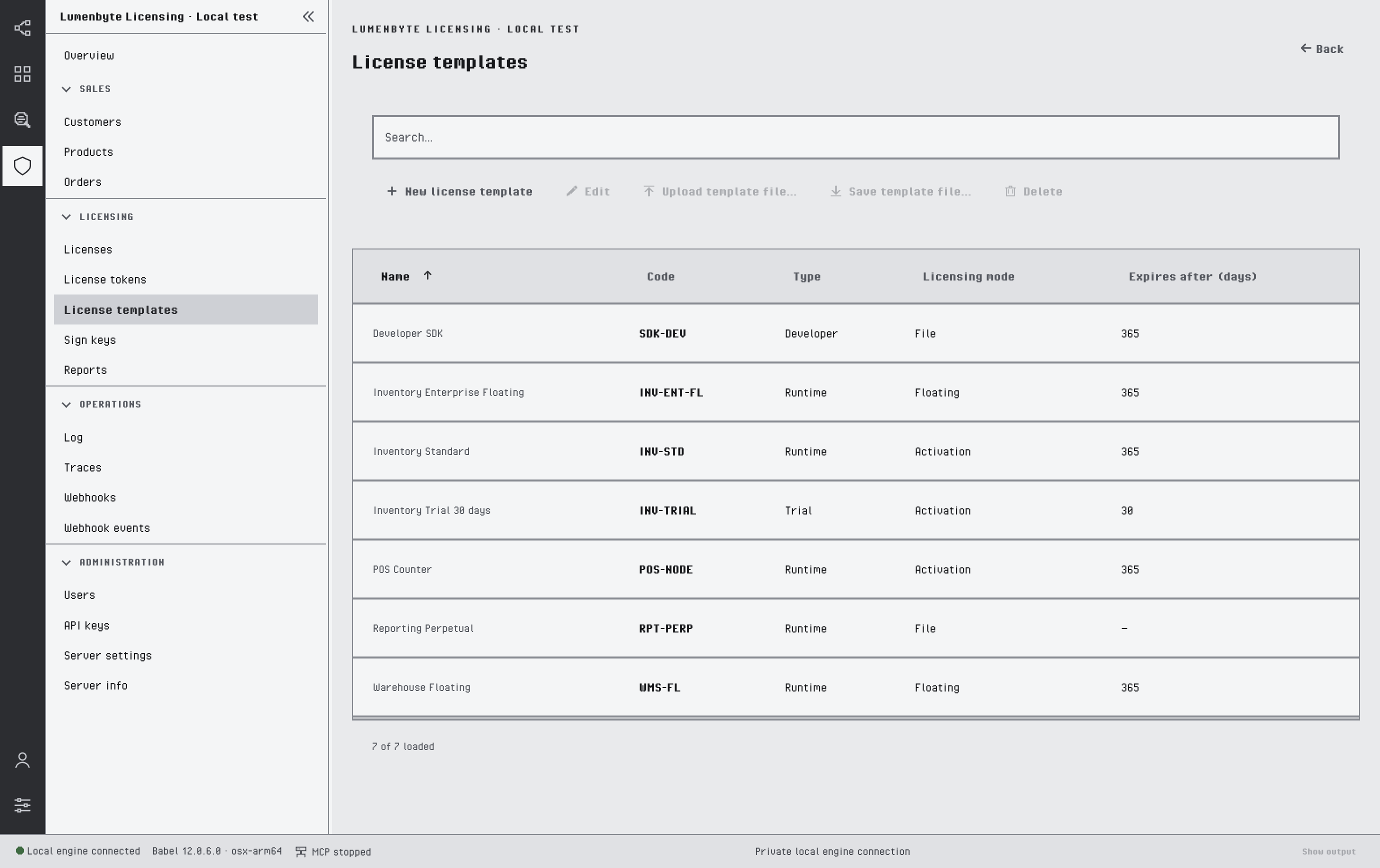
The License templates list
License tokens lists the tokens issued for activations and floating licenses, with client, machine id, dates and license. Allocate token, on the Tokens tab of a license, assigns a token to that license, and deleting a token releases the activation or seat it holds. See License Tokens.
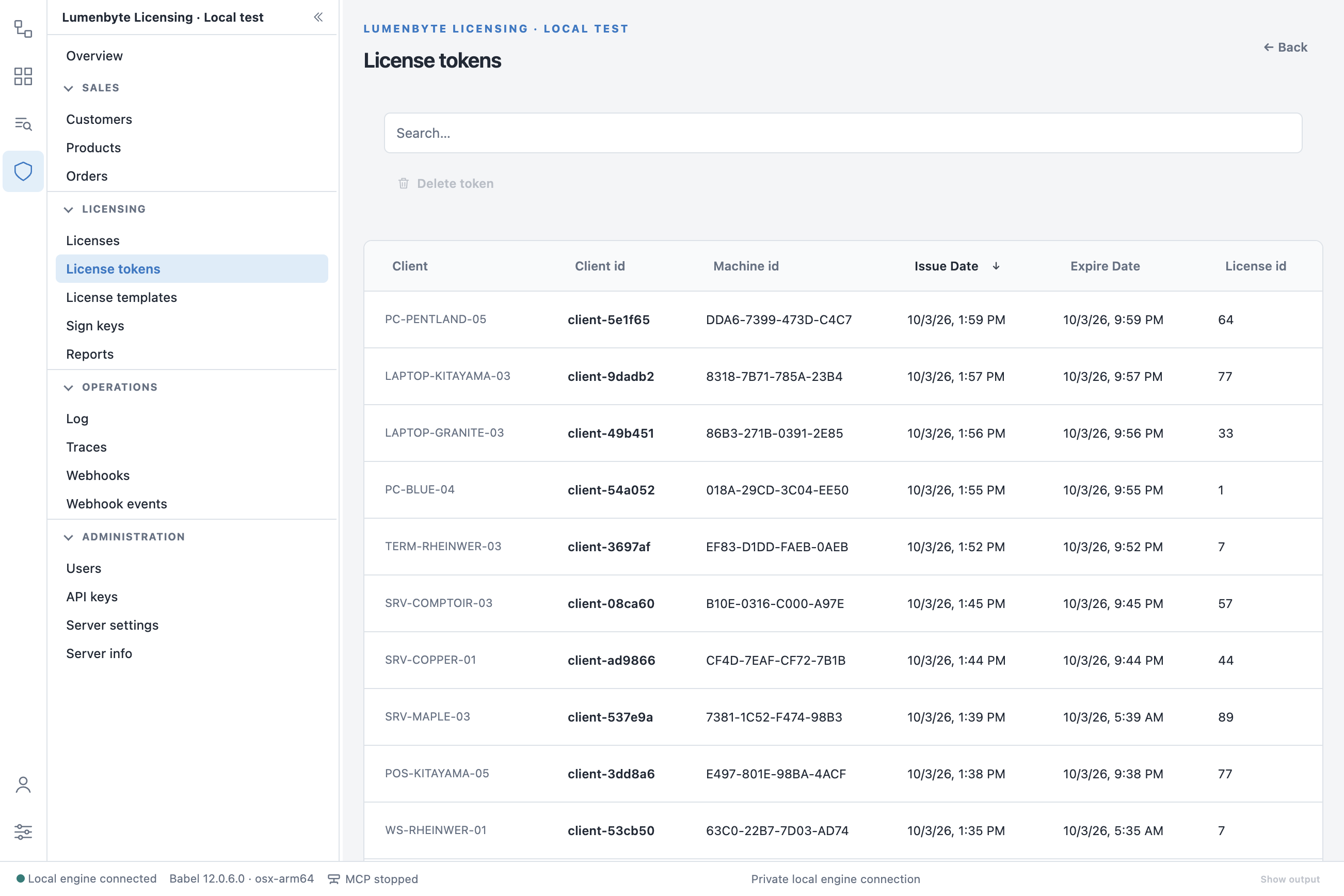
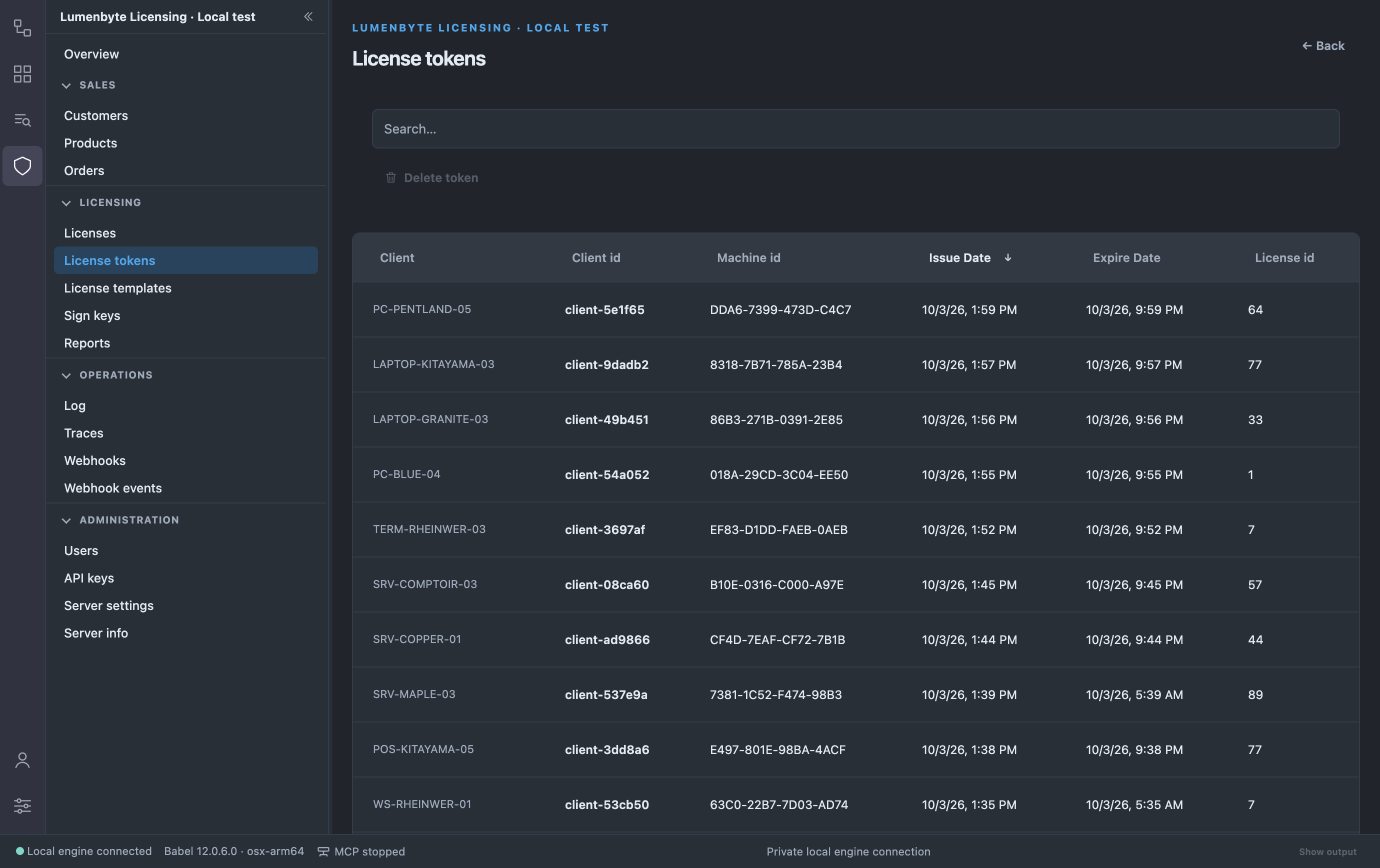
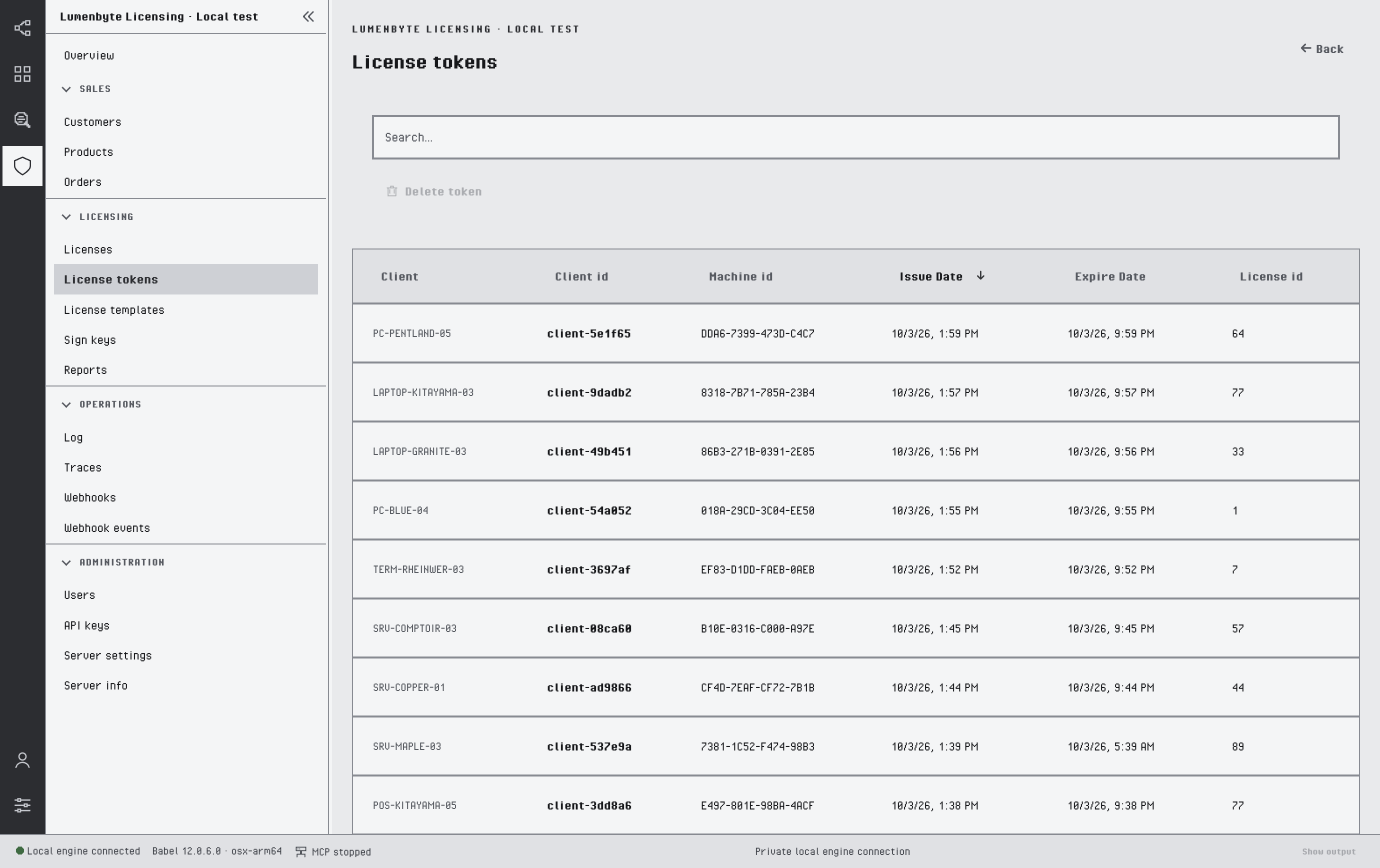
The License tokens list
Sign keys stores the RSA and ECDSA key pairs that sign licenses. You can create keys, upload a key file and save a key to a file.
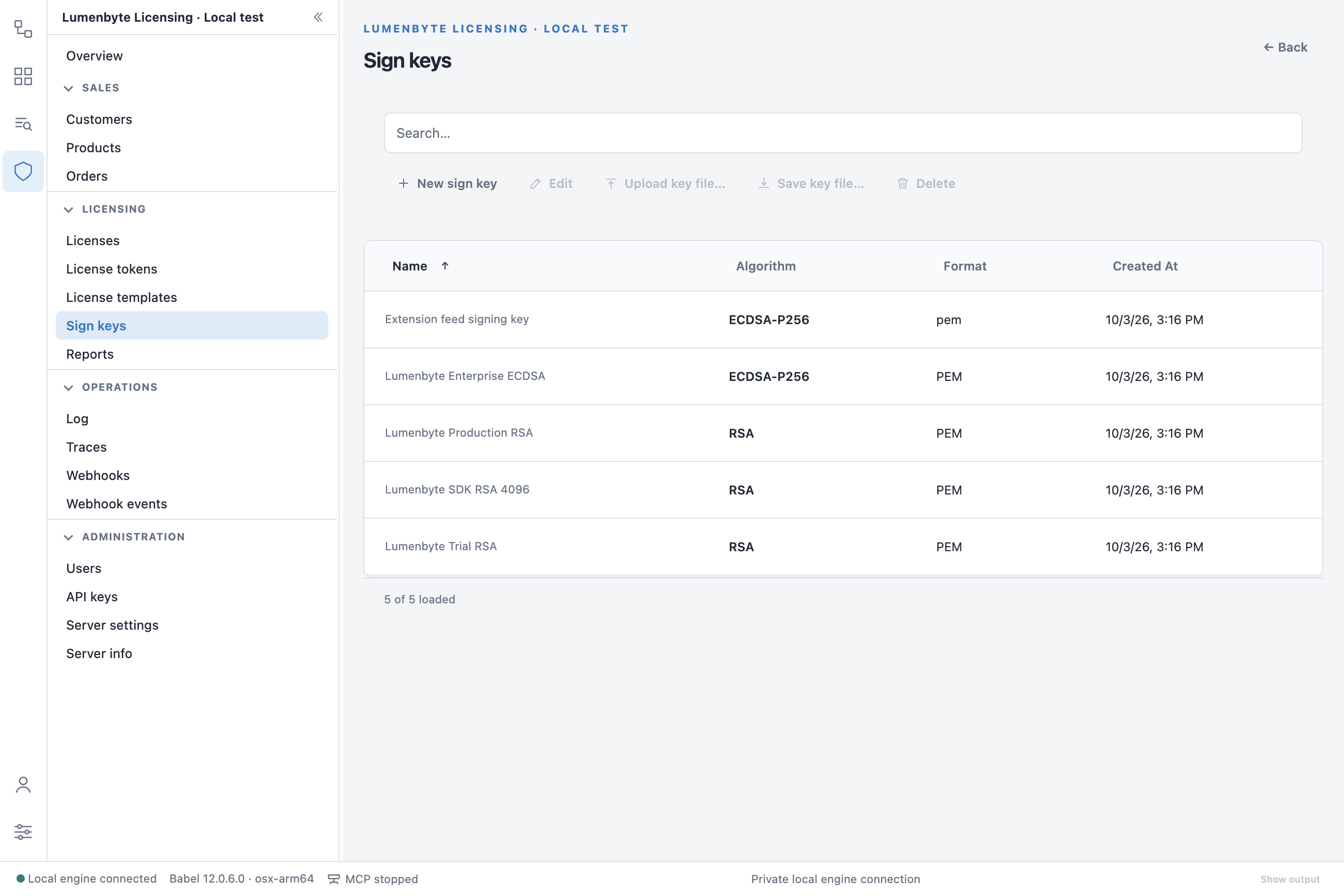
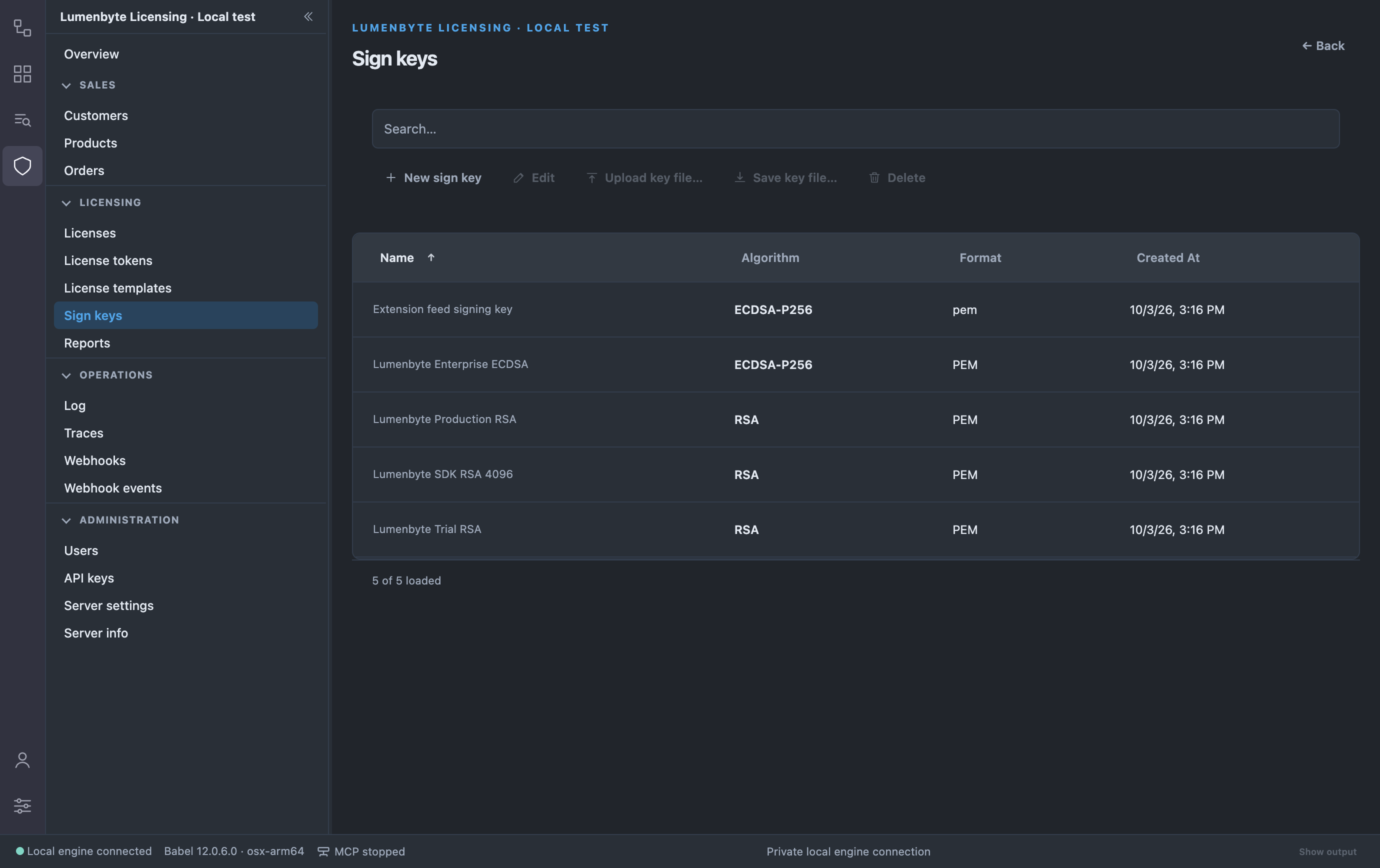
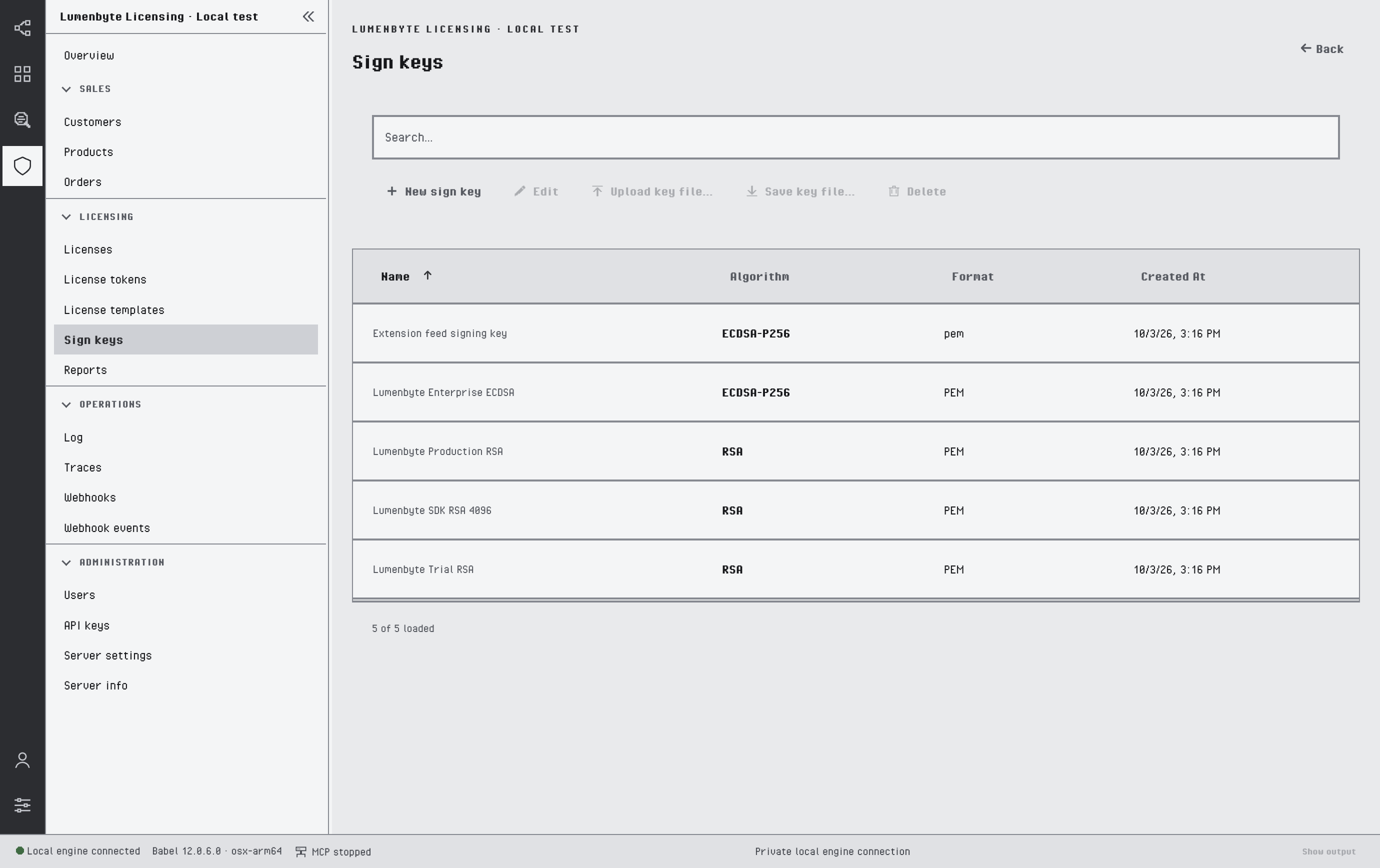
The Sign keys list