Dependencies
A dependency is an assembly a target needs: one merged into it, one embedded in it as a resource, or one used only to resolve its references.
Dependency Types
A dependency links a source assembly to a target, and its type tells the engine what to do with the source assembly.
| Type | Effect |
|---|---|
| Merge | The source assembly is merged into the target and obfuscated with it, producing a single output assembly. See Assembly Merging. |
| Embed | The source assembly is stored as a resource of the target and loaded at run time. See Assembly Embedding. |
| Reference | The source assembly is only used to resolve references of the target. |
A dependency always uses the original file of the assembly. When the same assembly is also a target of the project, the dependency ignores that target’s settings and output, and it does not change the order in which targets run.
Connecting a Dependency
On the canvas, the top anchor of a target connects its dependencies. Drag from the bottom anchor of the source assembly to the top anchor of the target, or click the two anchors one after the other. The source can be a dependency node or another target. Esc cancels a connection in progress.
Babel Desktop picks the type of the new dependency. If the target references the exact identity of the source assembly (name, version, culture and public key token), the new dependency is a Merge; if not, it is a Reference.
You can also add dependencies from a file picker:
- In the node menu of a target, or with + Add dependency on the toolbar: Add assemblies to merge…, Add assemblies to embed…, Add assembly references… and Add dependency automatically….
- In the command palette: Assembly: Add merge input…, Assembly: Add embedded assembly…, Assembly: Add reference… and Assembly: Add dependency automatically… act on the selected target.
- In the grid, the + icon of the Inputs tab, or a drop of assemblies on a row. See Target Details.
An assembly used as a Merge input stays on the canvas but is not obfuscated separately, because it becomes part of its destination.
Changing the Type
Click a dependency line on the canvas. A popover shows the source file, a note and a Type list. Choose Merge, Embed or Reference and click Apply.
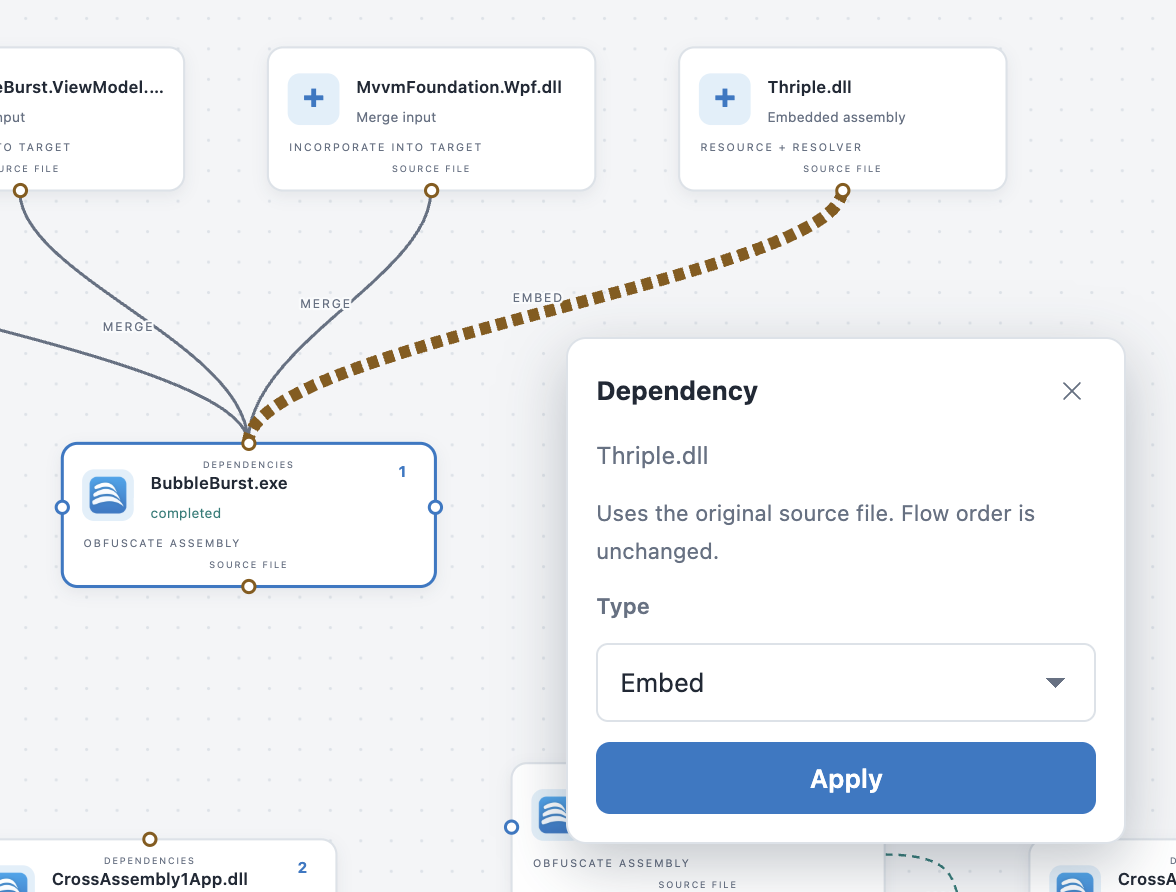
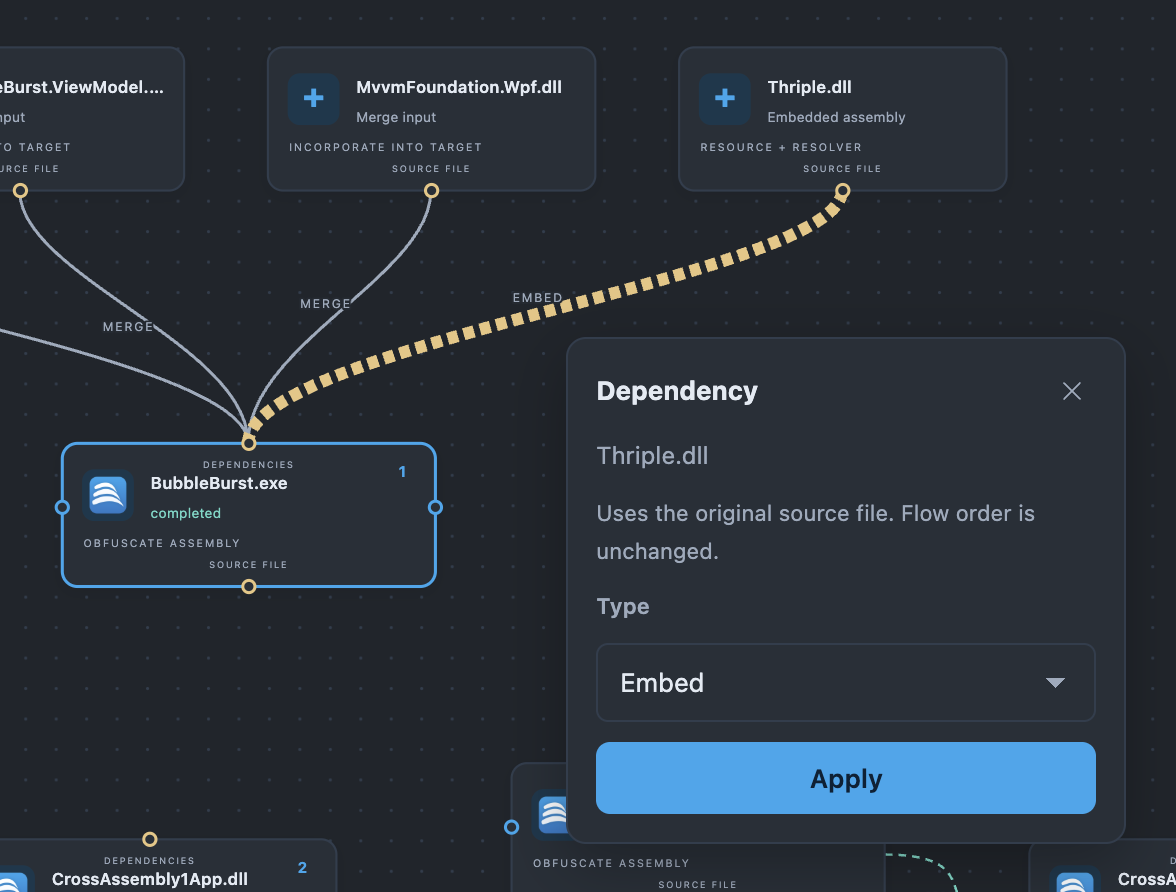
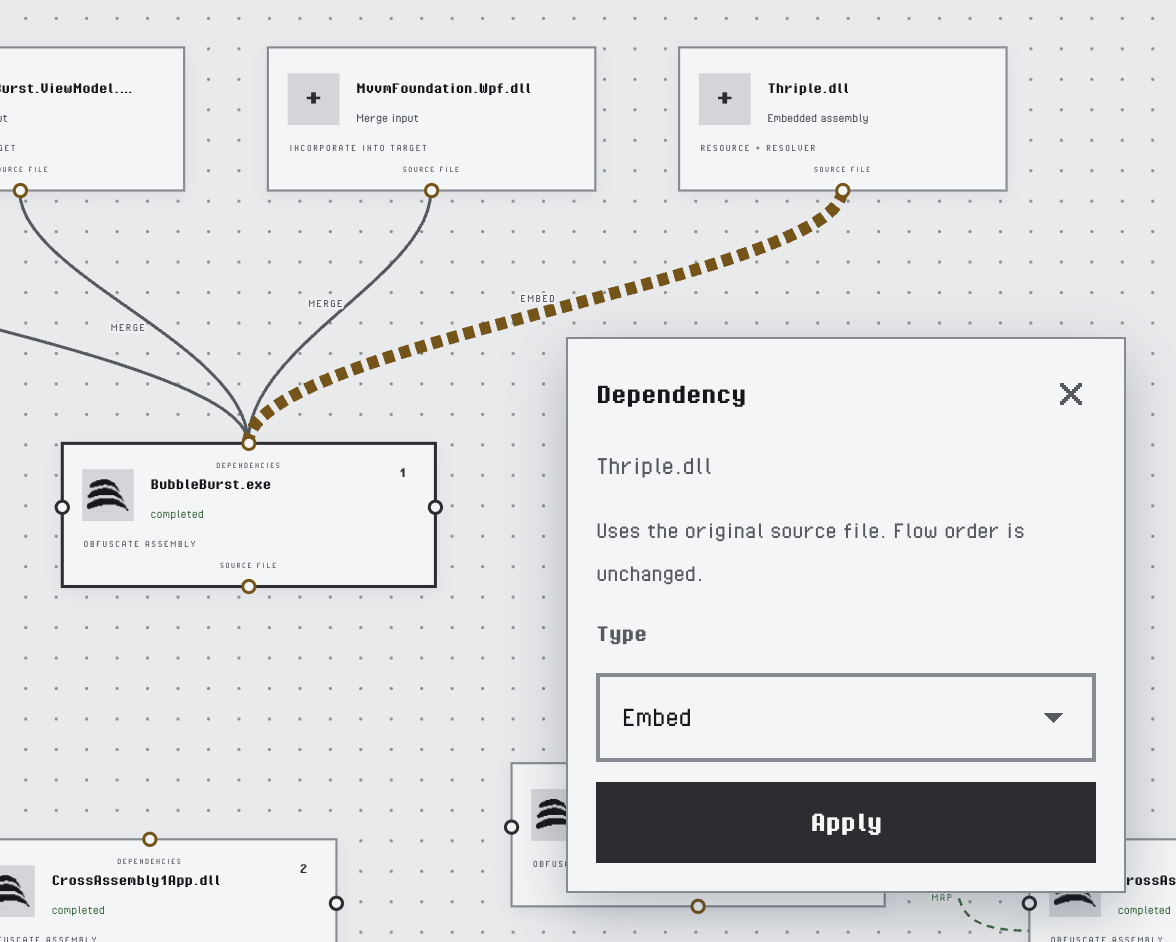
Changing the type of a dependency
The menu of a dependency node offers the same three types. In the grid, the Action list of each entry of the Inputs tab changes the type.
Merging a Target into Another
When an assembly is already a target of the project, Merge into… and Embed into… in its node menu list the other targets. Pick one, and the assembly becomes a merge or embed dependency of it. A target that is merged into another keeps its node, is not obfuscated on its own and writes no rename map; the grid shows it in the Inputs tab of the target that merges it and counts it in the header, for example 3 targets · 4 merged.
Obfuscation: Setup merge into main assembly does this for every target of the project at once. See Setup Commands.
Removing a Dependency
Click a dependency line and press Delete or Backspace, or choose Remove dependency in the menu of the dependency node. In the grid, click the trash icon of the entry in the Inputs tab.