Licensing Server
Babel Desktop manages a Babel Licensing Service: customers, products, orders, licenses, templates, tokens, reports, users, API keys, webhooks and server settings, with a dashboard and an activity globe.
Babel Desktop calls the REST API of the Babel Licensing Service and authenticates with an API key. It does not connect to the licensing database: the database provider and connection string are configured in the service, as described in Configuration.
Both Babel Licensing editions are supported. Babel Desktop can browse any service you connect to, but it can create, edit and delete records only on a service running on the same machine (see Connection Profiles). With a Server license, manage a remote service with the Management API, since the web application requires the Data Center edition. With a Data Center license you can use the web application as well; it works on the same data.
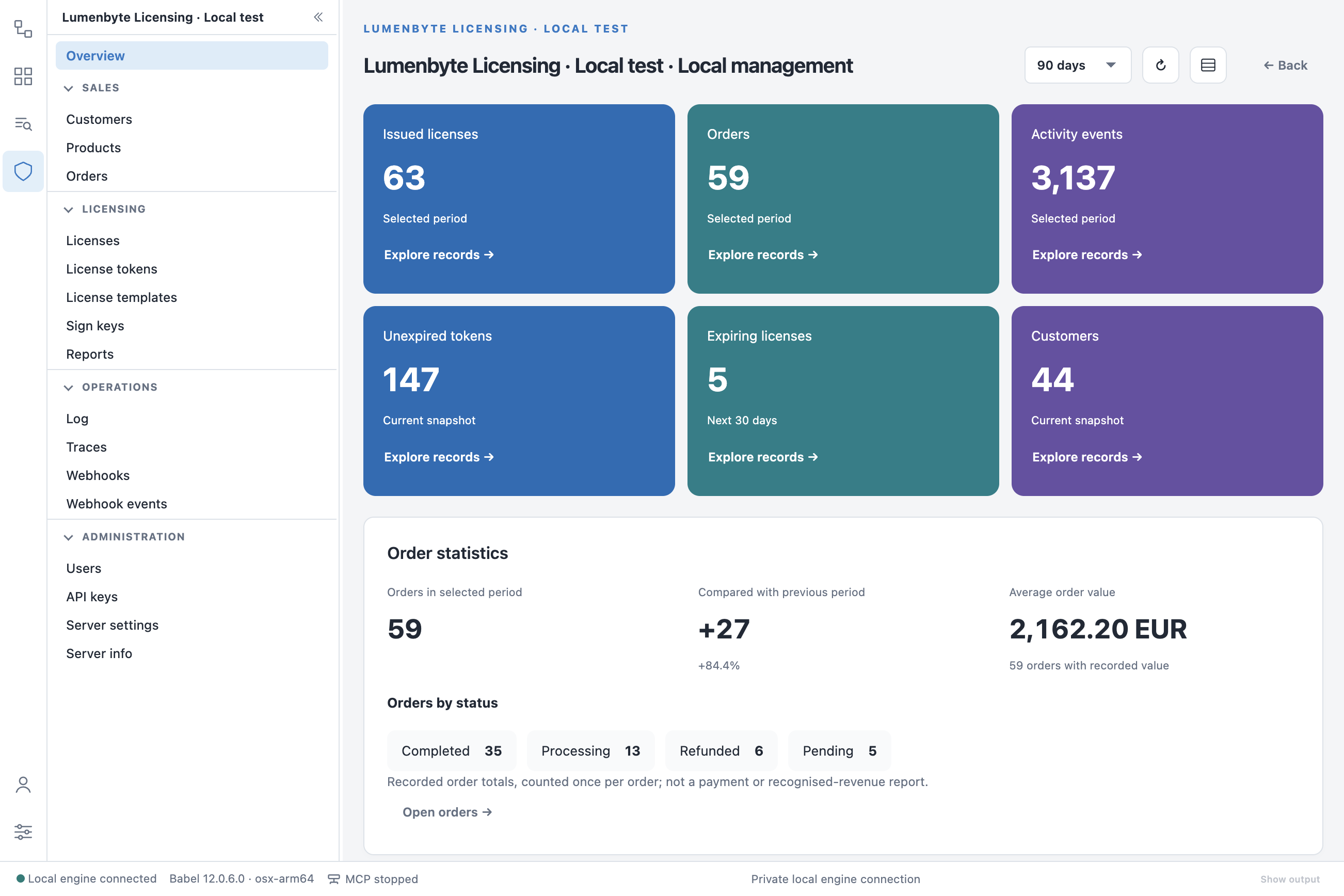
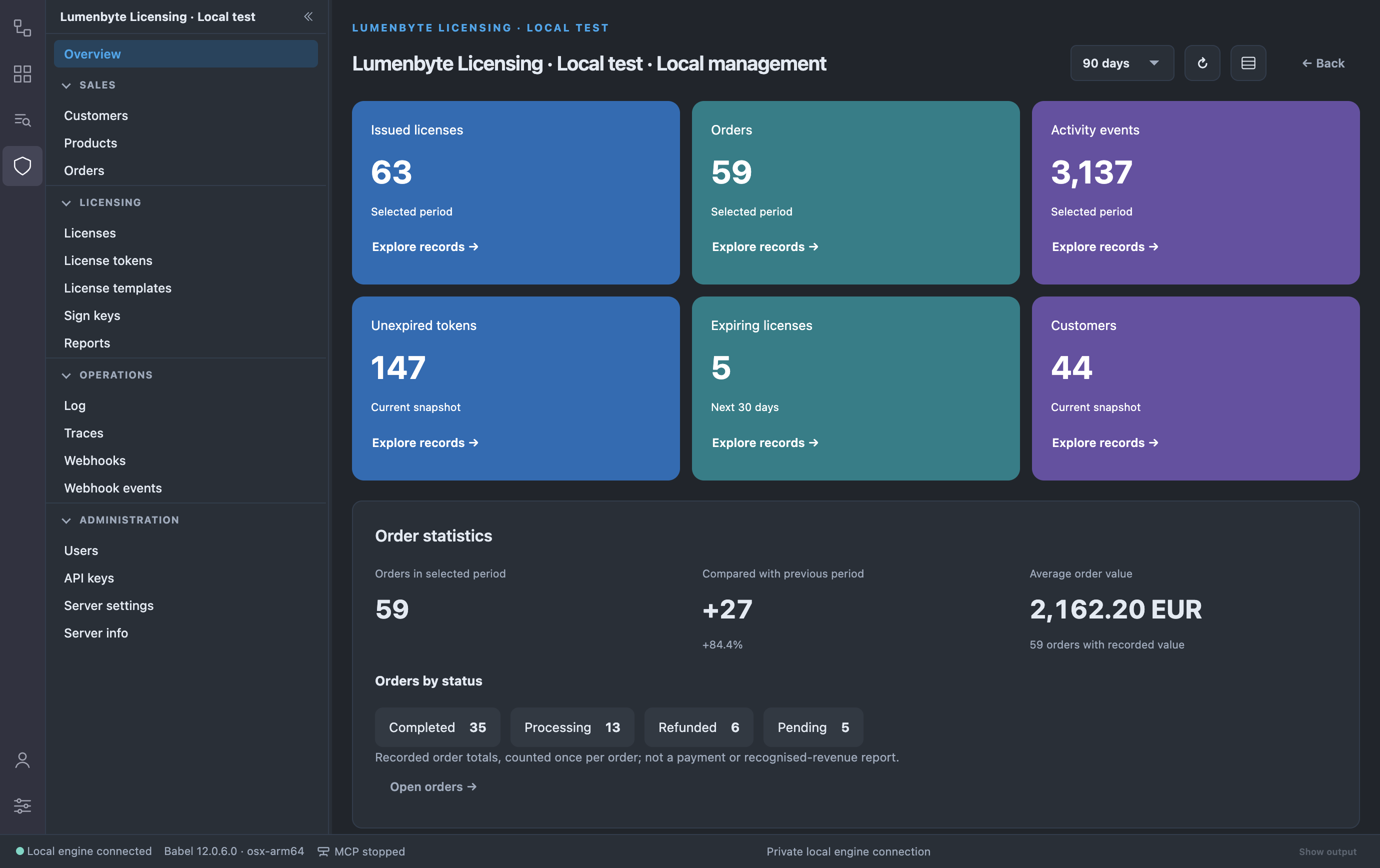
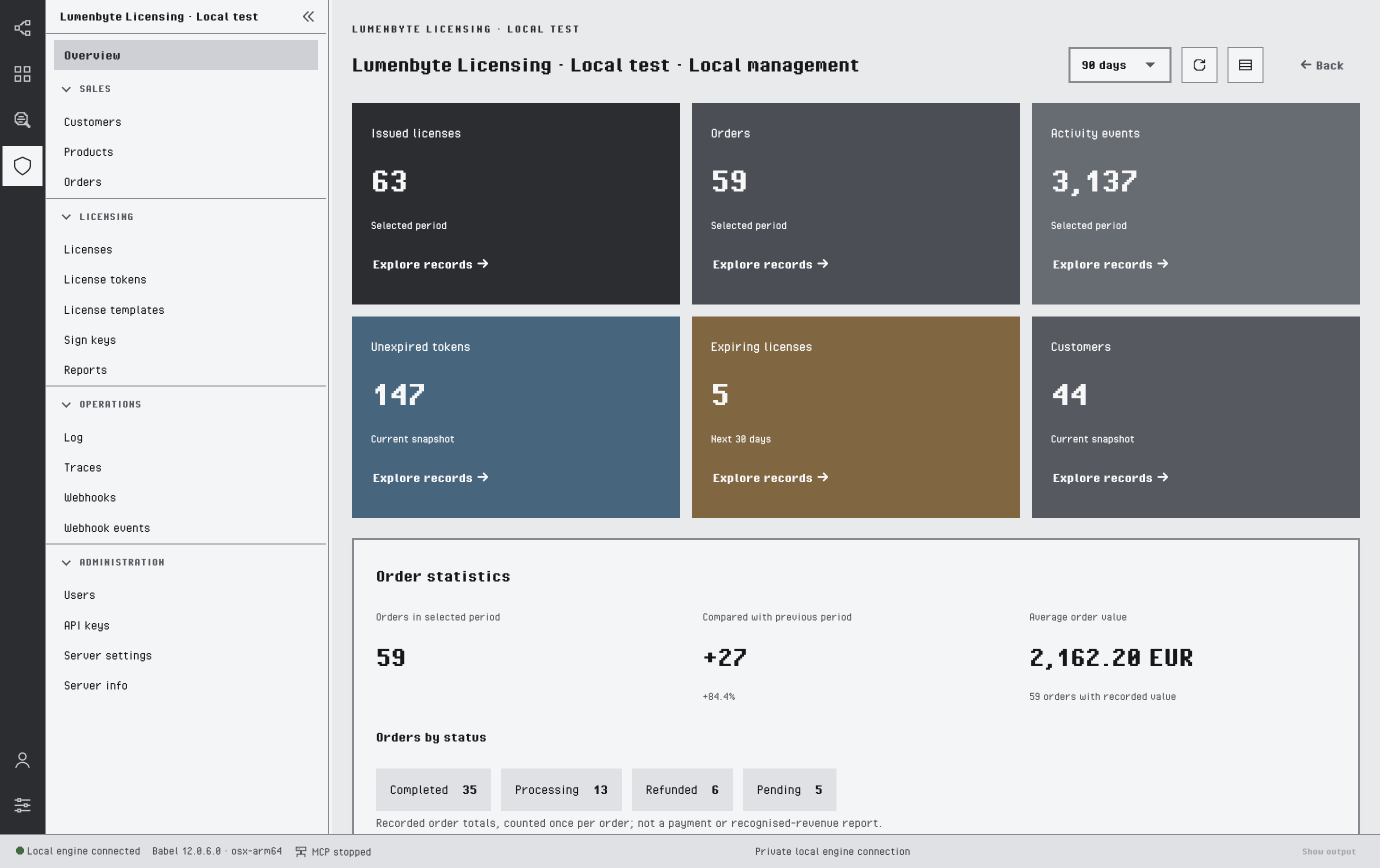
A Licensing connection open on its Overview dashboard
Availability
Licensing is part of Babel Desktop. There is nothing to install: you add a connection to a service and its icon appears in the activity bar.
Licensing is available when the license loaded in Settings > License is a Babel Licensing license (Server or Data Center edition), and in an unlicensed installation running in evaluation mode. With any other license, Settings > Licensing connections tells you that the license does not include Licensing. Connections you saved earlier stay listed there until you remove them.
Pages in This Section
- Connecting to a Service: API keys, connection profiles and certificates.
- Roles and Permissions: what each role and key permission allows.
- Dashboard: the Overview dashboard, the activity globe and IP geolocation.
- Working with Records: the list, detail and form conventions shared by every view.
- Sales: customers, products, releases and orders.
- Licenses: licenses, license templates, tokens and sign keys.
- Reports: diagnostic reports and stack trace decoding.
- Operations: log, traces and webhooks.
- Administration: users, API keys, server settings and server info.
- Settings and Automation: the settings of a connection and the MCP server.