Run Results
After a run, Babel Desktop scores the protection of each target and keeps the statistics the engine collected, so you can check that the run applied what you expected.
Obfuscation Score
After a completed run, the card of each target shows an obfuscation score from 0 to 100, a quick check that the run applied the protections you expected. Rest the pointer on the target to open the card.
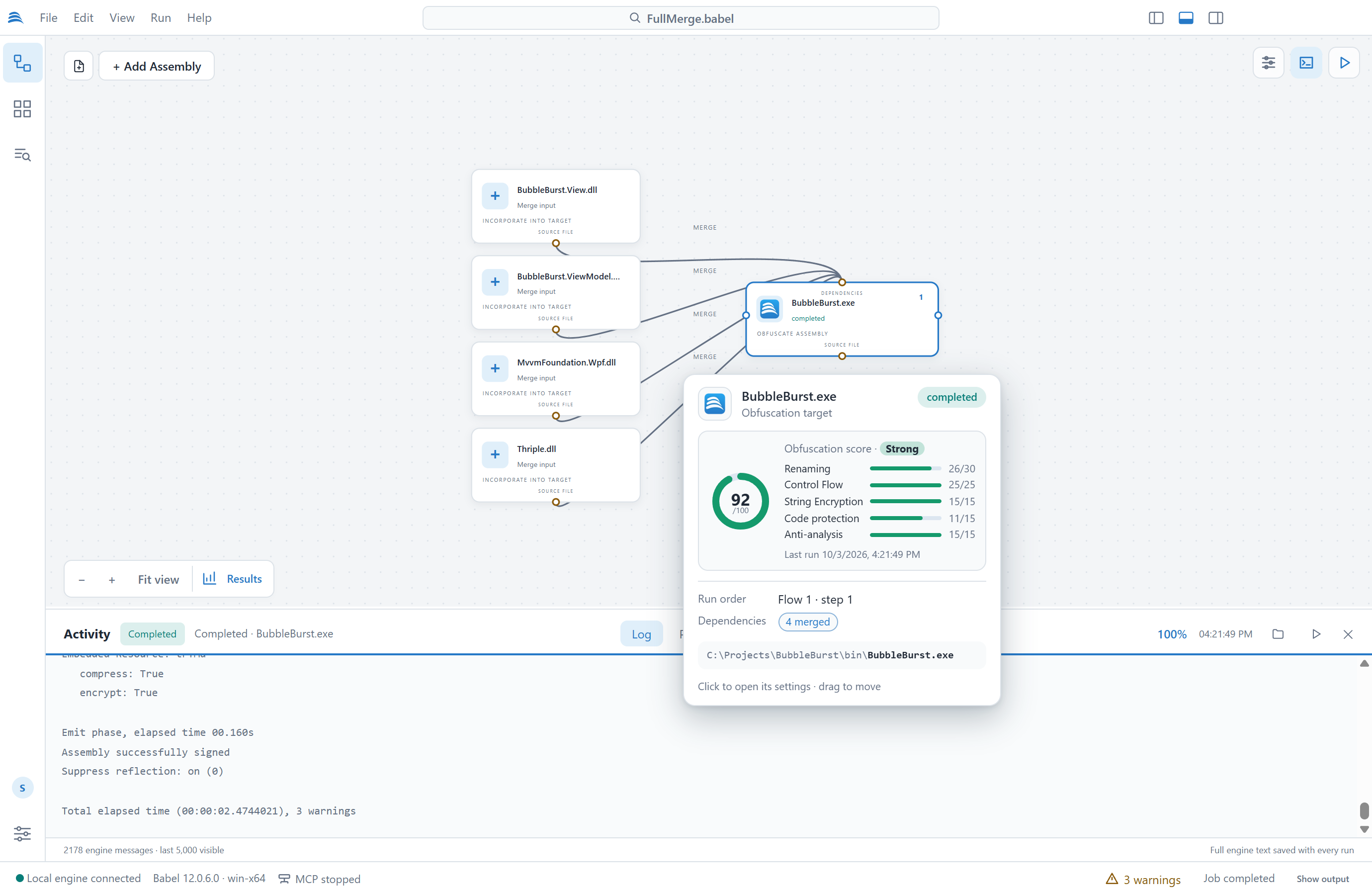
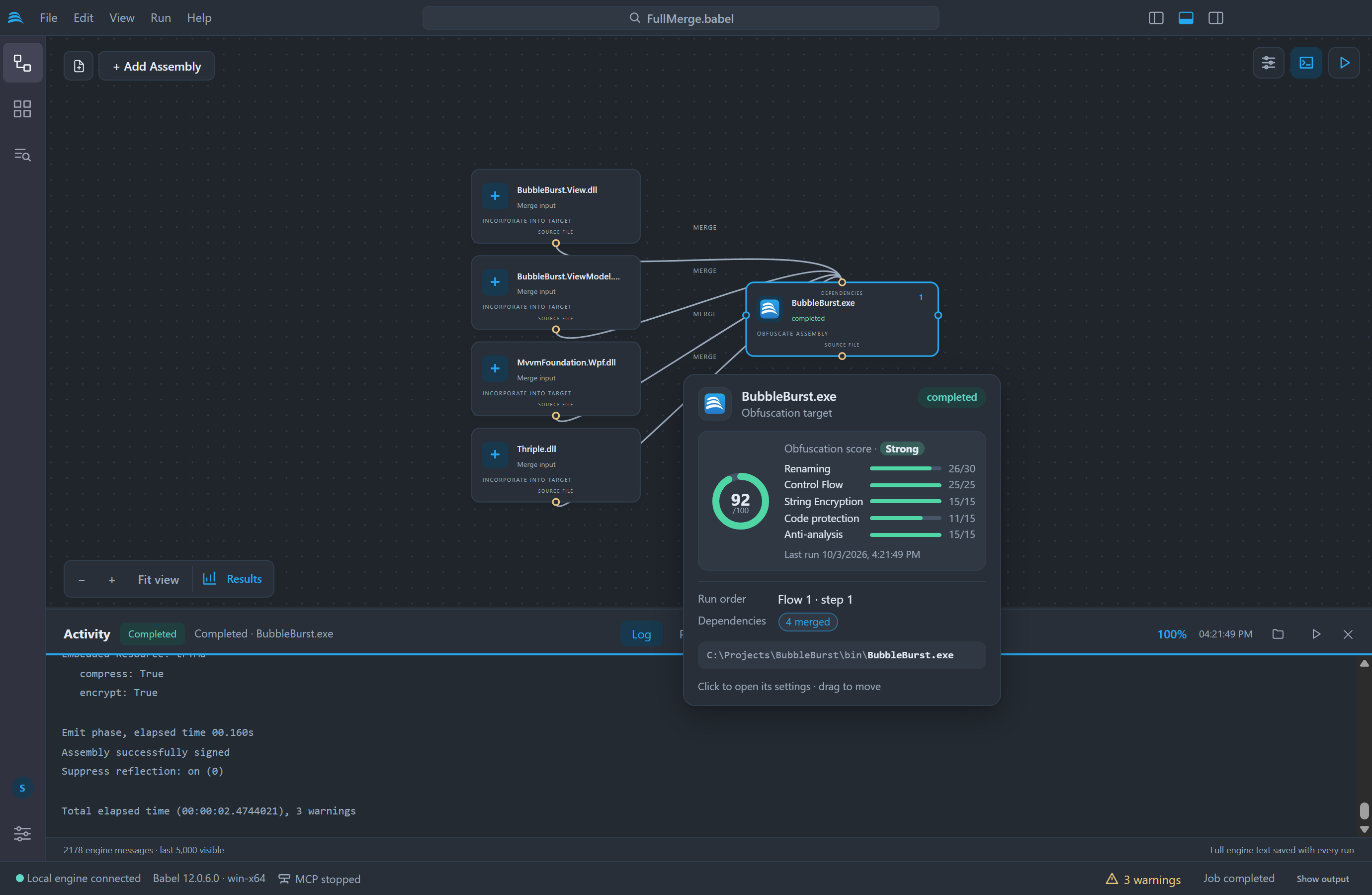
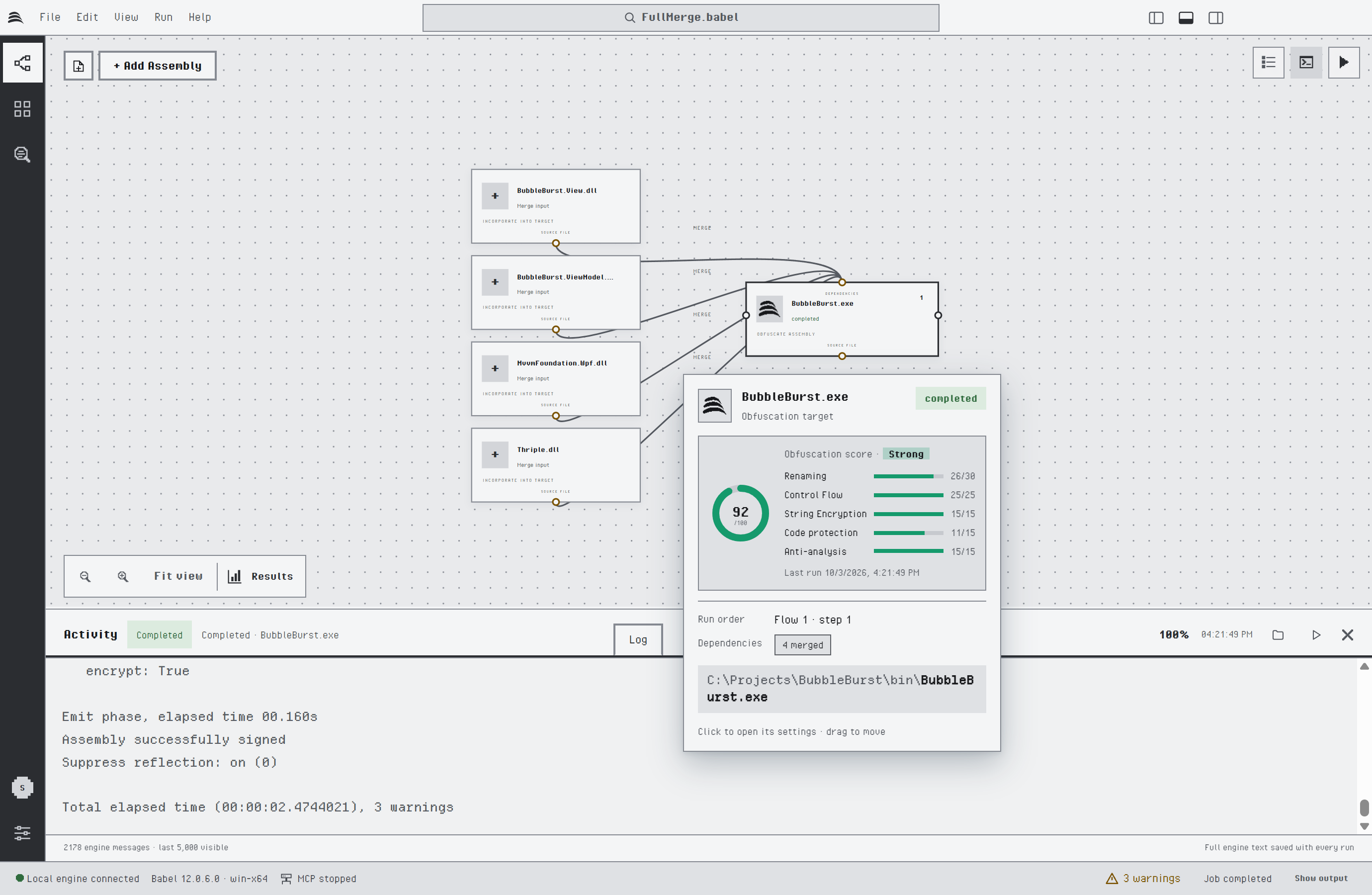
The obfuscation score of a target that merges four assemblies
The score adds the points of five protection layers. Each bar shows the points a layer earned out of its maximum, so a low score tells you which layer is missing.
| Layer | Points | Earned by |
|---|---|---|
| Renaming | 30 | The share of the eligible symbols that were renamed |
| Control Flow | 25 | The share of the methods that were scrambled. Methods without branches are left alone, so half of the methods is enough for all the points |
| String Encryption | 15 | Encrypted strings |
| Code protection | 15 | MSIL encryption (7), dynamic proxy calls (4) and value encryption (4) |
| Anti-analysis | 15 | Tampering detection, debugging protection and ILDASM suppression, 5 points each |
The score is graded Weak below 35, Fair from 35, Good from 60 and Strong from 80. It comes from the statistics of the last completed run of the project. Assemblies merged into a target count towards its score and show none of their own. A target that has not run yet shows no score.
The score counts the protections a run applied and says nothing about how long the result resists a given tool. A lower score can be the right one: a library with a public API keeps its public names, so it earns fewer renaming points.
Protection Statistics
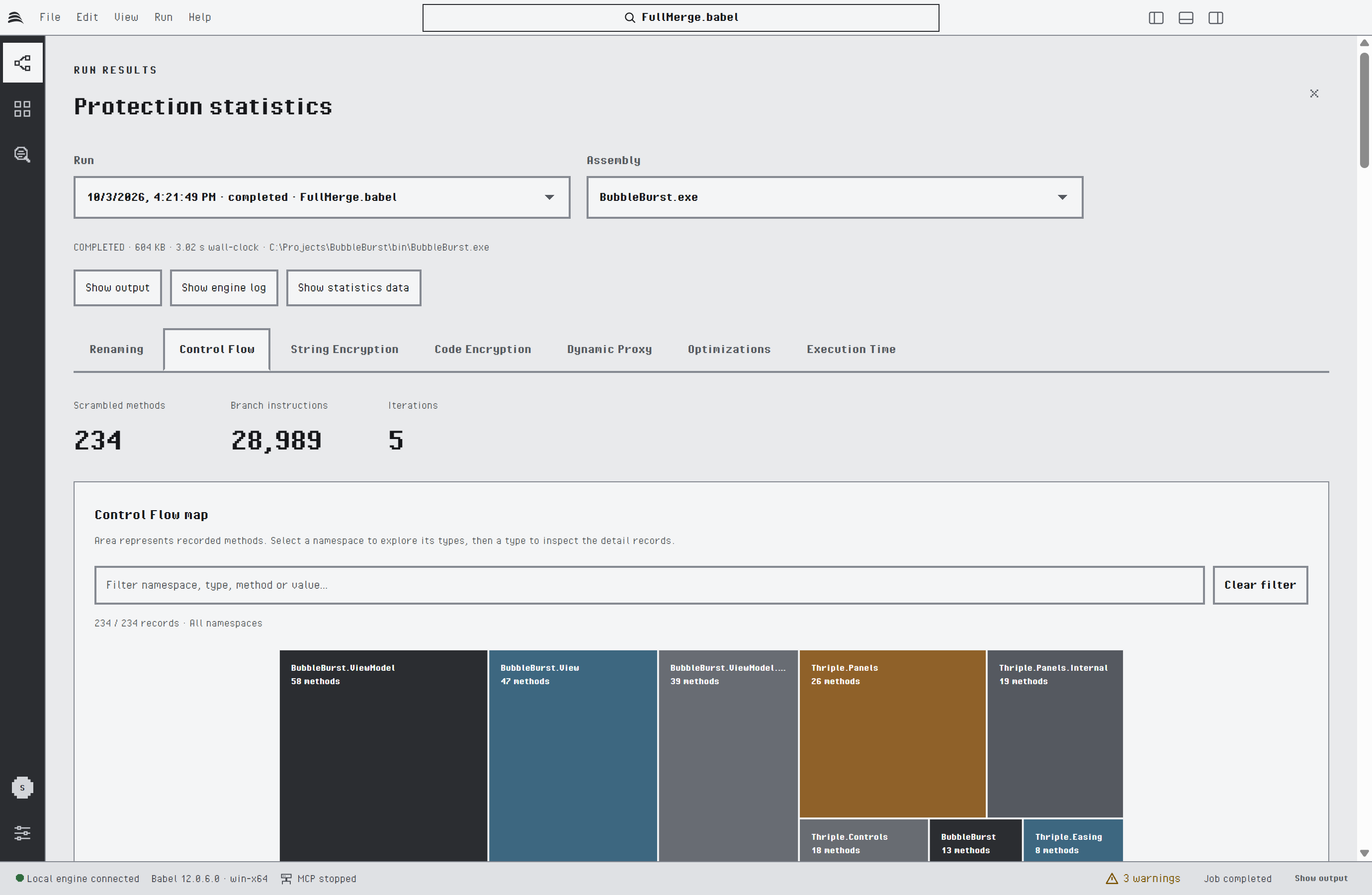
After a run, Results at the bottom left of the canvas, or the Run results button of the grid toolbar, opens the protection statistics. Choose a run from the history, an obfuscated assembly and a report:
| Report | Content |
|---|---|
| Renaming | Renamed and total types, methods, fields, properties and events, with a coverage chart |
| Control Flow | Scrambled methods, inserted branch instructions and iterations, with a treemap by namespace and type and, when full statistics are collected, the cyclomatic complexity before and after the transformation |
| String Encryption | The encryption algorithm and the encrypted strings by method |
| Code Encryption | The encrypted methods by namespace and type |
| Dynamic Proxy | The proxied calls and delegate types by target method |
| Optimizations | Dead code removal and optimization counters |
| Execution Time | The duration of each engine phase |
You can search and sort the tables, and drill down in the treemaps from namespace to type. Show output, Show engine log and Show statistics data open the output folder, the complete engine log and the raw statistics file of the run. Babel Desktop keeps the results of the last 30 runs.
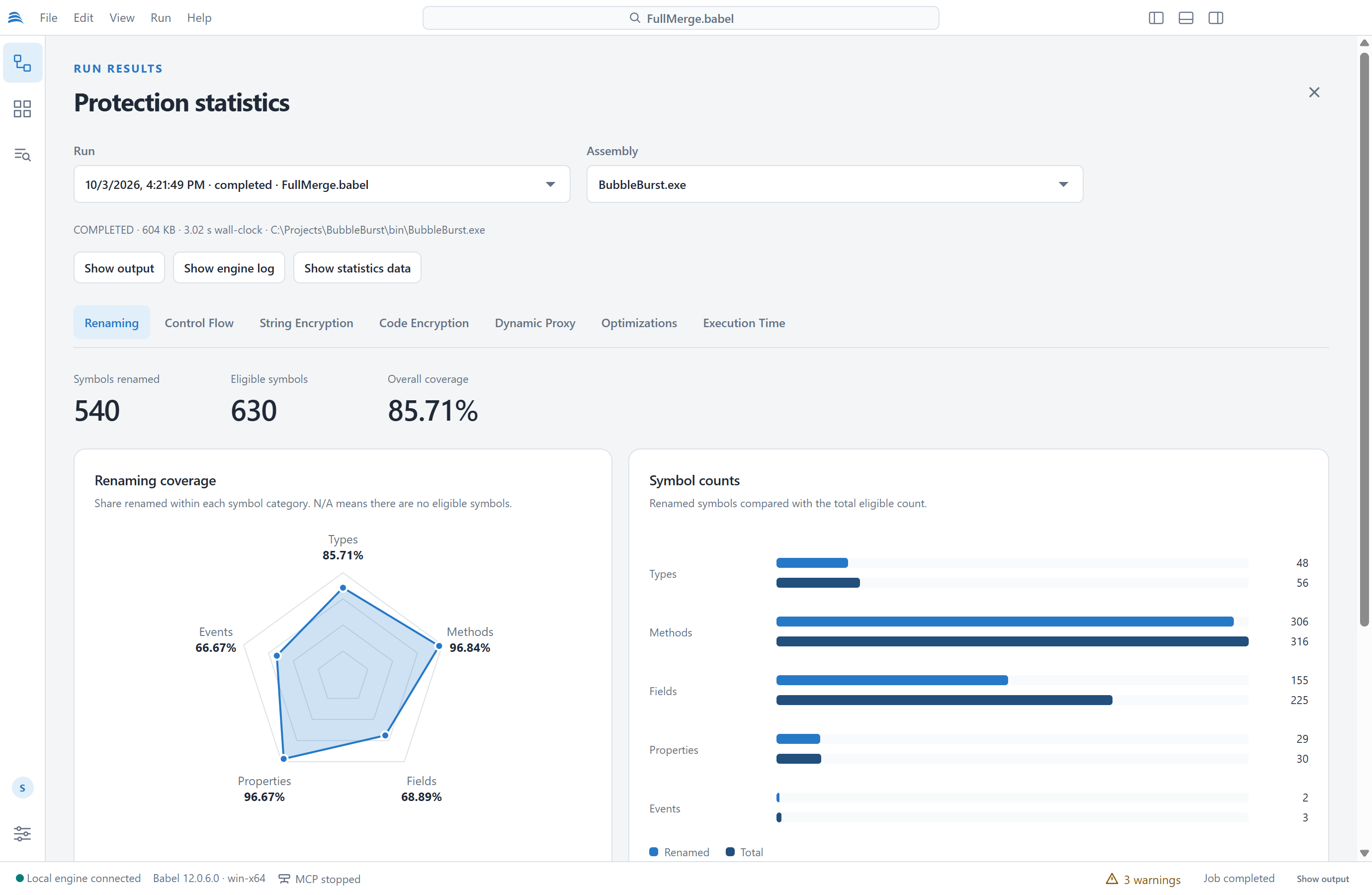
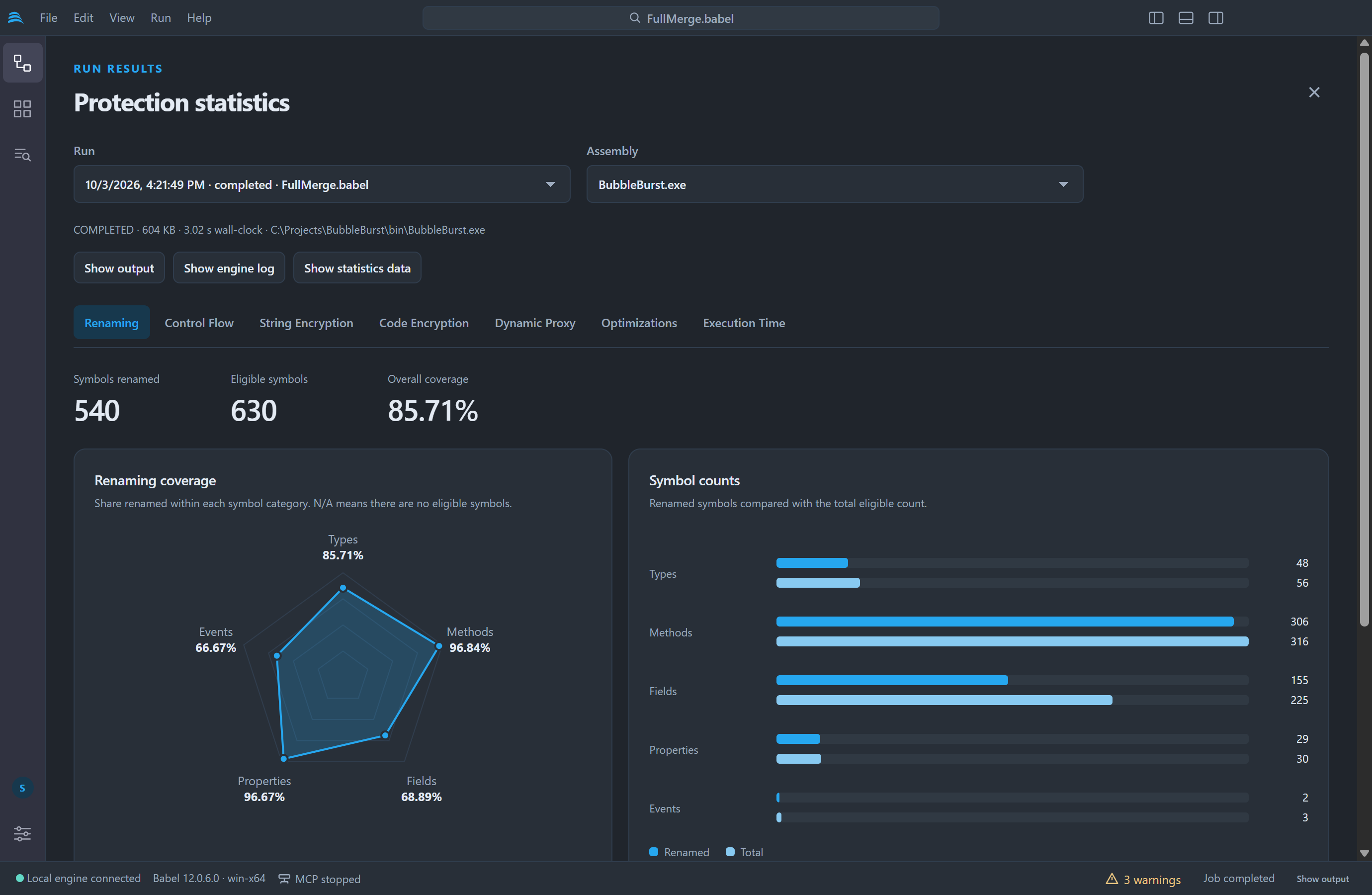
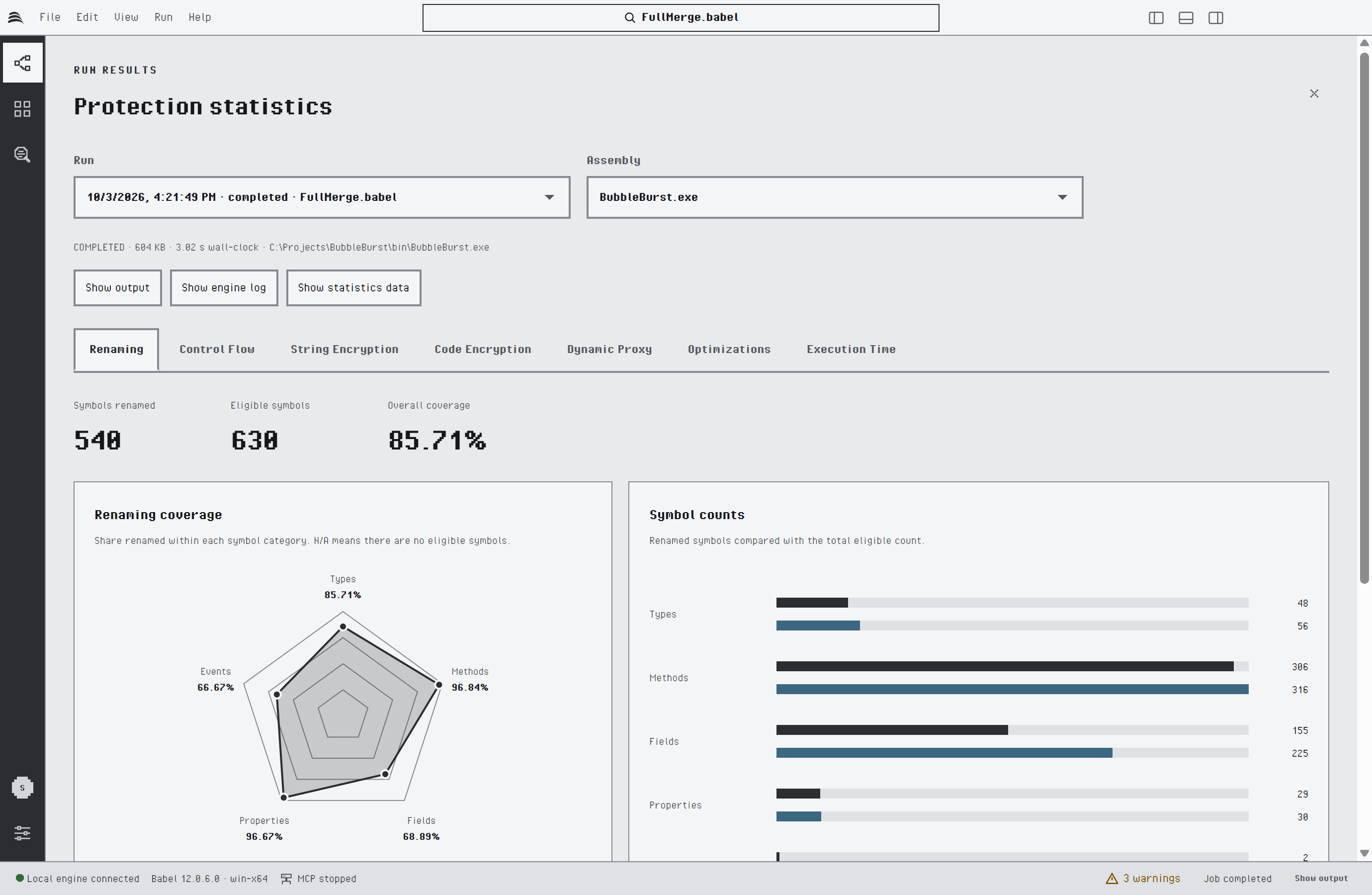
Renaming statistics
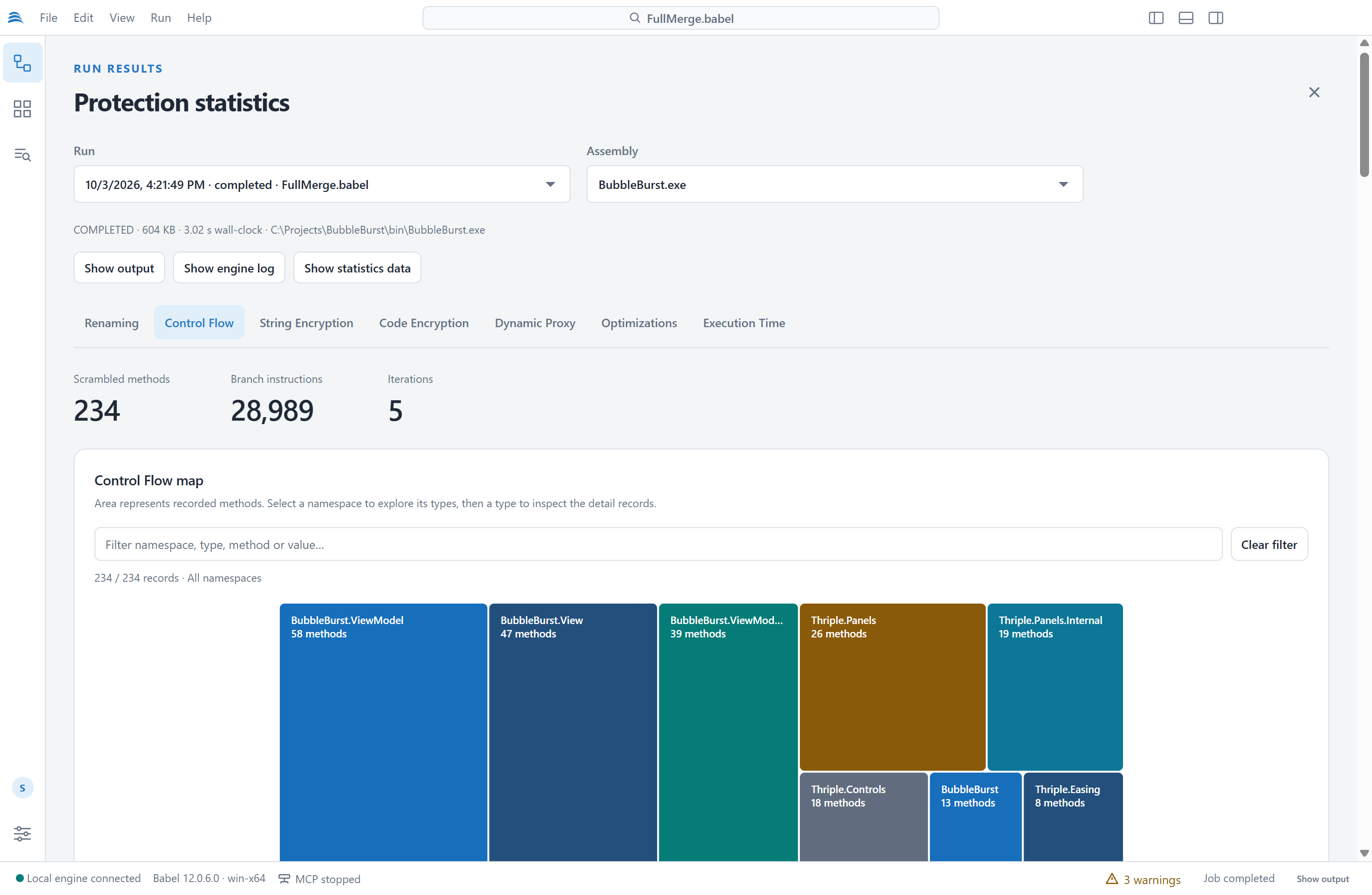
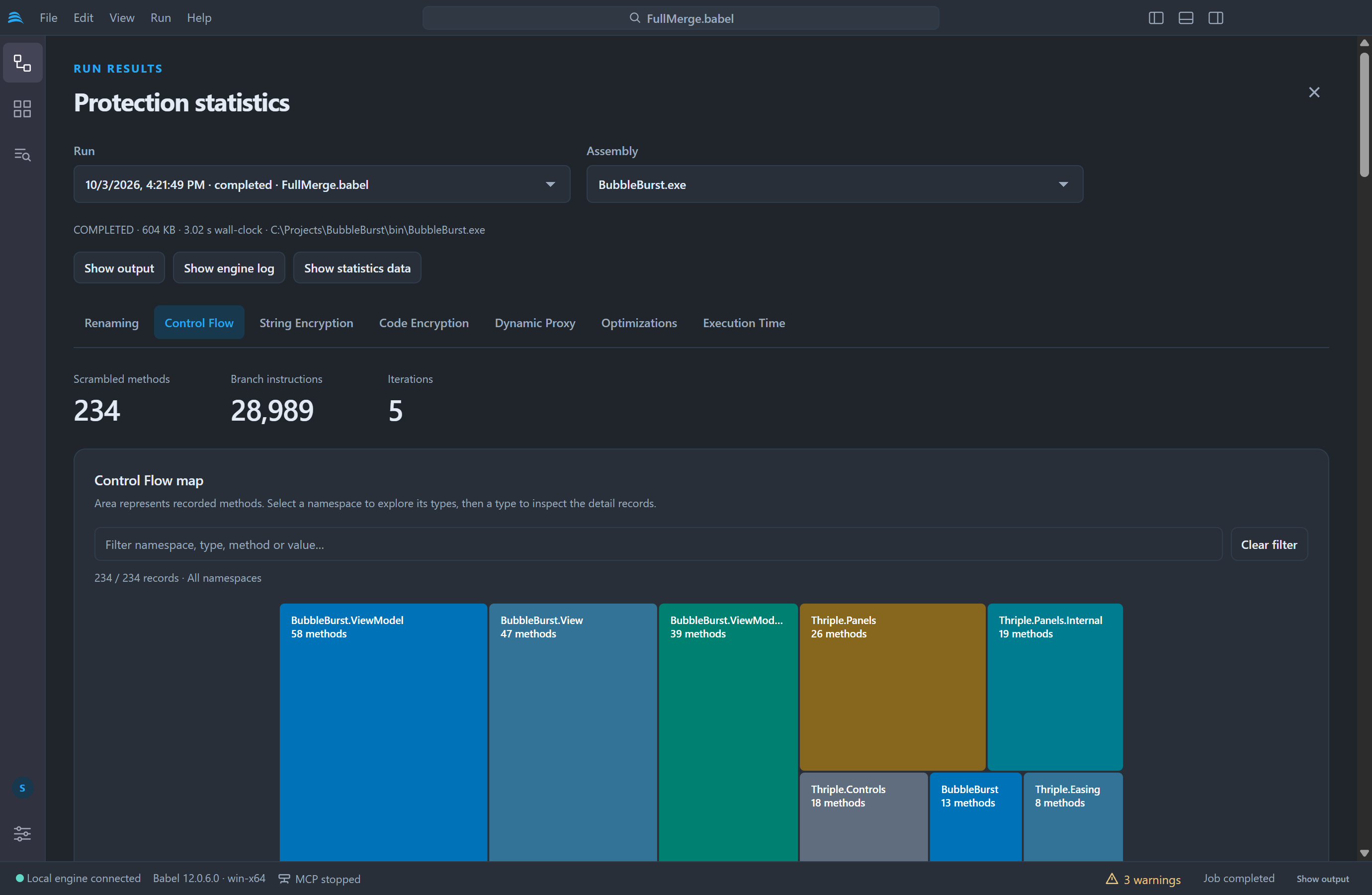
Control Flow statistics
The statistics files contain original symbol names and string values. Keep them, like the XML map files, away from the distributed application.