Skip to Content
New release 12 available 🎉

Reports

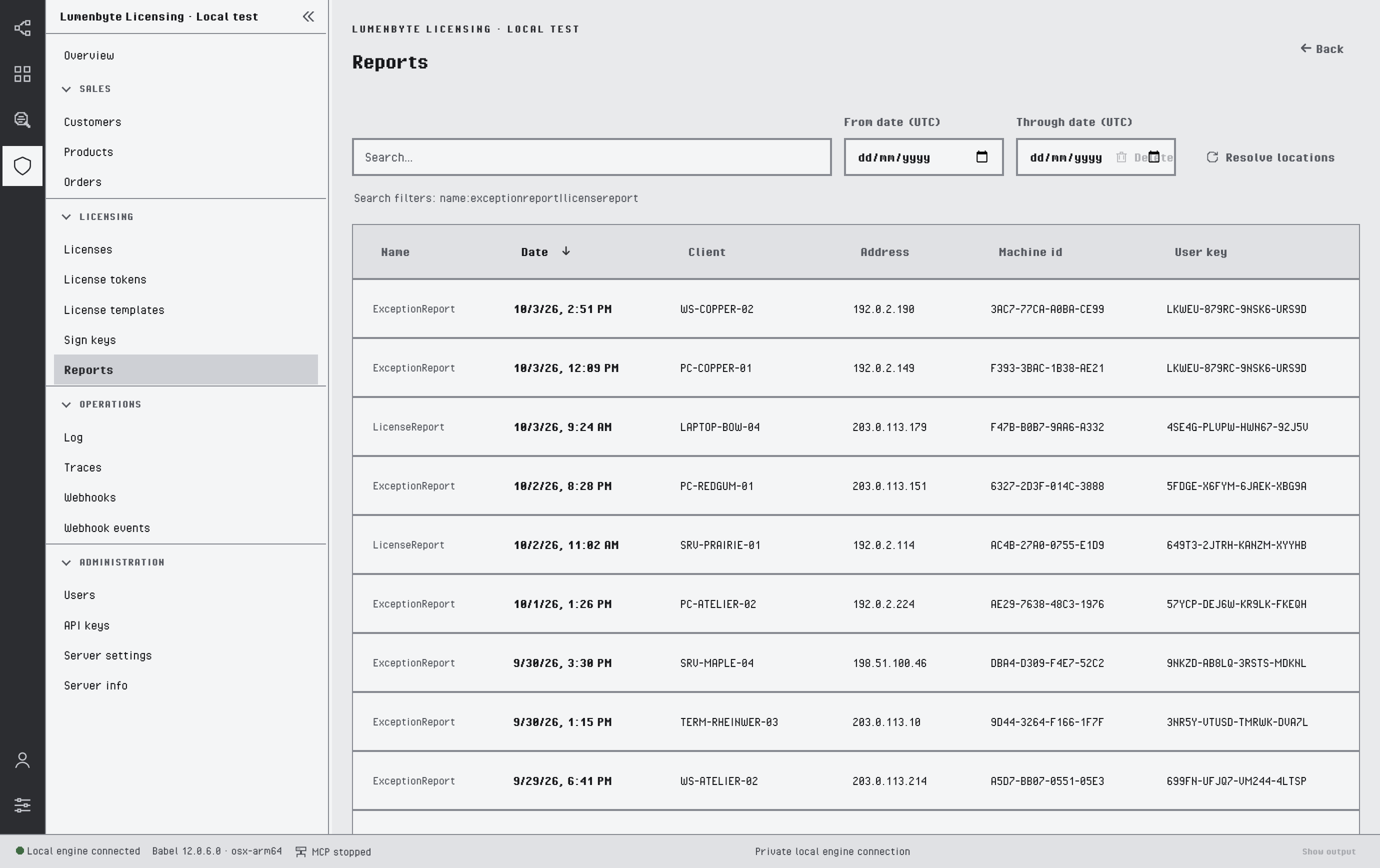
Reports lists the diagnostic reports that licensed applications send to the service, such as exception reports; see Reporting. Filter the list by type with name:exceptionreport or name:licensereport, by text, or by date range with From date and Through date (UTC dates).
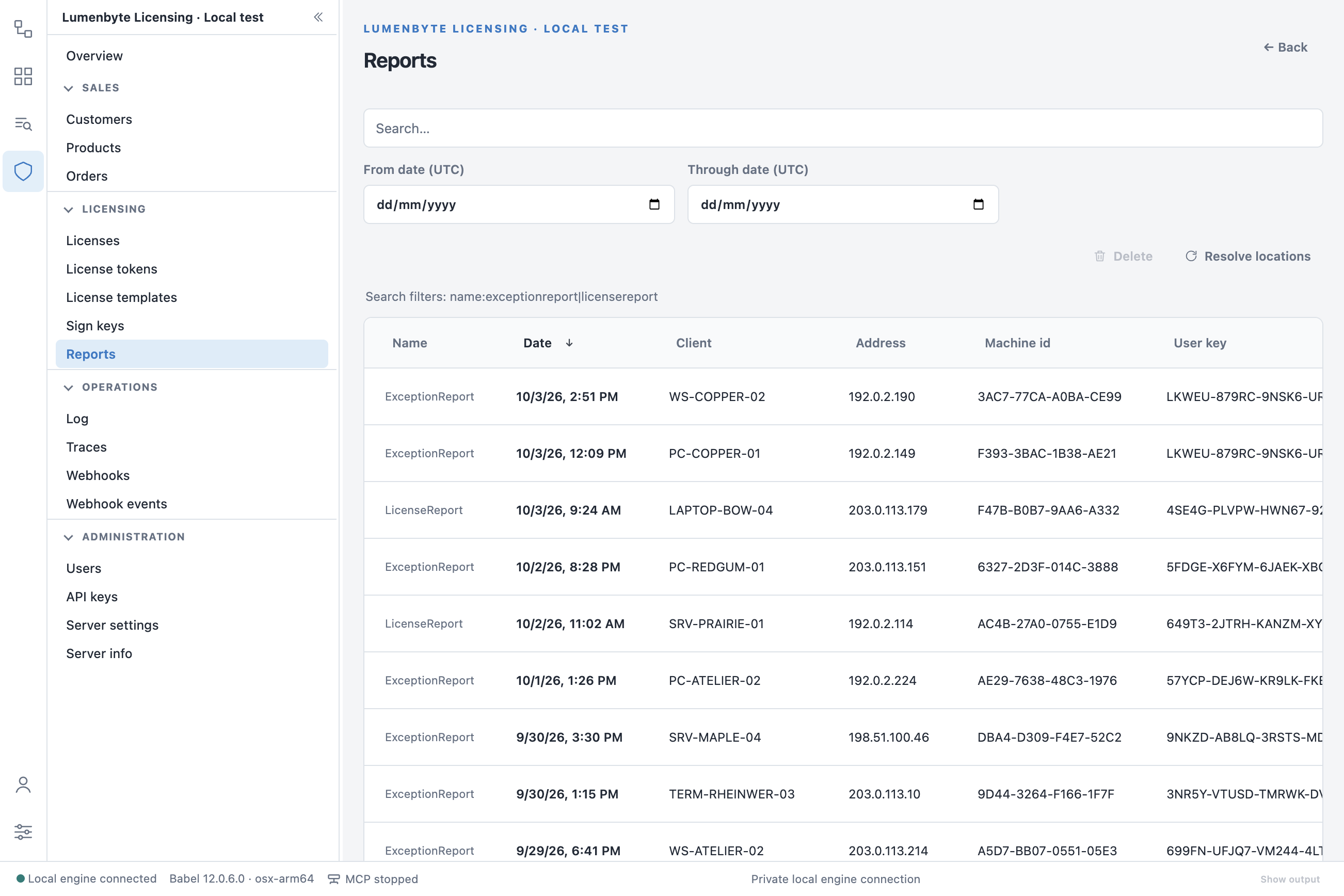
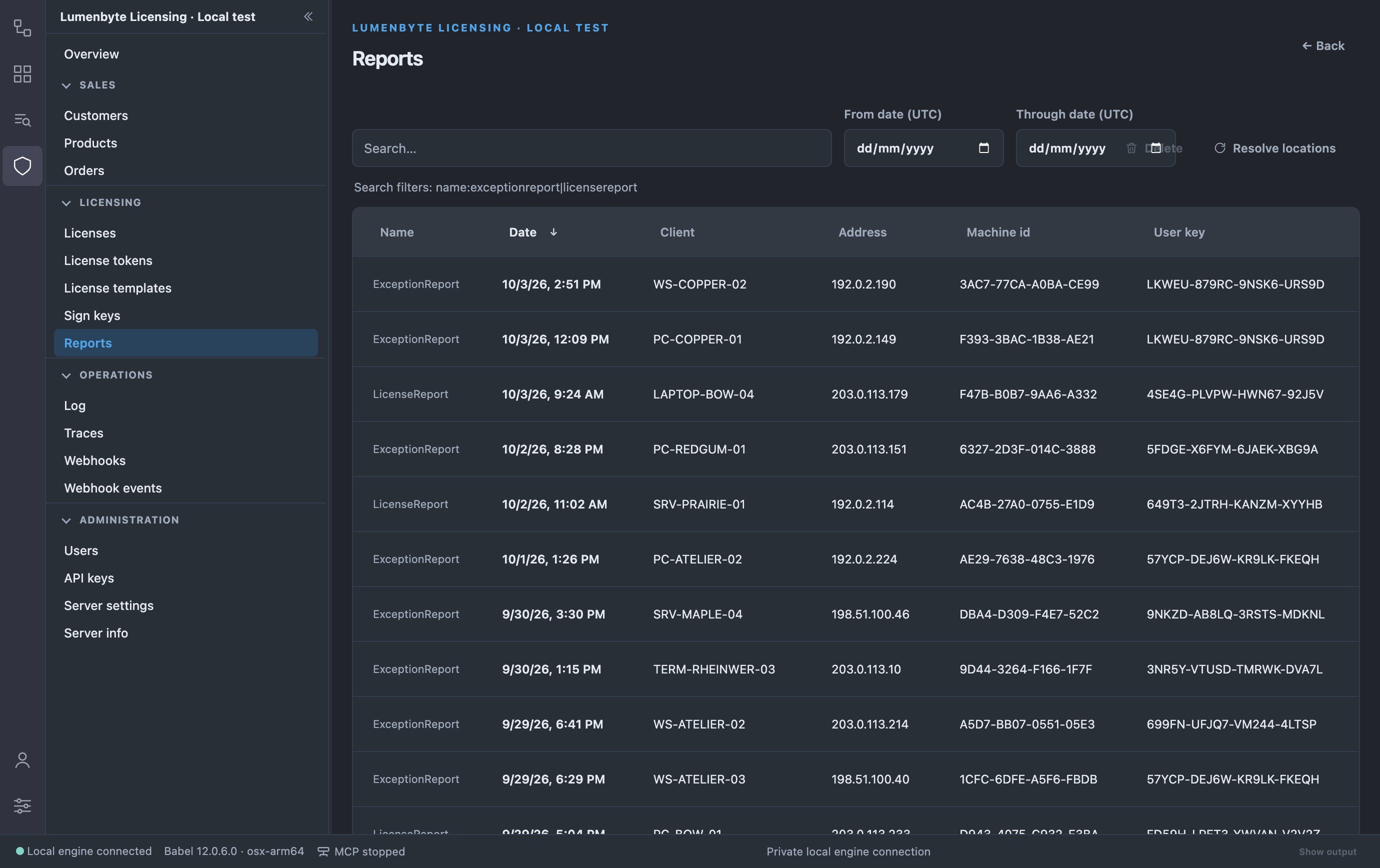
Reports list with the search box, the From date and Through date UTC filters, the Delete and Resolve locations actions, the name filter hint and the Name, Date, Client, Address, Machine id and User key columnsReports list with the search box, the From date and Through date UTC filters, the Delete and Resolve locations actions, the name filter hint and the Name, Date, Client, Address, Machine id and User key columnsReports list with the search box, the From date and Through date UTC filters, the Delete and Resolve locations actions, the name filter hint and the Name, Date, Client, Address, Machine id and User key columns

The Reports list

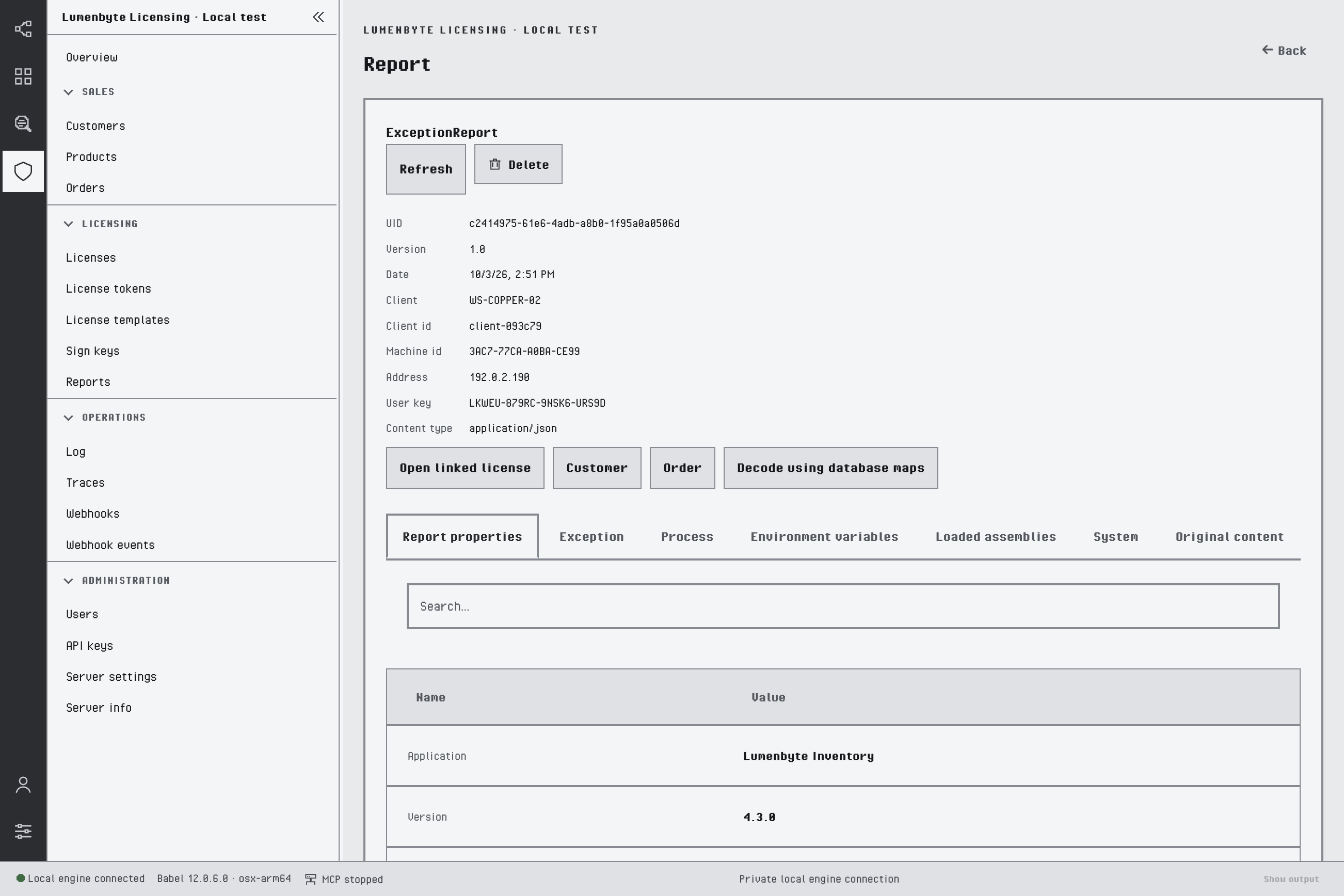
A report detail shows the report metadata and tabs for each collected section: report properties, exception, process, environment variables, loaded assemblies, system and the original content. From the detail you can open the linked license, customer and order.
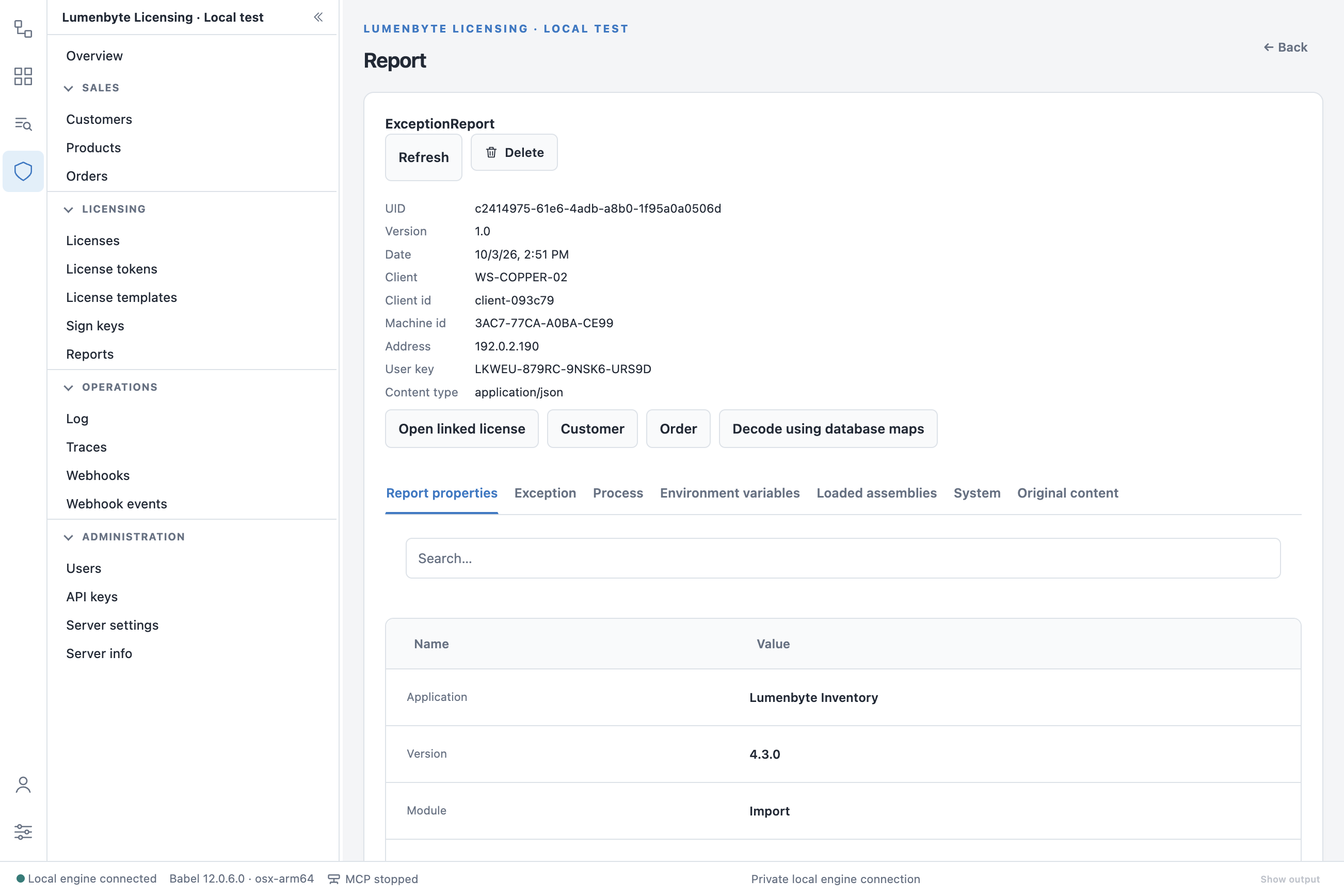
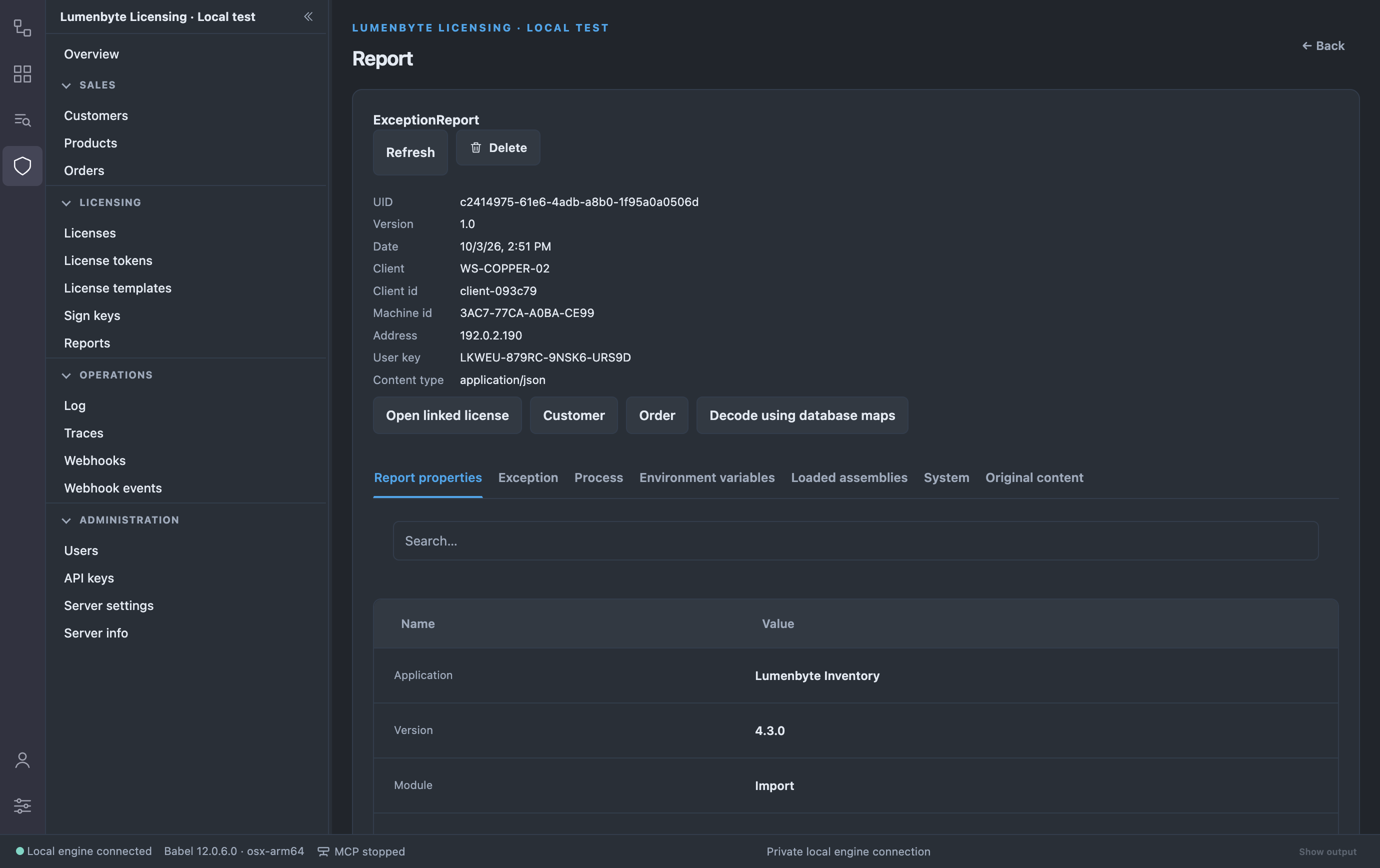
ExceptionReport detail with the Refresh and Delete buttons, the UID, version, date, client, machine id, address and user key, the Open linked license, Customer, Order and Decode using database maps actions, and the Report properties, Exception, Process, Environment variables, Loaded assemblies, System and Original content tabsExceptionReport detail with the Refresh and Delete buttons, the UID, version, date, client, machine id, address and user key, the Open linked license, Customer, Order and Decode using database maps actions, and the Report properties, Exception, Process, Environment variables, Loaded assemblies, System and Original content tabsExceptionReport detail with the Refresh and Delete buttons, the UID, version, date, client, machine id, address and user key, the Open linked license, Customer, Order and Decode using database maps actions, and the Report properties, Exception, Process, Environment variables, Loaded assemblies, System and Original content tabs

An exception report

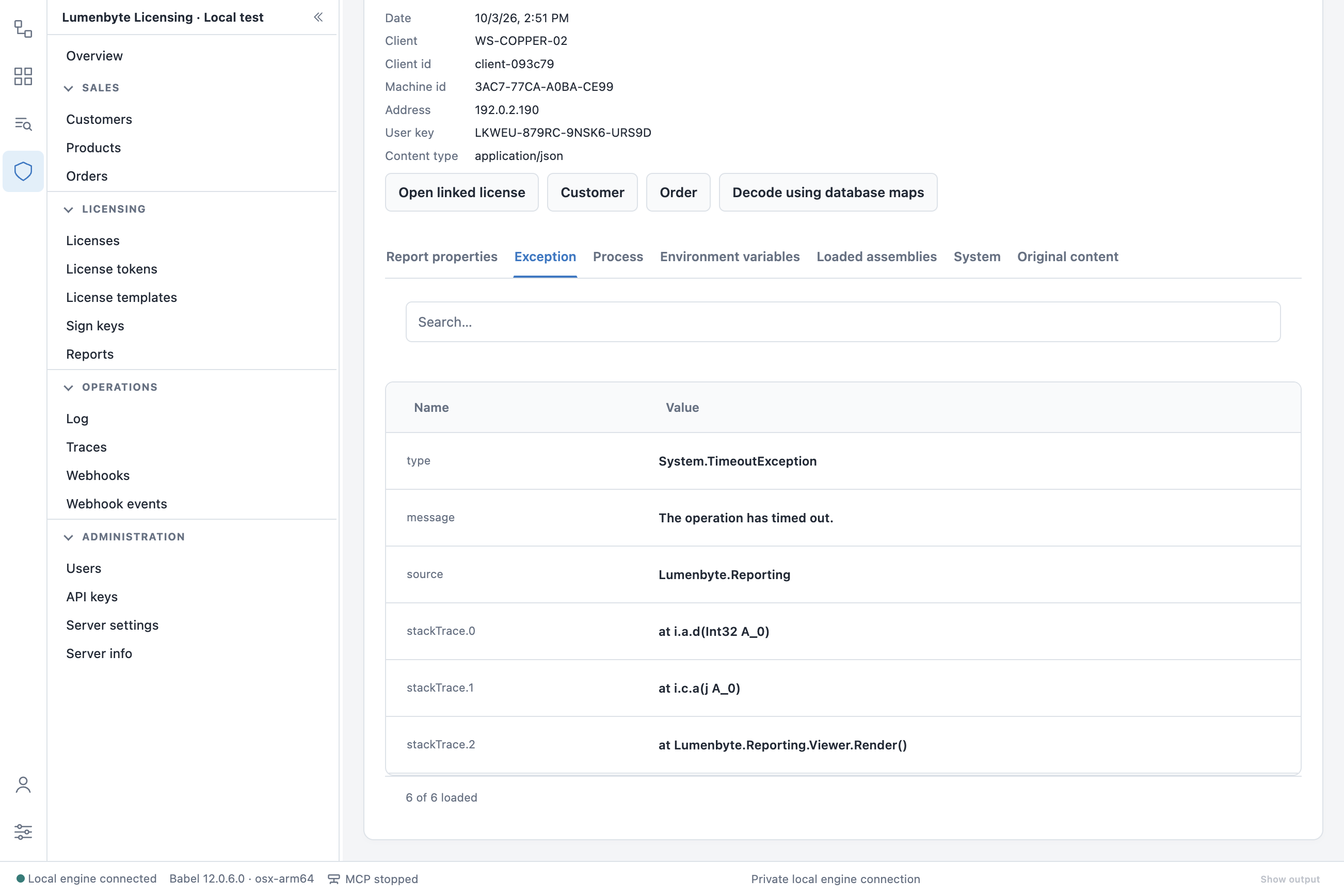
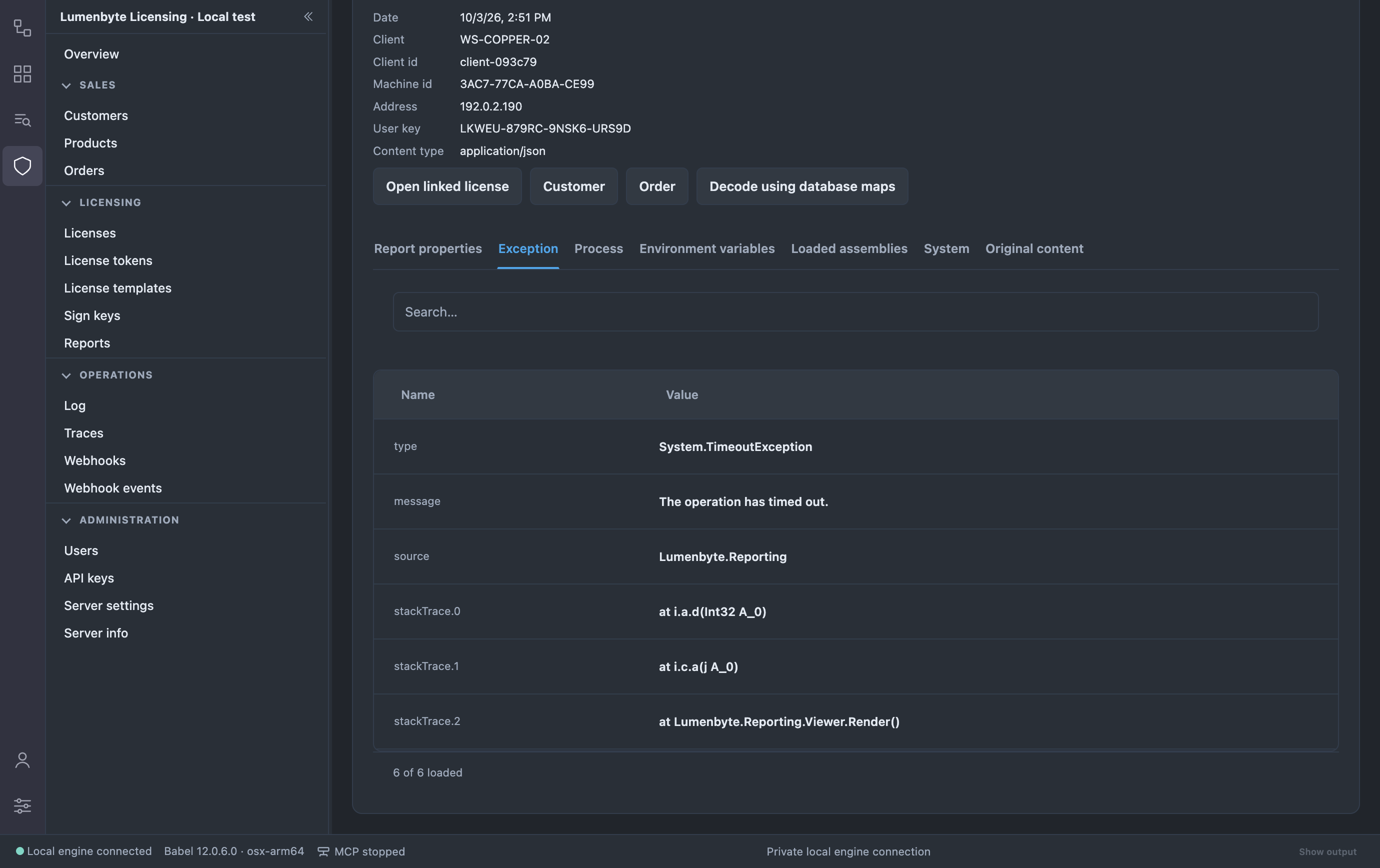
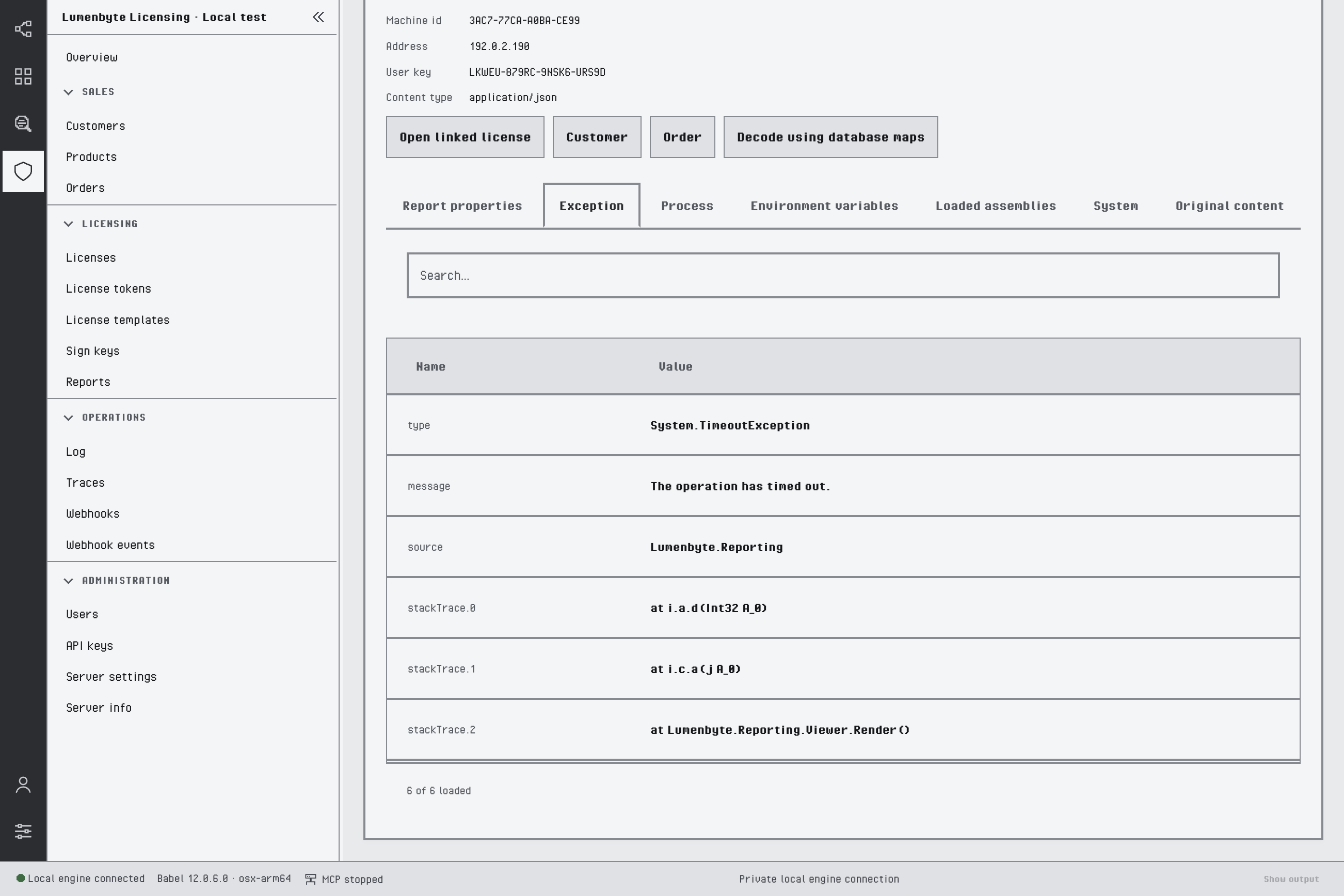
Exception tab of a report with the System.TimeoutException type, the message, the source Lumenbyte.Reporting and three stack trace frames, two of them with obfuscated namesException tab of a report with the System.TimeoutException type, the message, the source Lumenbyte.Reporting and three stack trace frames, two of them with obfuscated namesException tab of a report with the System.TimeoutException type, the message, the source Lumenbyte.Reporting and three stack trace frames, two of them with obfuscated names

The Exception tab

Decode using database maps decodes the obfuscated stack trace of the report with the map files registered for the matching release assemblies. An assembly matches only when its name, version, culture and public key token are the same as in the report. Decoding requires the Administrator role.

Last updated on