Settings and Automation
Connection Settings
Each connection profile adds a category to Settings, named after the profile and its environment, for example Lumenbyte Licensing · Local test · Licensing:
- License export folder: where Export license key… saves license files.
- User key format, License id format, Customer code format and Order number format (Administrator): the formats used to generate these identifiers. They are stored in the service, so the web application and Babel Desktop generate identifiers the same way. See User Key Format for the syntax.
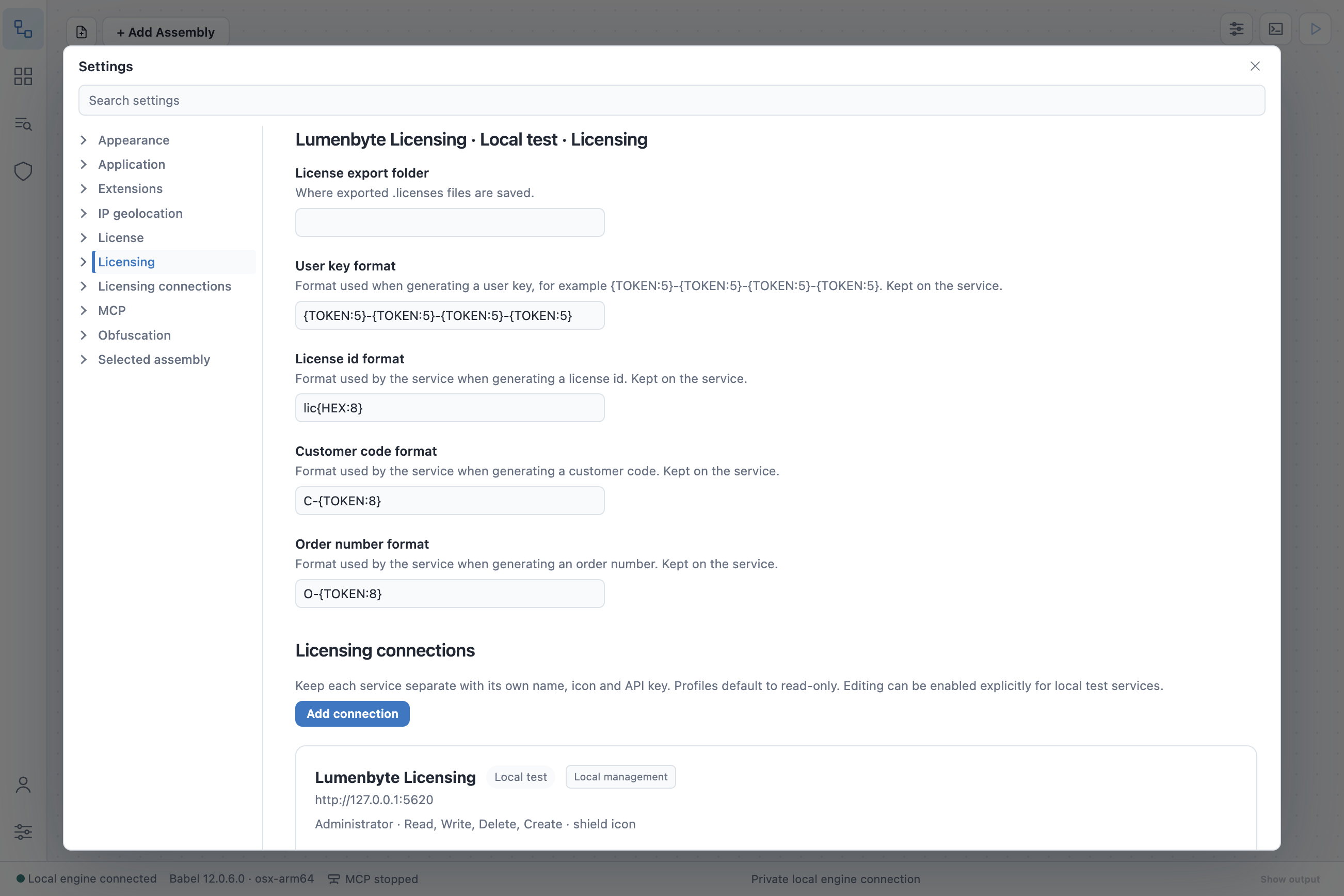
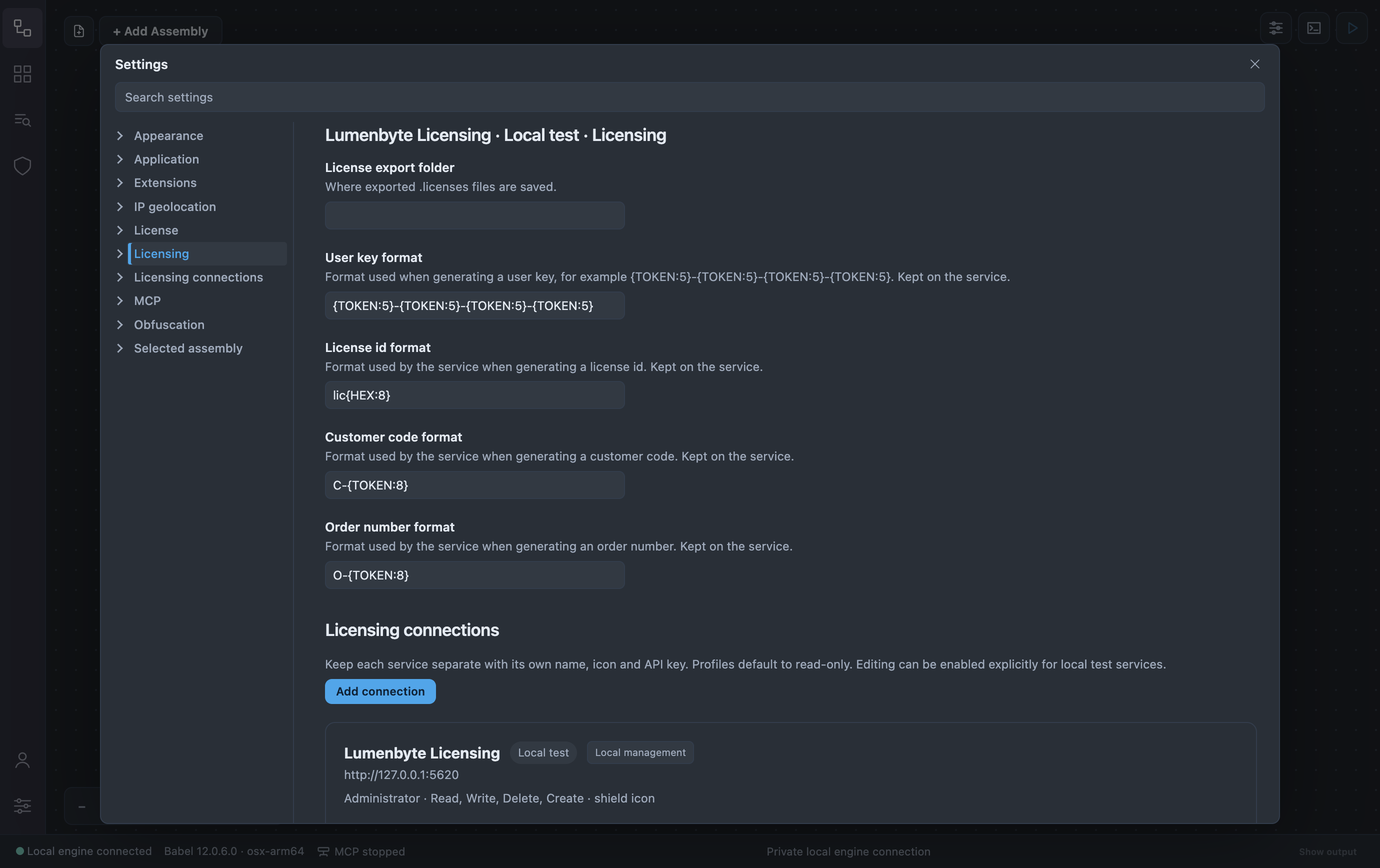
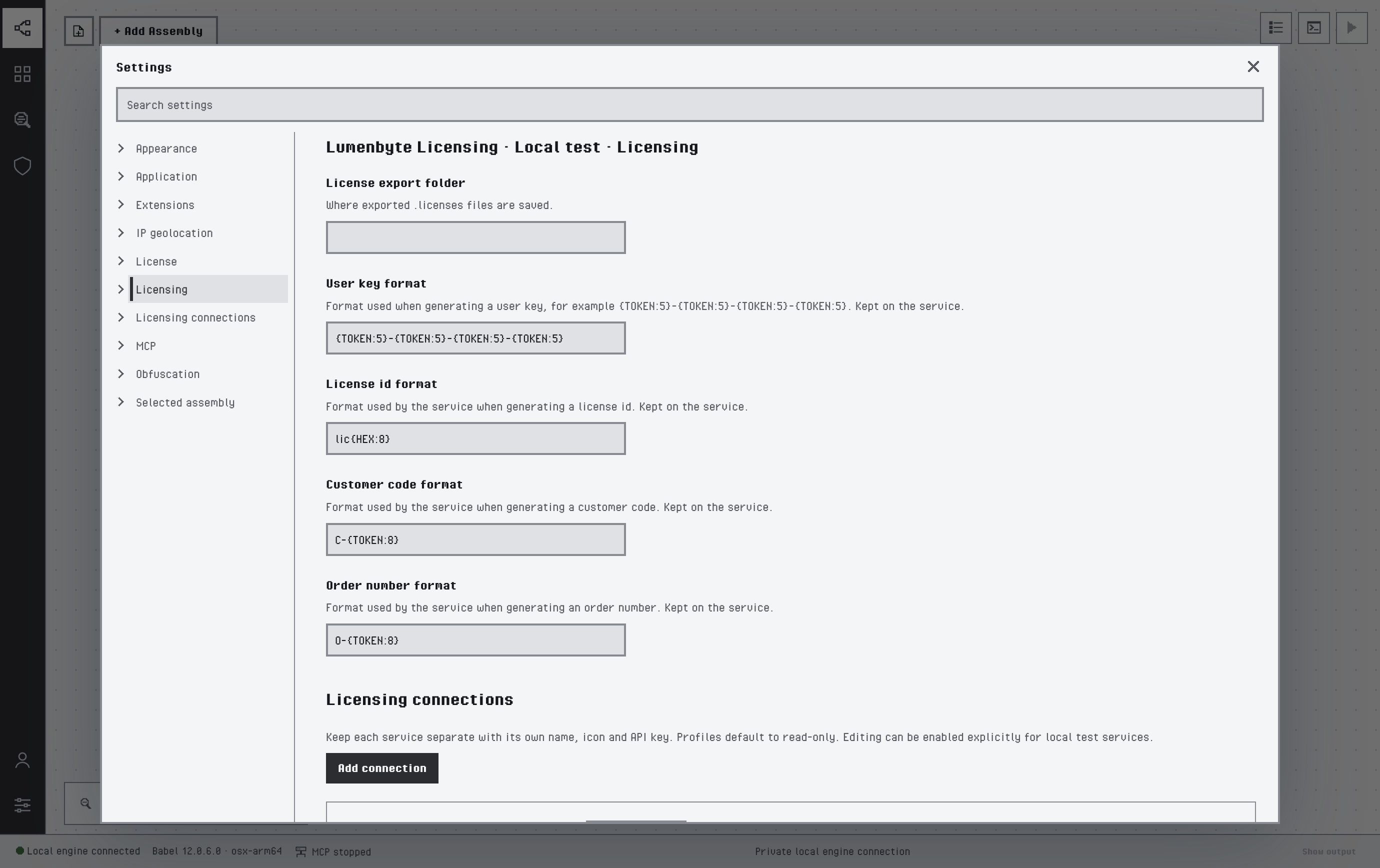
The settings of a connection
The connections themselves are added, edited and removed in Settings > Licensing connections, as described in Connecting to a Service, and the IP lookup of the activity globe is set in Settings > IP geolocation, described in Dashboard.
Automation
When the MCP server of Babel Desktop is enabled, an AI assistant can work on the selected profile: read records, dashboards and reports, and propose changes that you confirm before they run. The same roles, permissions and profile restrictions apply.
Last updated on